




Free email marketing for nonprofits

Create your emails in a few clicks: use our templates or build your own with a simple drag-and-drop email builder.

Target the right supporters: filter your contacts and schedule emails so your message lands at the perfect time.

Track email performance: track opens, clicks, and donations so you know what connects with your supporters.
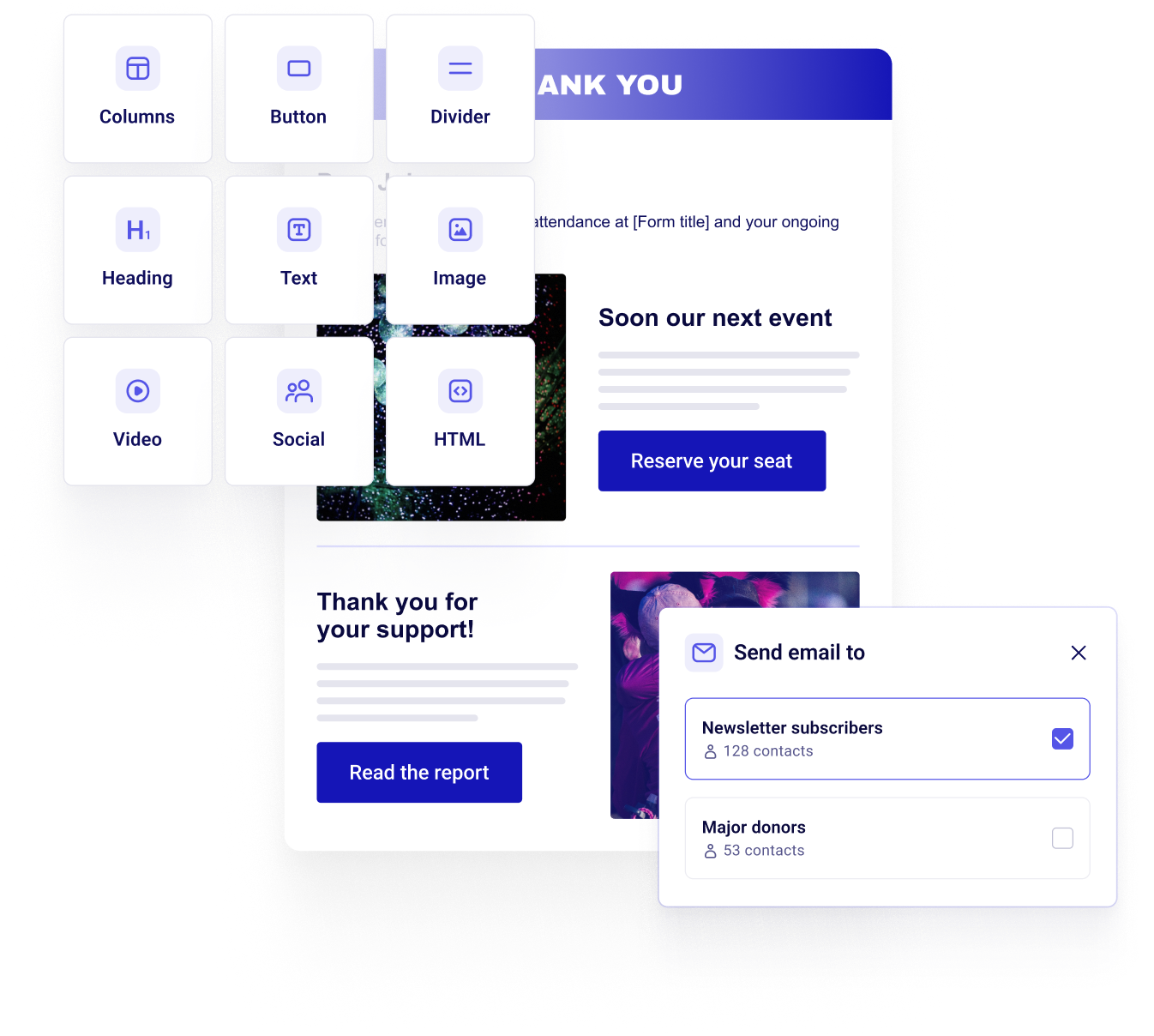



Start sending emails in 3 easy steps
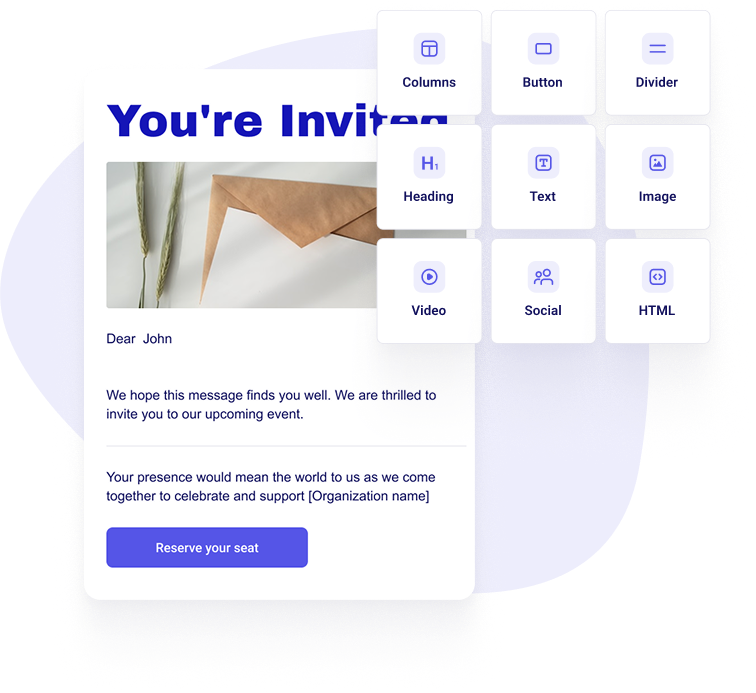
Create your email
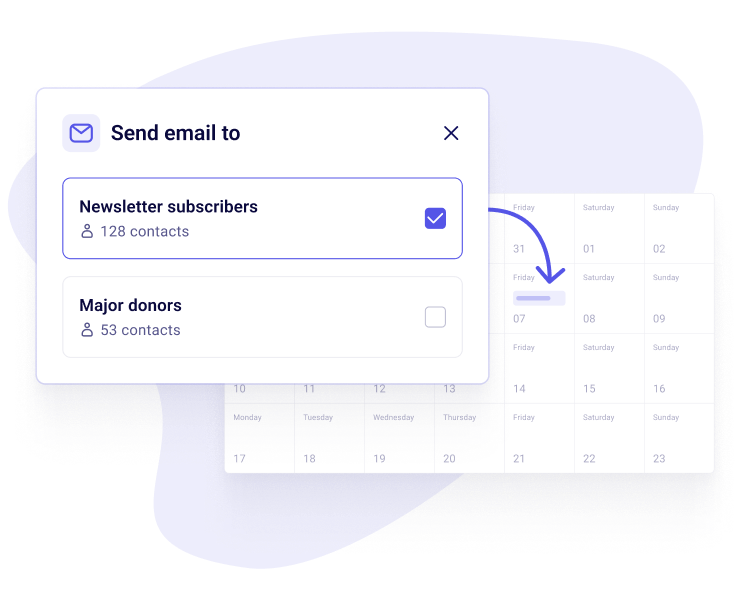
Target, schedule, and send
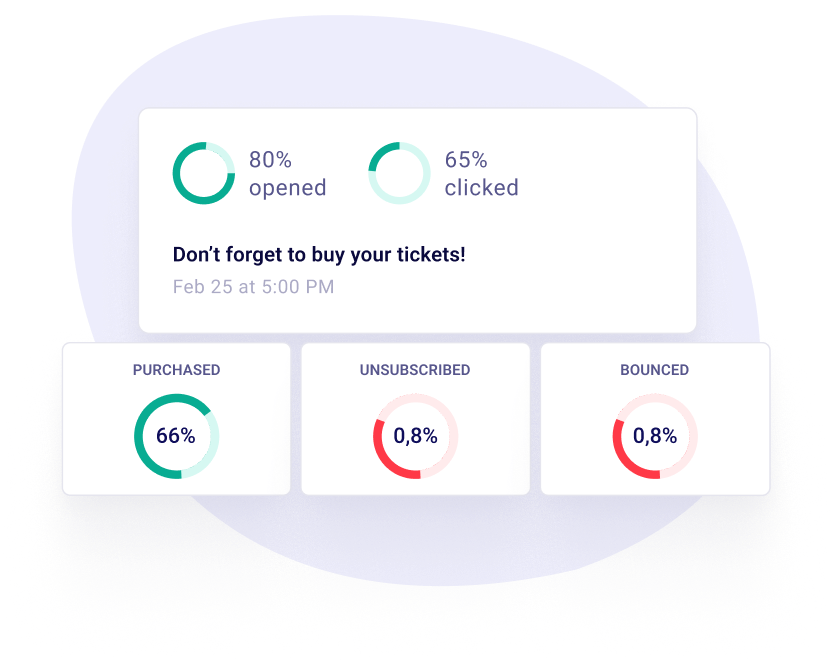
Track performance
Every email tool you need, for free
Your list
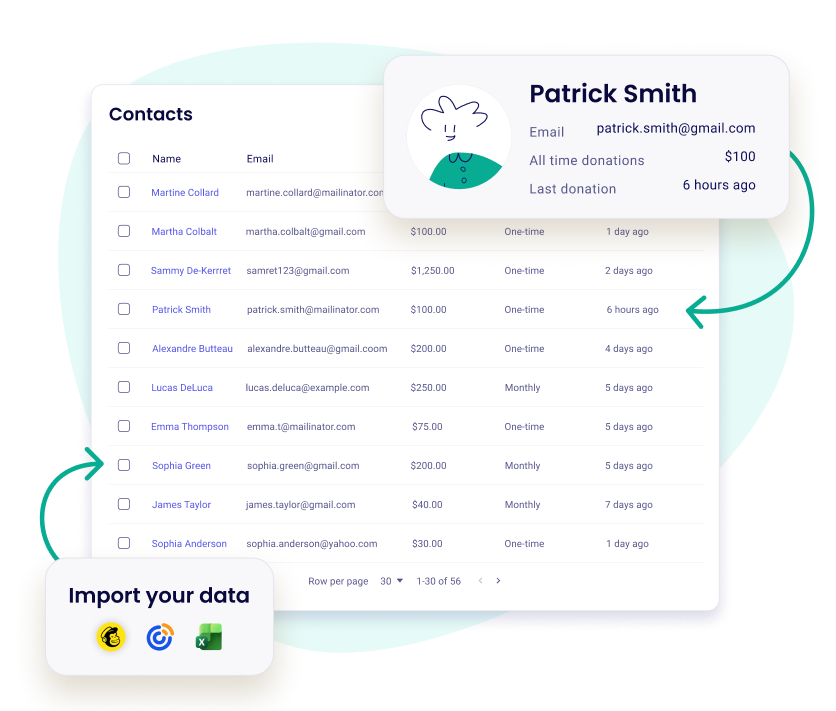
Your donors are already on your list
- Every donor, ticket buyer and subscriber becomes a contact in your free donor CRM
- Every payment is saved on their contact record
- No second list to keep in sync
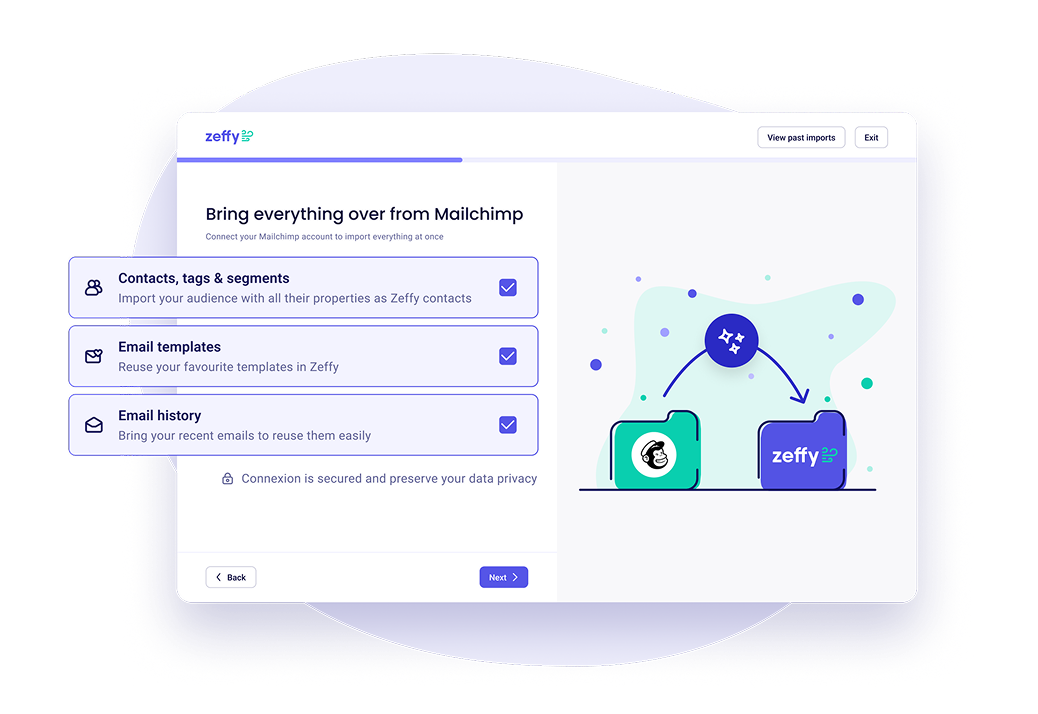
Switch from Mailchimp or Constant Contact without starting over
- Bring your Mailchimp contacts, templates and past emails in one import
- From any other tool, upload your file and Zeffy fixes messy data before it imports
- Bring their donation history too, not just their email
- Made a mistake in your import? You can undo it
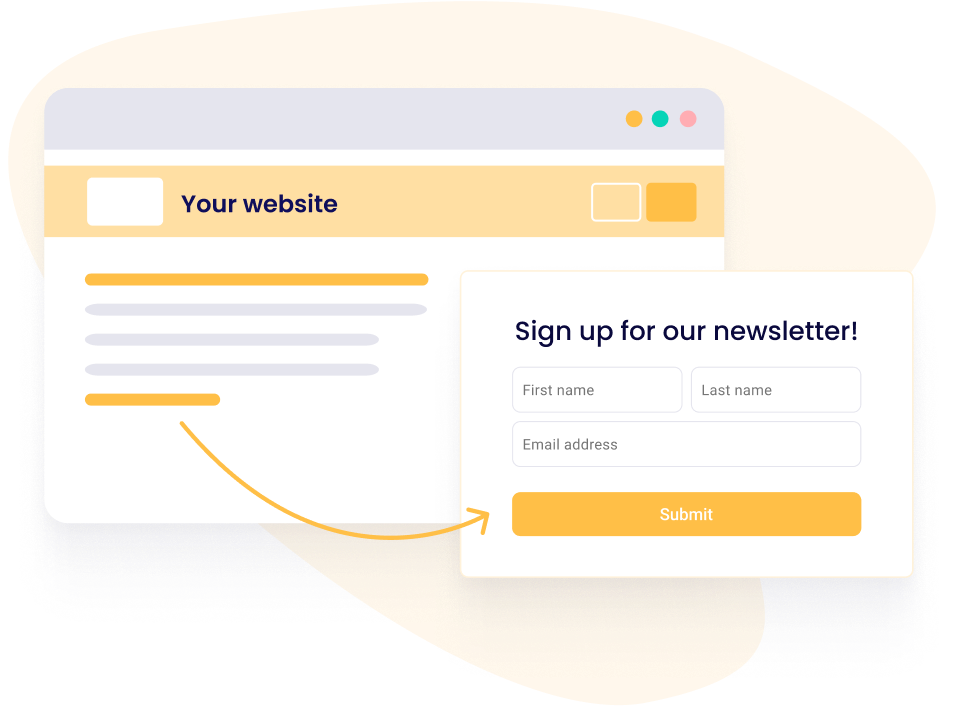
Capture emails on your website
- Create custom signup forms and embed them on your website
- Automatically collect and store contact info
- Sync new subscribers to your email lists
- Welcome new subscribers with an automatic email series
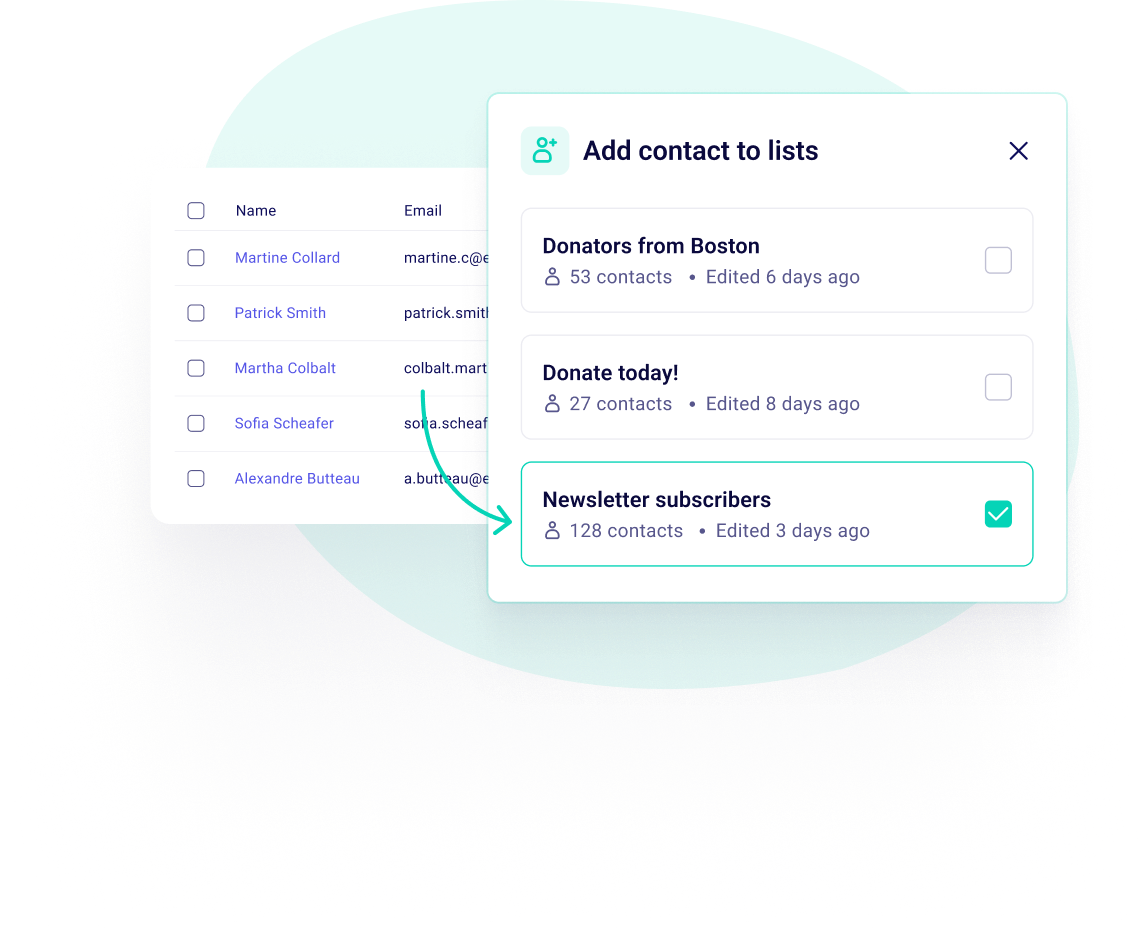
Reach the right supporters with lists
- Create contact lists based on donations, campaigns, or giving history
- Automatically update lists as new contacts meet your criteria
- Send targeted emails to the supporters who matter most
- Let people pick the emails they want from you
Write it
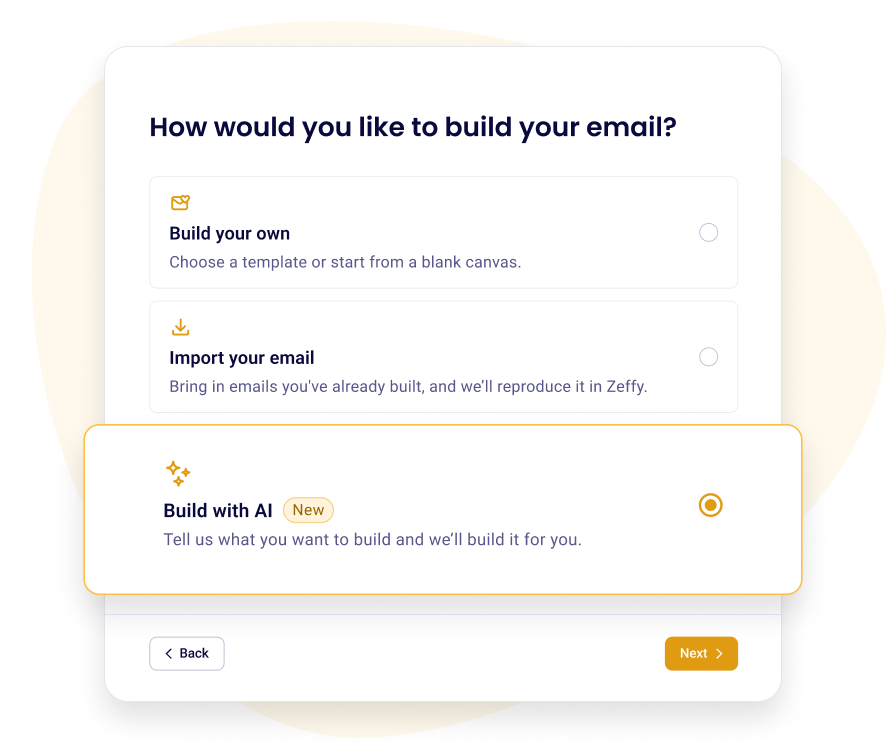
Write your next email in minutes
- Describe your email in a sentence and AI writes the first draft
- Bring in an email you made in Mailchimp or Canva and keep editing it
- Use templates for appeals, event updates, thank-yous and recaps
- Build, preview and send from your phone
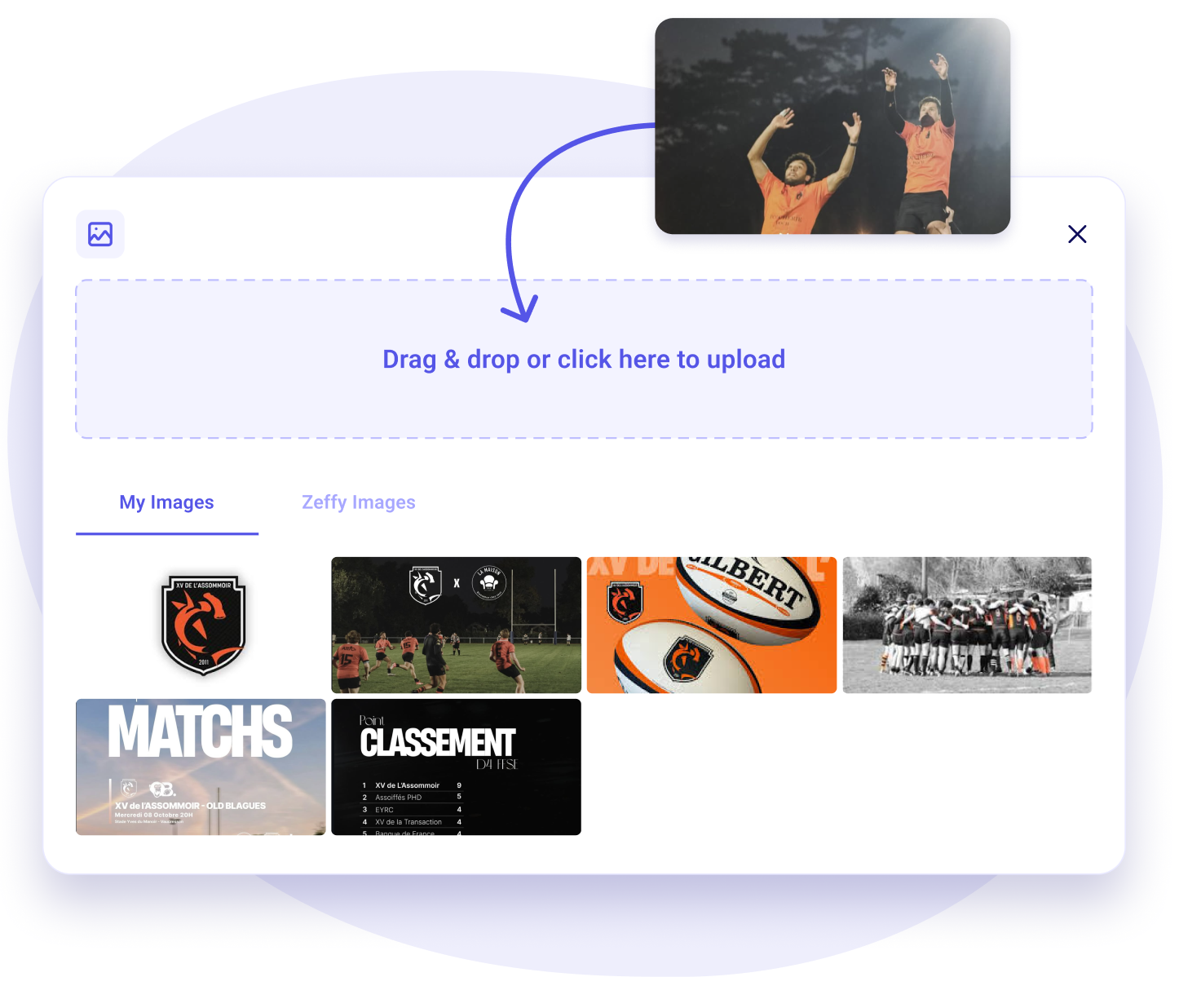
Keep your brand assets in one place
- Upload your logo and images once, then reuse them in any email
- No re-uploading the same files for every send
- Every email goes out consistently on-brand
Send it
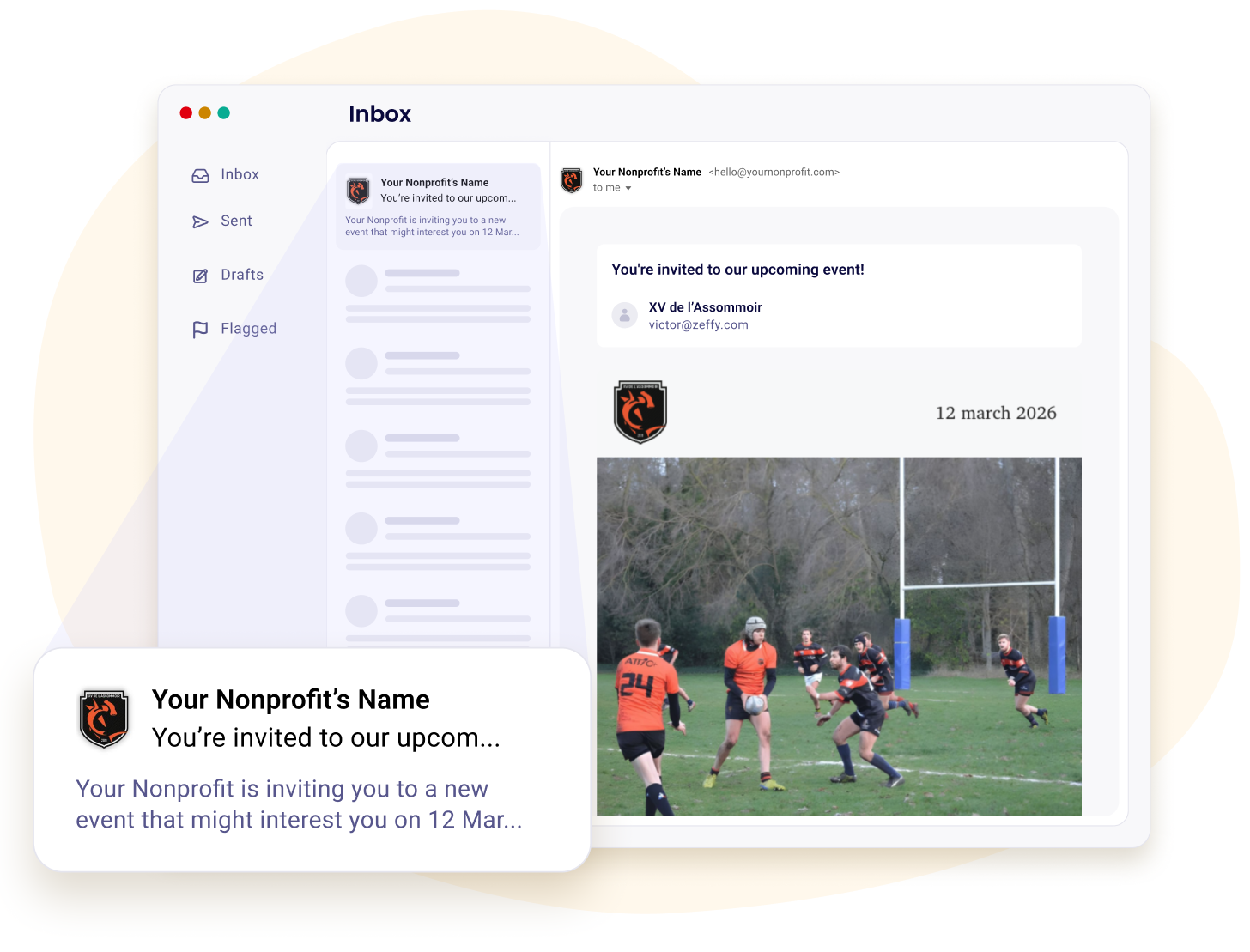
Reach the inbox, not the spam folder
- Send from your own domain to build your sender reputation
- Or use Zeffy's trusted domain, no setup required
- Built and monitored to land in the primary inbox
- See each recipient's status: opened, clicked, donated, unsubscribed or bounced, and why it bounced

And much more, all 100% free

Ready-to-use email templates
Signup forms for your website
Custom builder
Instant and free contact imports
Contact filters and lists
Unlimited contacts
Schedule sends in advance
Unlimited email sends
Track opens, clicks, and donations
Welcome series for new subscribers
AI email drafts
Custom HTML block
All fundraising tools included
.png)
Frequently asked questions
Is Mailchimp free for nonprofits, and how does Zeffy compare?
Mailchimp does have a free plan. It stops at 250 contacts and 500 sends a month, with a cap of 250 in any single day, and it has no donation or fundraising forms. Its nonprofit discount applies to the paid Marketing plans you would move to once you outgrow that, so it never reduces the free tier. Paid plans meter on both the contacts you store and the emails you send, and going over either one triggers overage charges.
Zeffy is free at any size: unlimited contacts, and 5,000 emails a day or 30,000 once you've connected your own sending domain. Set that against Mailchimp's free plan and it's every contact you have instead of 250, with a daily allowance ten times their monthly one.
Email is also only one part of it. Zeffy is an all-in-one fundraising platform with a full donor CRM underneath, so the place you write your newsletter is already where your donations, tickets, memberships and donor records live. The person who gave in March is on the list when you write in November, with nothing to sync and nothing to export. If you're moving over, you can connect your Mailchimp account and pull your contacts straight across.
Current figures on Zeffy vs Mailchimp and Zeffy vs Constant Contact, which is also where you'll find that Constant Contact has no free plan at all, only a 30-day trial.
Is there a limit on how many contacts or subscribers I can email?
Your contact list is unlimited. There's no paid subscriber tier at any size, so storing 800 contacts and storing 80,000 cost the same, and you're never nudged into deleting people to stay inside a band. That's the opposite of how email tools usually price, where the monthly bill steps up every few hundred contacts whether you email them or not.
One practical thing to plan for. You can email 5,000 people a day, or 30,000 once you've connected your own sending domain. Confirmations, receipts and thank-you emails sit outside that, so a busy campaign day never eats into your newsletter. If your list is bigger than a day's allowance you spread it across two, and you can exclude lists from a send so nobody gets it twice.
Does Zeffy send donation receipts and confirmations automatically?
Yes, Zeffy sends donation receipts and confirmations automatically after every payment, separate from your newsletters. The tax receipt or e-ticket is attached, and you can edit the thank-you email per form. Before it reaches a supporter, send yourself a test with your form's real tickets and prices. Receipts still go to people who unsubscribed, so every donor gets proof of their gift.
Full final answer, replaces the live one. Added: test sends. Cut: brand colors, the note on email reporting.
Does Zeffy support email automation like a welcome series?
Yes, Zeffy now supports email automation, starting with a welcome series for new subscribers. Give it a goal, a first donation or becoming a monthly donor, and people leave the series as soon as they reach it. Your campaigns also send invites, reminders, recaps and receipts on their own. The welcome series is available once your payment account is verified.
Full final answer, replaces the live one. Leads with "email automation", the topic where we are seen as behind (2026-10-08). Cut: the per-email detail of campaign automations and the campaign hub suggestion.
Will my newsletters land in inboxes rather than spam?
Yes, Zeffy sets your newsletters up to land in the inbox. Send from Zeffy's domain, already configured with SPF, DKIM and DMARC, or connect your own domain to build your sender reputation and raise your daily limit. Before your first send, you need a linked bank account and a verified email address, which stops free email tools being used for phishing.
Full final answer, replaces the live one. Cut: DNS steps, propagation delay, sender name and hidden recipients detail.
Can people choose which emails they get?
Yes, Zeffy lets you add a communication preferences question to your forms, where people tick the lists they want, like your newsletter or event invitations. Each choice fills its own contact list automatically, so you email the people who asked for it. People can do it right on your donation, event, membership and sign-up forms.
Why: communication preferences shipped. It answers how people choose their lists, which the new bullet in the lists block raises, and replaces the live newsletter opt-in question.
What happens when someone unsubscribes?
They stop receiving the emails you send and they stay in your contact list. An unsubscribed badge appears on their profile, their address is greyed out, and they're excluded from bulk sends automatically so you never have to remember to deselect them. Their giving history stays intact.
Unsubscribing is account-wide rather than per campaign, so someone who opts out and then buys an event ticket next year still gets their confirmation but none of that event's emails. You can also unsubscribe or re-subscribe someone yourself from their contact page if they ask you directly. Every email you send carries an unsubscribe link and footer automatically, which is both a legal requirement and the thing that protects your deliverability.


100,000 nonprofits fundraise with Zeffy
Zeffy has been supporting nonprofits for the last 7 years. Providing 100% free and user friendly fundraising tools.


.webp)

