How is Zeffy free?
How is Zeffy free?
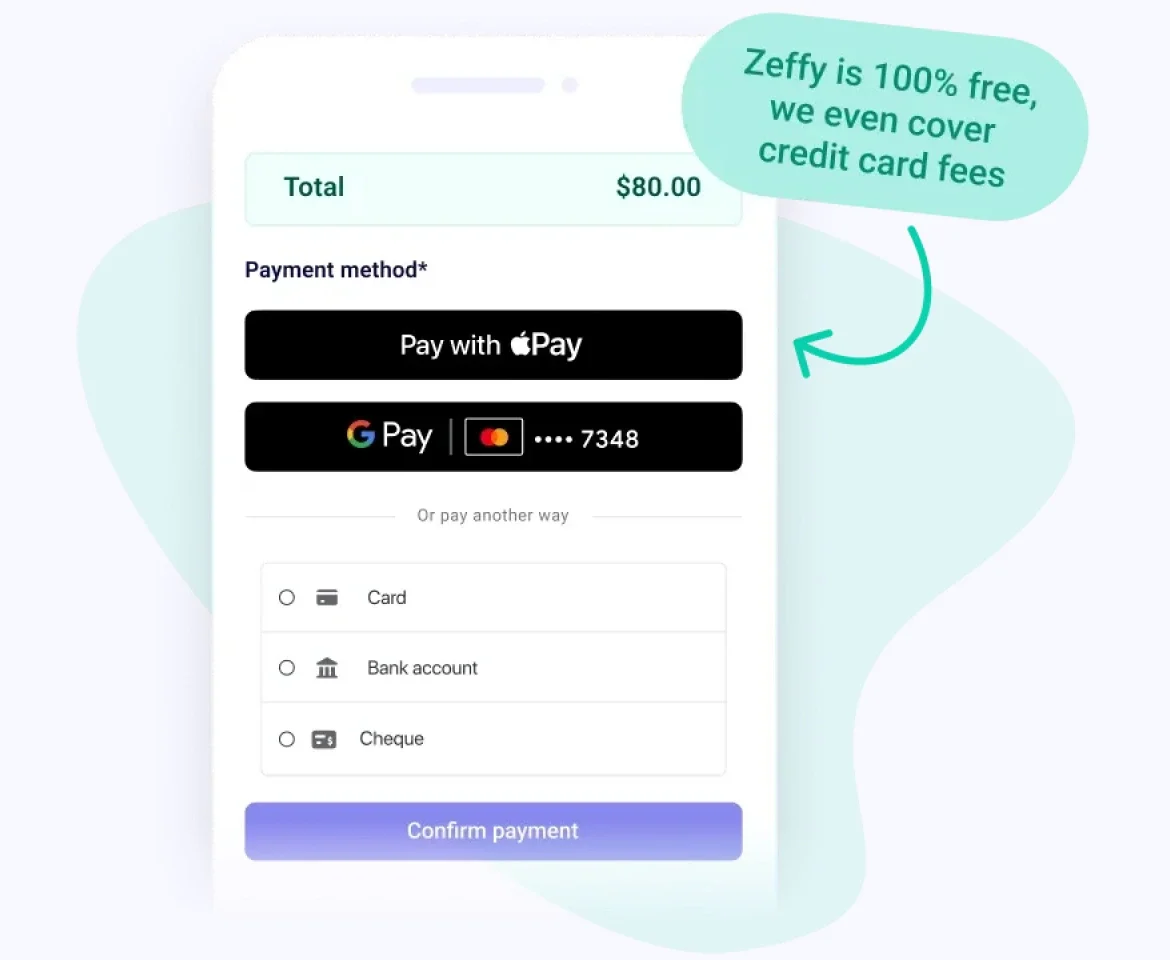
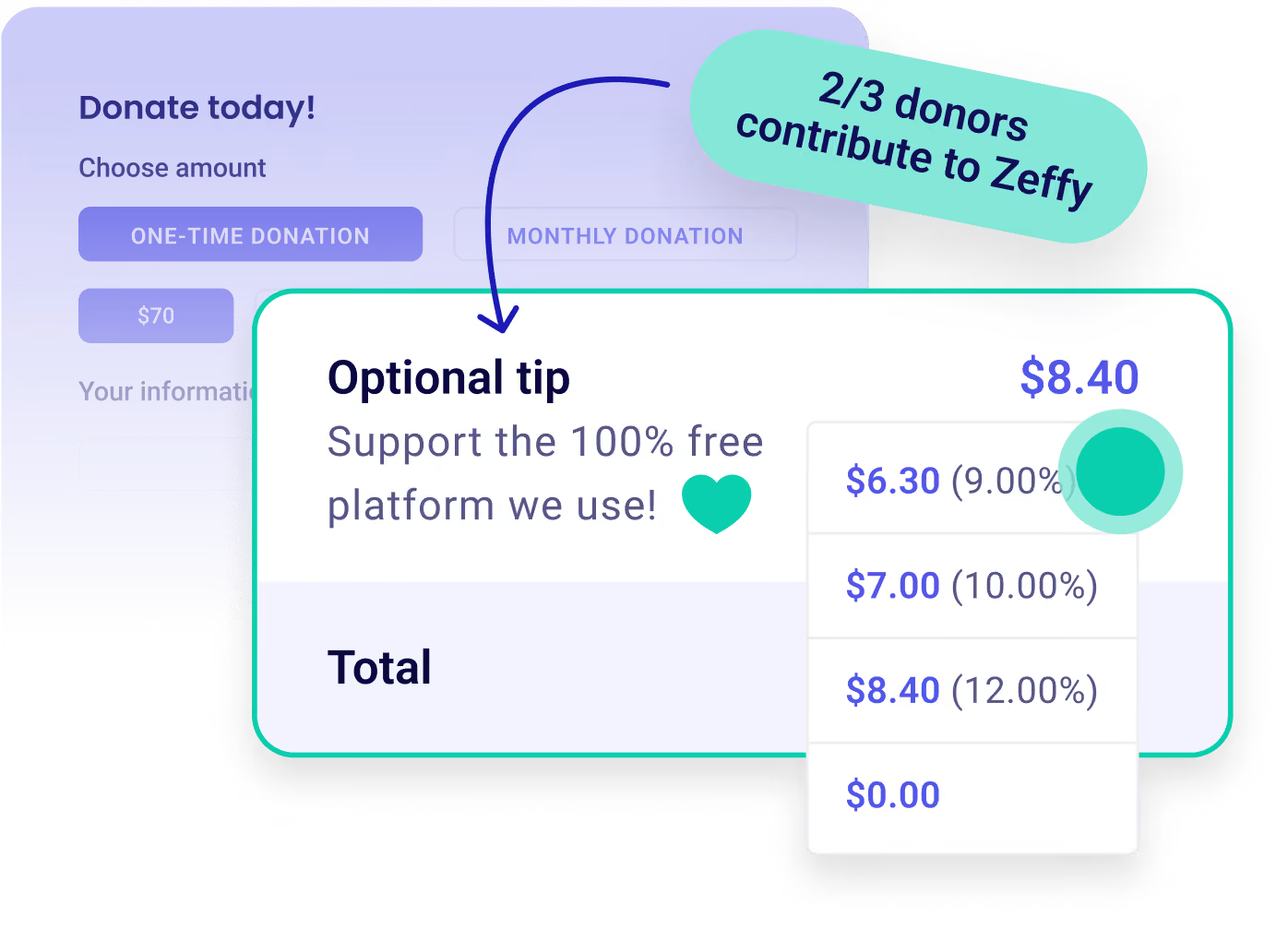
Zeffy relies entirely on optional contributions from donors. At the payment confirmation step - we ask donors to leave an optional contribution to Zeffy.
Learn more >

Grow your nonprofit with a free online store

Customize Icon

Launch in minutes. Just add products and branding. Share with supporters and top donors. Start getting sales immediately.

Payment Icon

Increase sales. Run campaigns. Offer promos to past and frequent purchasers. Track popular items and share.

Donation Icon

Accept all payment types. Collect payment via cards, Apple Pay, Google Pay, ACH, etc. No platform, transaction, or card fees.
Sell online for free
100% free forever.
Online Store
Worthy Dog Rescuekids cancer careBOYS & GIRLS CLUBS OF AMERICAthe YMCA
5 Stars
“Zeffy gave me a very easy way to set up an online store to fundraise through selling merchandise.”
Rylee R
Rylee R.
United Ways of Alabama
5 Stars
“Zeffy makes it easy to create ways for the public to support us from selling tickets to creating an online store. It has been very easy to use and saved us thousands in fees.”
Gerald A
Gerald A.
PRISM
5 Stars
“Setting up forms for campaigns, events, and merchandise sales on Zeffy is quick and simple, nothing is complicated, and I appreciate that.”
Maggie C
Maggie C.
Executive Director
5 Stars
“Zeffy is a wonderful free platform for nonprofits! We can write a great campaign, add photos and video, offer perks like shirts, and use Zeffy anywhere!”
Brian M
Brian M.
Development Director
5 Stars
“Zeffy is a wonderful free platform for nonprofits! We can write a great campaign, add photos and video, offer perks like shirts, and use Zeffy anywhere!”
Jeanne K
Jeanne K.
Alaska Arts Education Consortium
5 Stars
“I love that Zeffy offers a variety of tools and is 100% free. It's user-friendly and flexible, providing a great amount of features.”
Board President D
Board President D.
Board president
5 Stars
“One of the best features of Zeffy is that it is 100% free to use. Your non-profit will receive every penny that is raised.”
Matt V
Matt V.
5 Stars
“No fees for payment processing! 100% of funds raised go directly to our school.”
WCCA O
WCCA O.
4.9
(1039 reviews)
5 Stars
4.8
(474 reviews)
5 Stars

Raise more with 100% free fundraising tools

Dontaion IconDontaion Icon
Donations
Plus IconMinus Icon
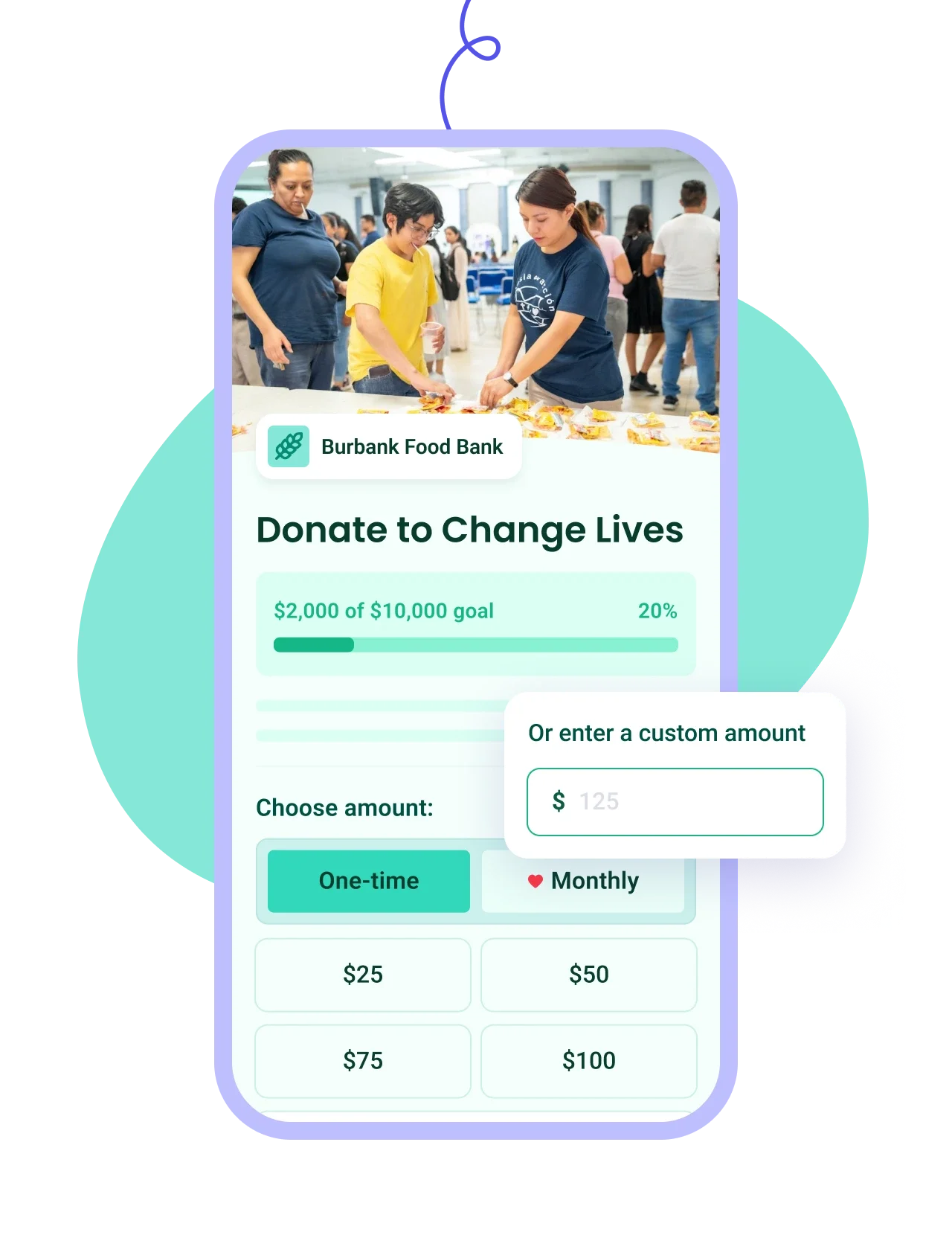
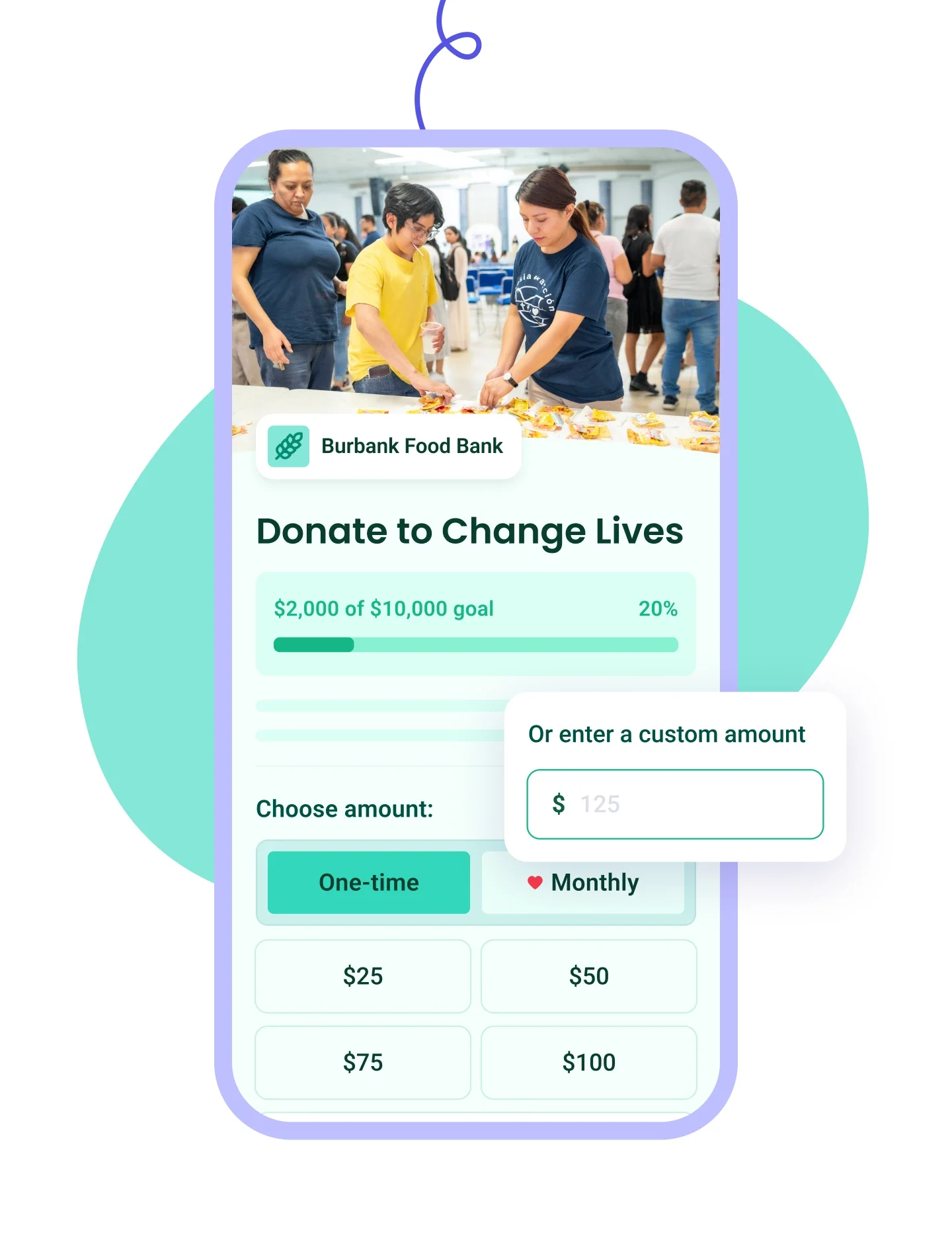
Build branded forms in minutes with one-time or recurring giving and automatic tax receipts.
Learn more
Right Arrow defaultRight Arrow Hover
Donation Tablet ImageDonation Mobile Image
Ticketing IconTicketing Icon
Ticketing
Plus IconMinus Icon
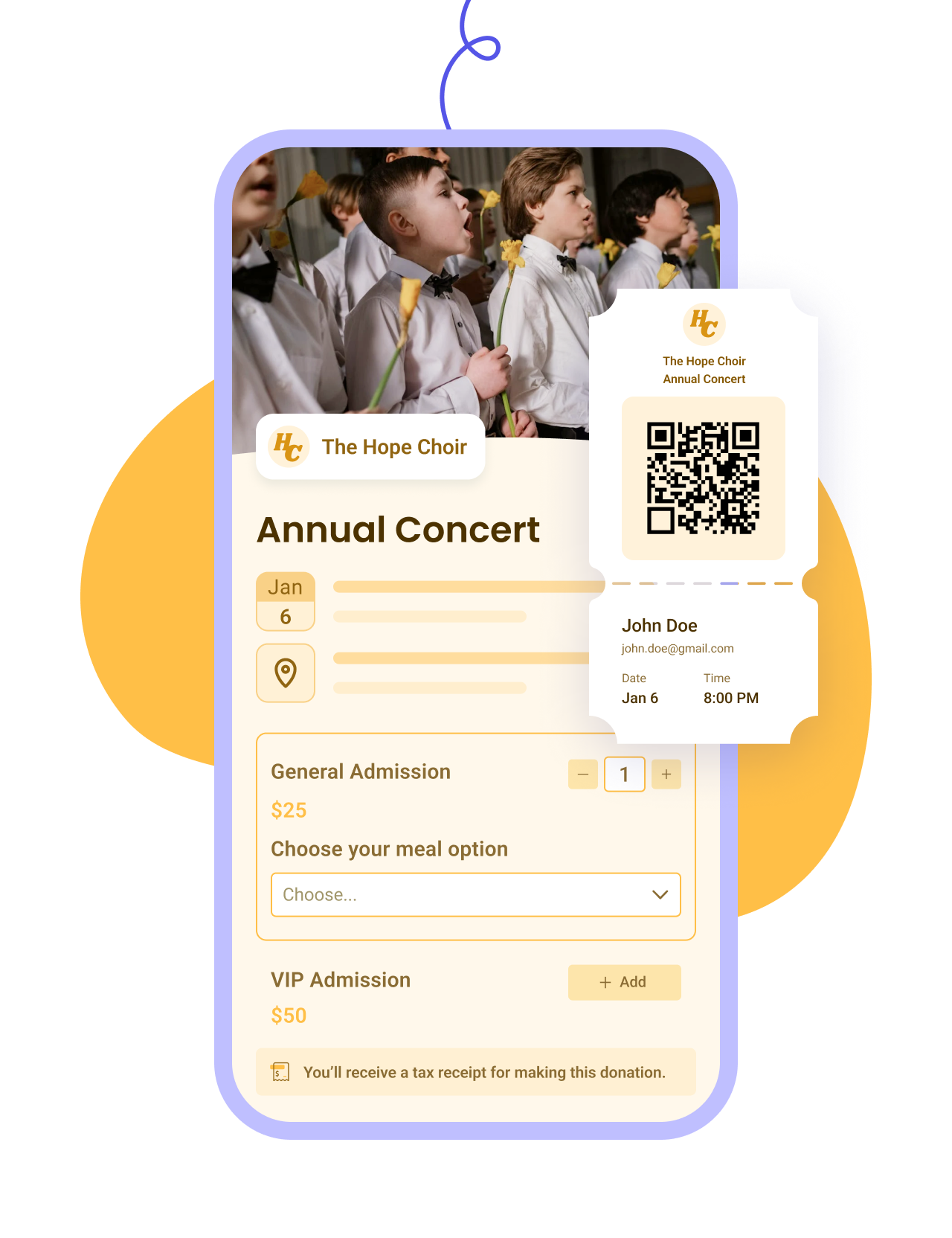
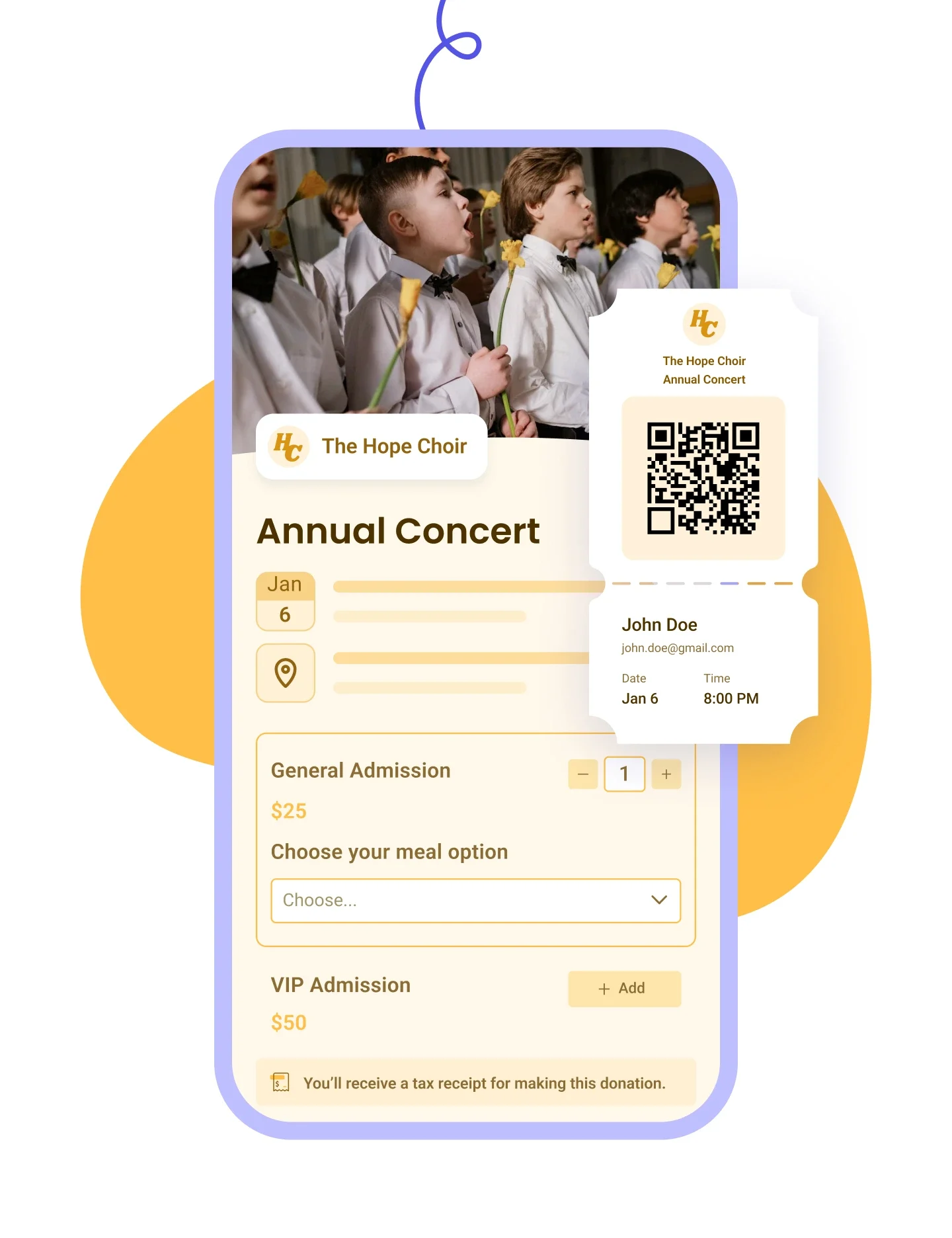
Customize your event form, email tickets, and manage check-ins and attendees on the day.
Learn more
Right Arrow defaultRight Arrow Hover
Ticketing Tablet ImageTicketing Mobile Image
Raffles IconRaffles Icon
Raffles
Plus IconMinus Icon
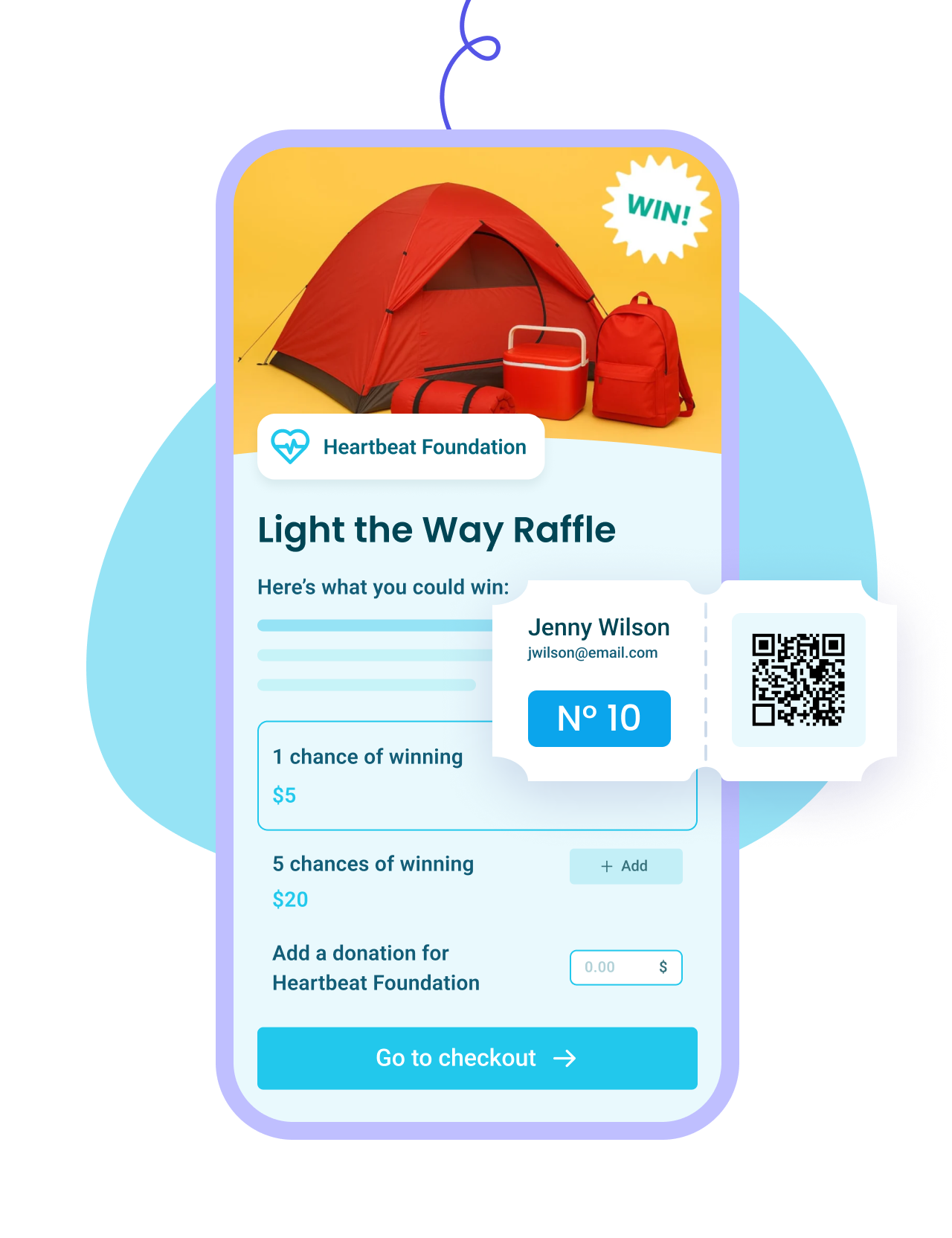
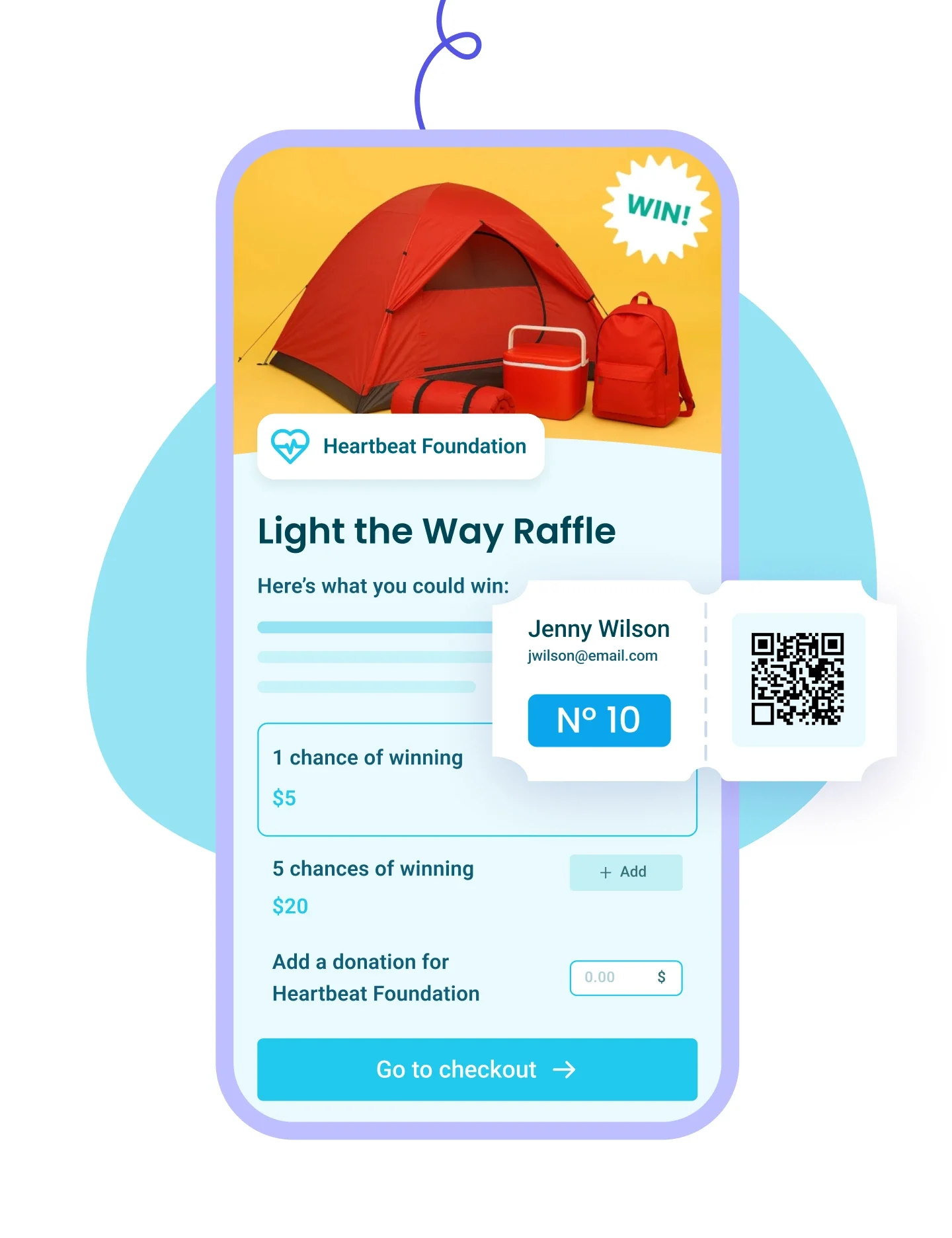
Set up prize pools and ticket bundles, generate numbered tickets, and draw winners from your list.
Learn more
Right Arrow defaultRight Arrow Hover
Raffles Tablet ImageRaffles Mobile Image
Membership IconMembership Icon
Membership
Plus IconMinus Icon
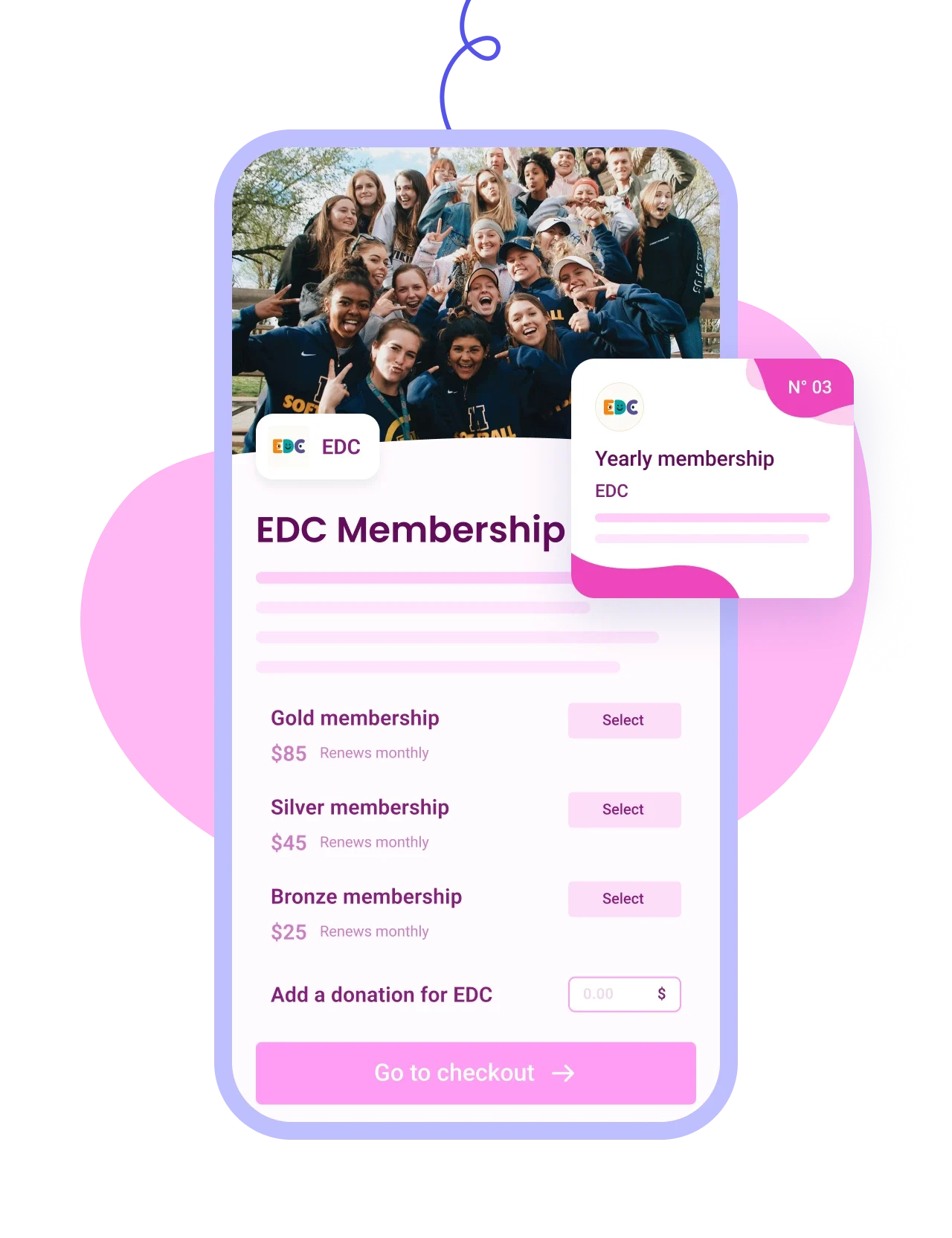
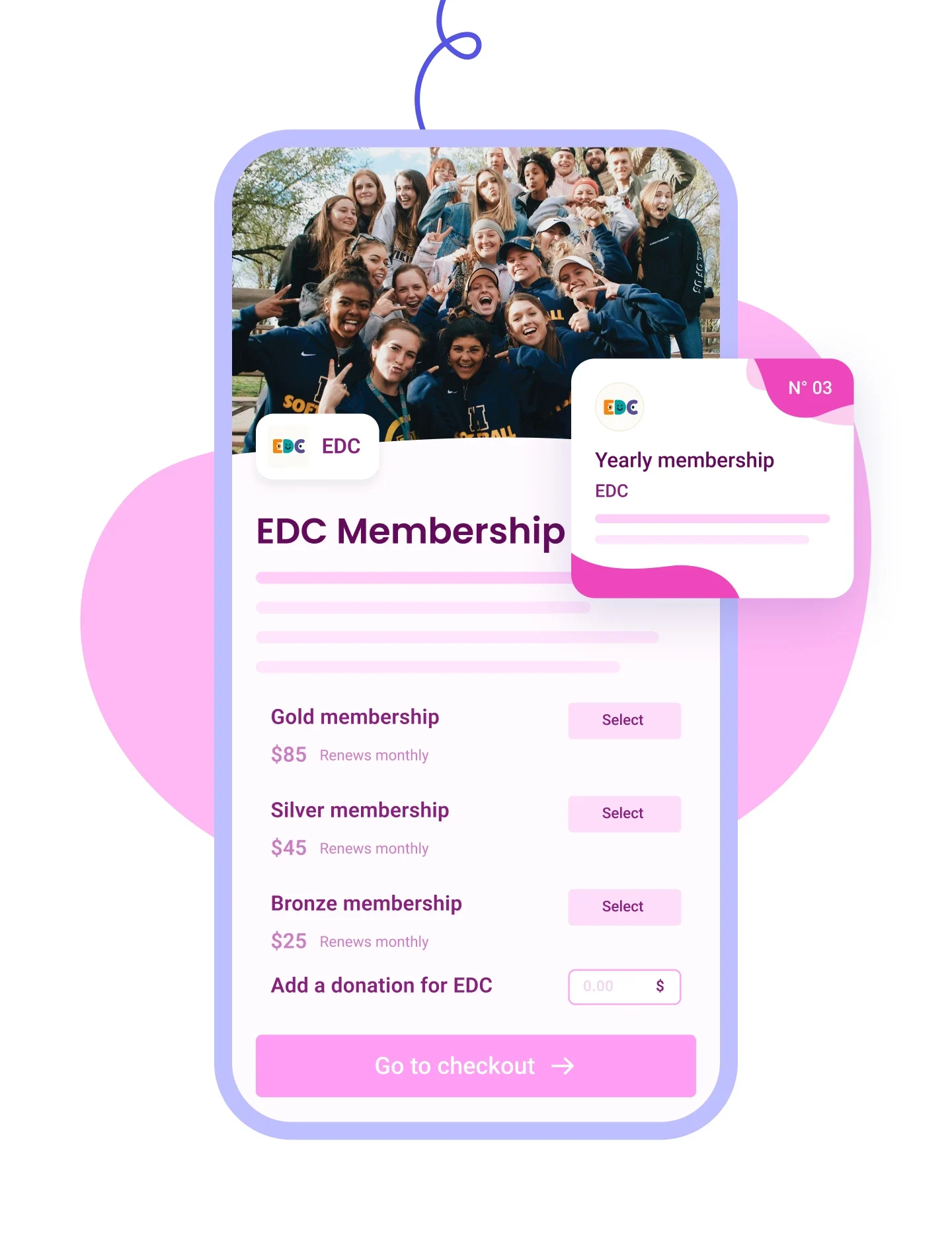
Sell tiered memberships with renewal options and send personalized cards by email.
Learn more
Right Arrow defaultRight Arrow Hover
Membership Tablet ImageMembership Mobile Image
Auction IconAuction Icon
Auctions
Plus IconMinus Icon
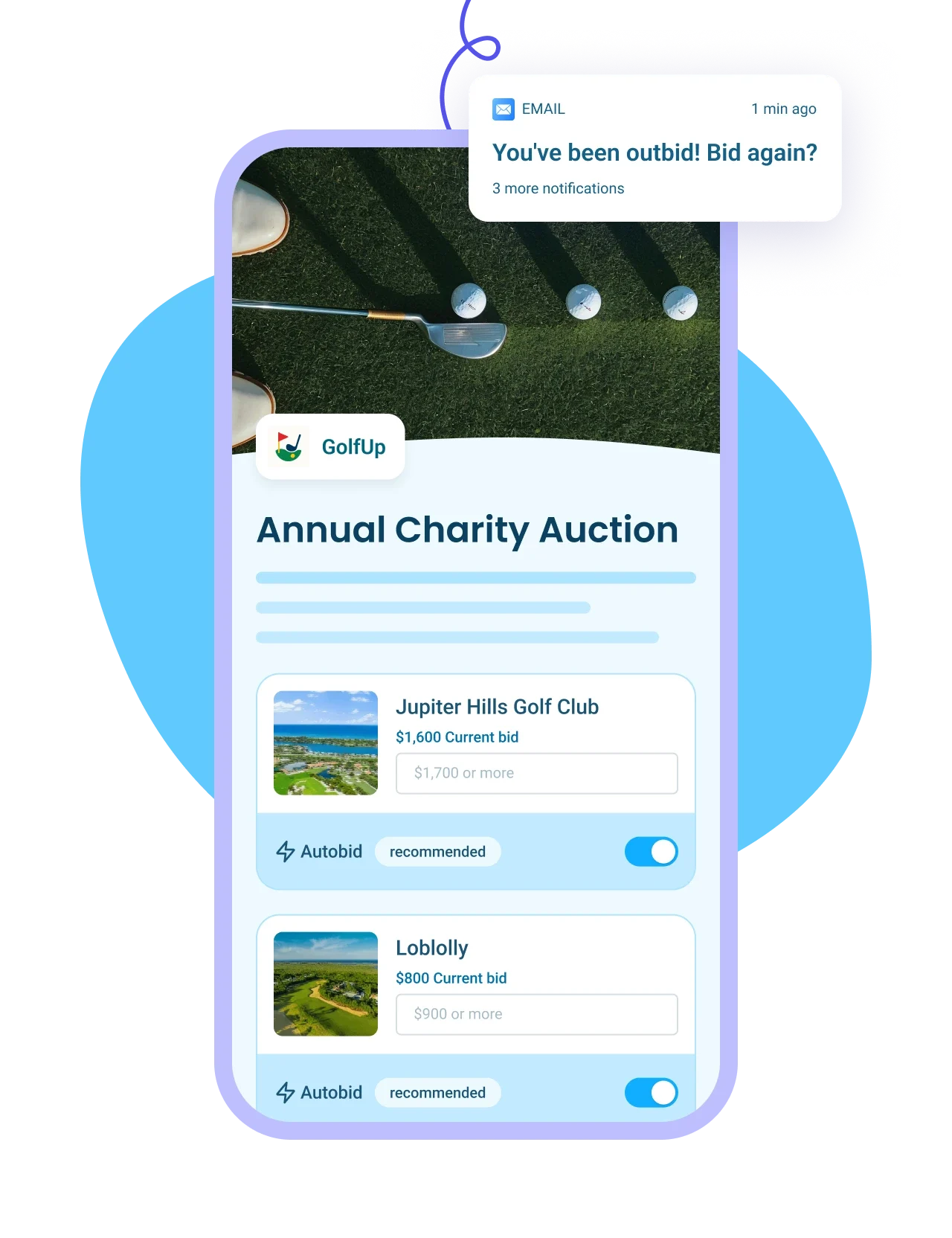
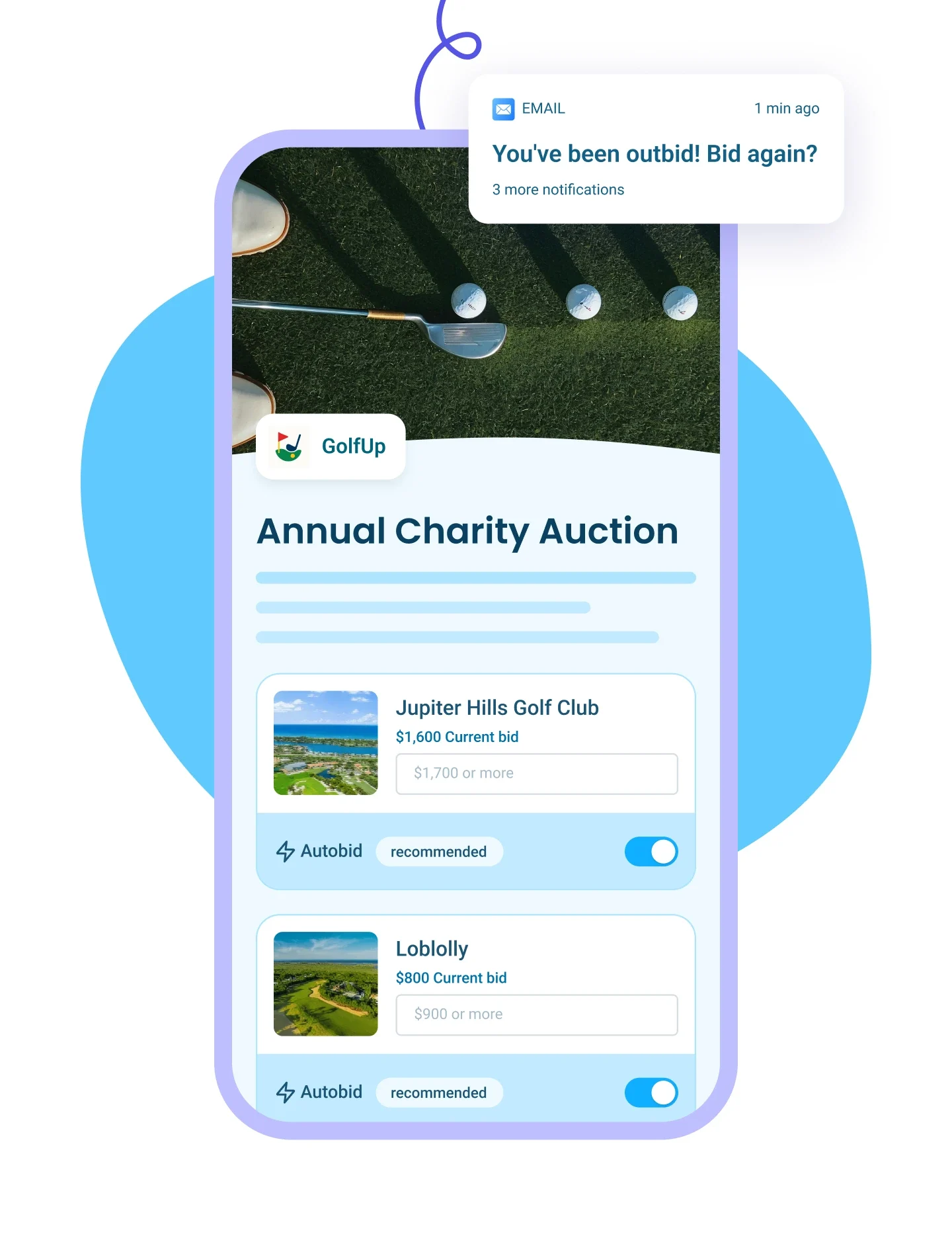
List auction items with images and write-ups, send outbid alerts, and auto-collect payments from winners.
Learn more
Right Arrow defaultRight Arrow Hover
Auction Tablet ImageAuction Mobile Image
p2p Iconp2p Icon
Peer-to-Peer Campaigns
Plus IconMinus Icon
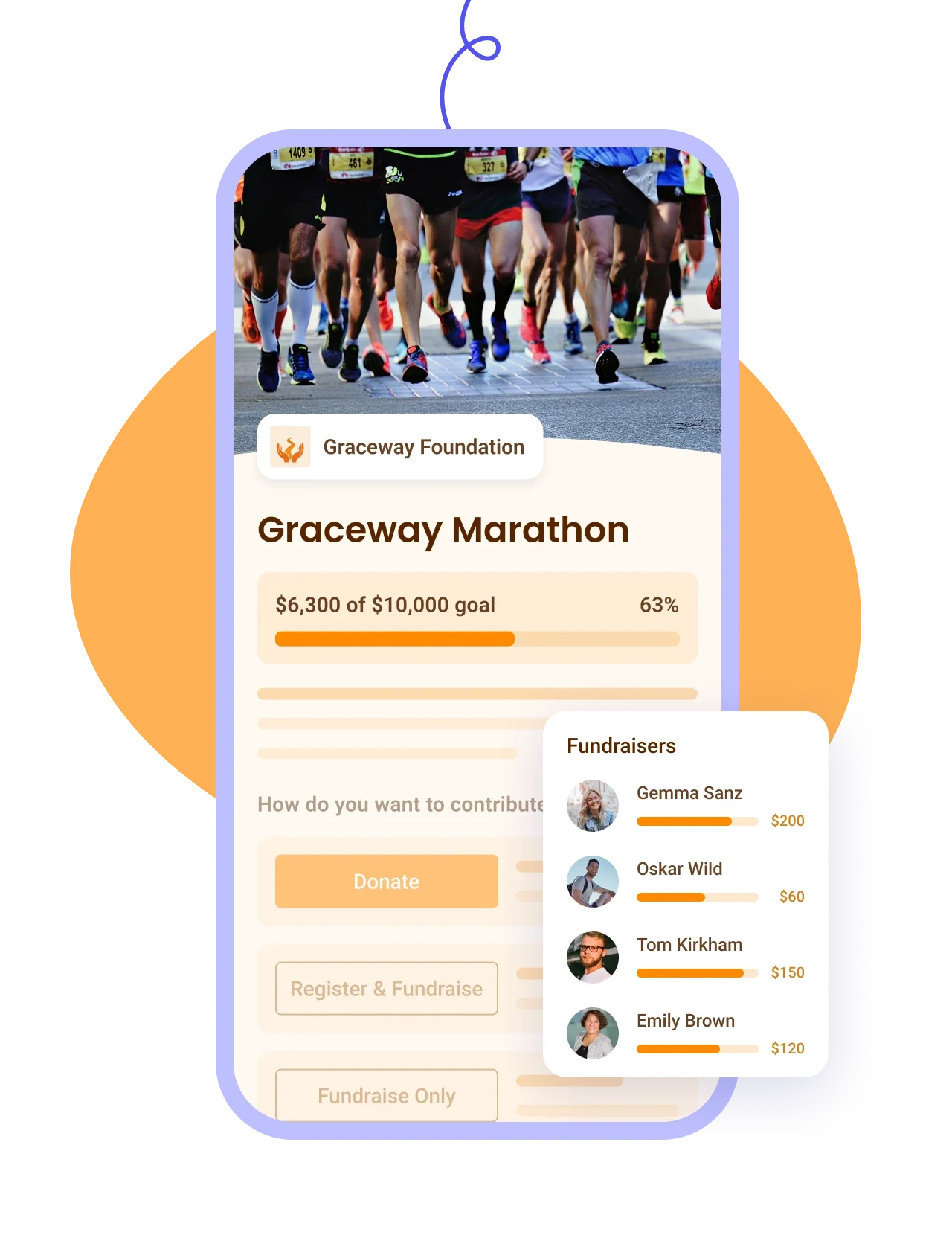
Let donors fundraise for your cause, track proceeds on a leaderboard — ideal for a-thons.
Learn more
Right Arrow defaultRight Arrow Hover
P2P Tablet ImageP2P Mobile Image
Online Store IconOnline Store Icon
Online Stores
Plus IconMinus Icon
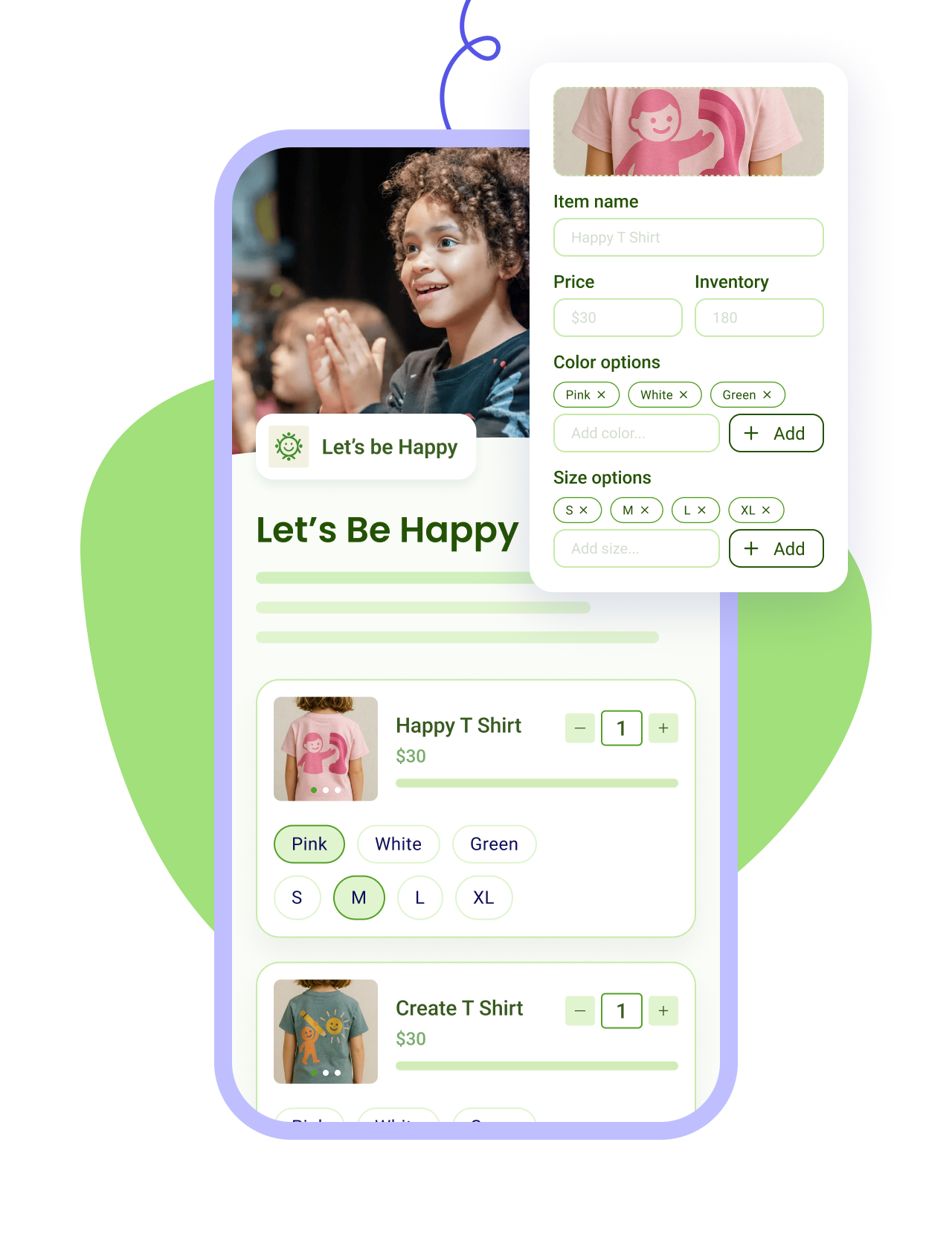
Sell merch with photos and variants, apply discounts, and track sales and inventory in one place.
Learn more
Right Arrow defaultRight Arrow Hover
Online Store Tablet ImageOnline Store Mobile Image
Tap To Pay IconTap To Pay Icon
Tap to Pay App
Plus IconMinus Icon
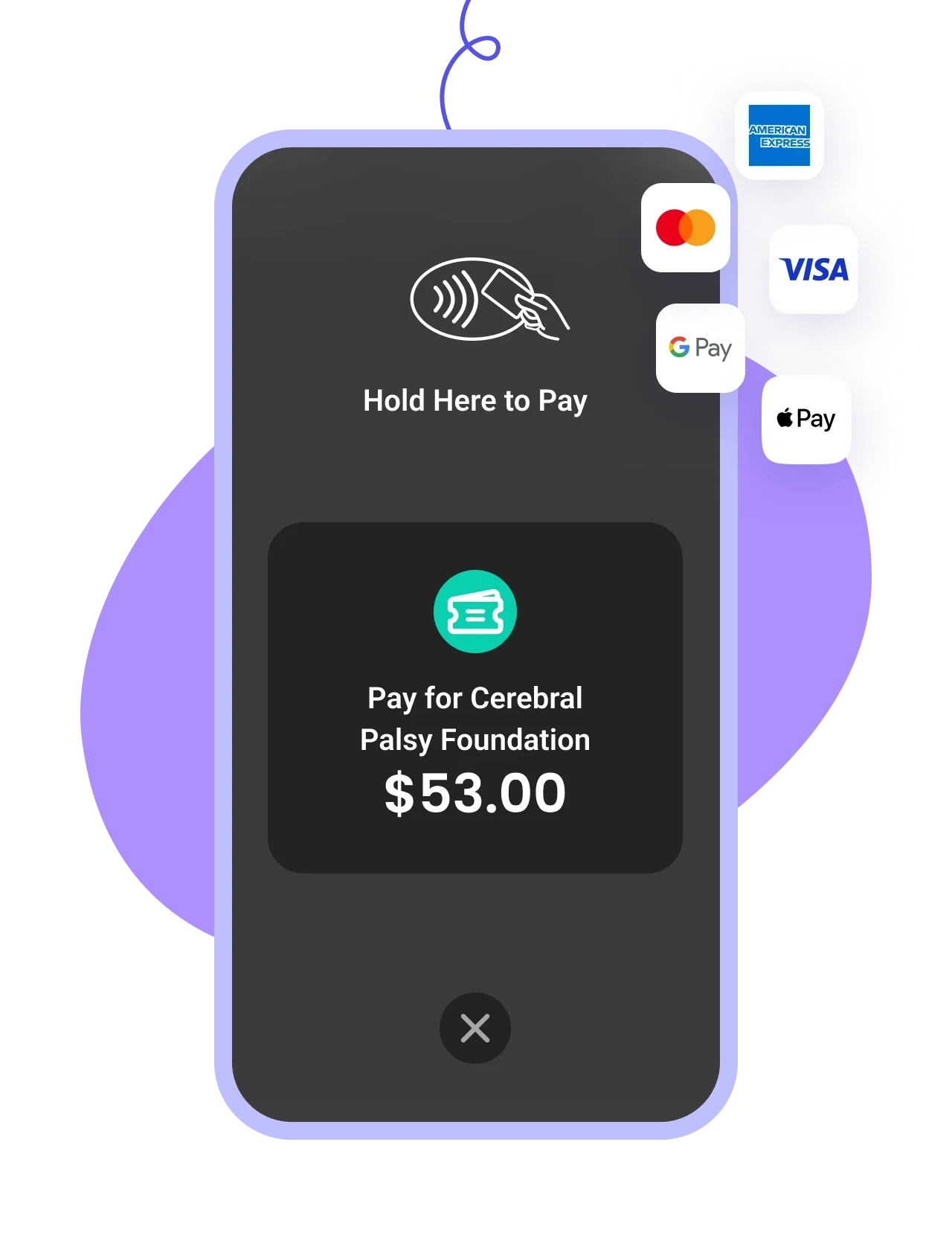
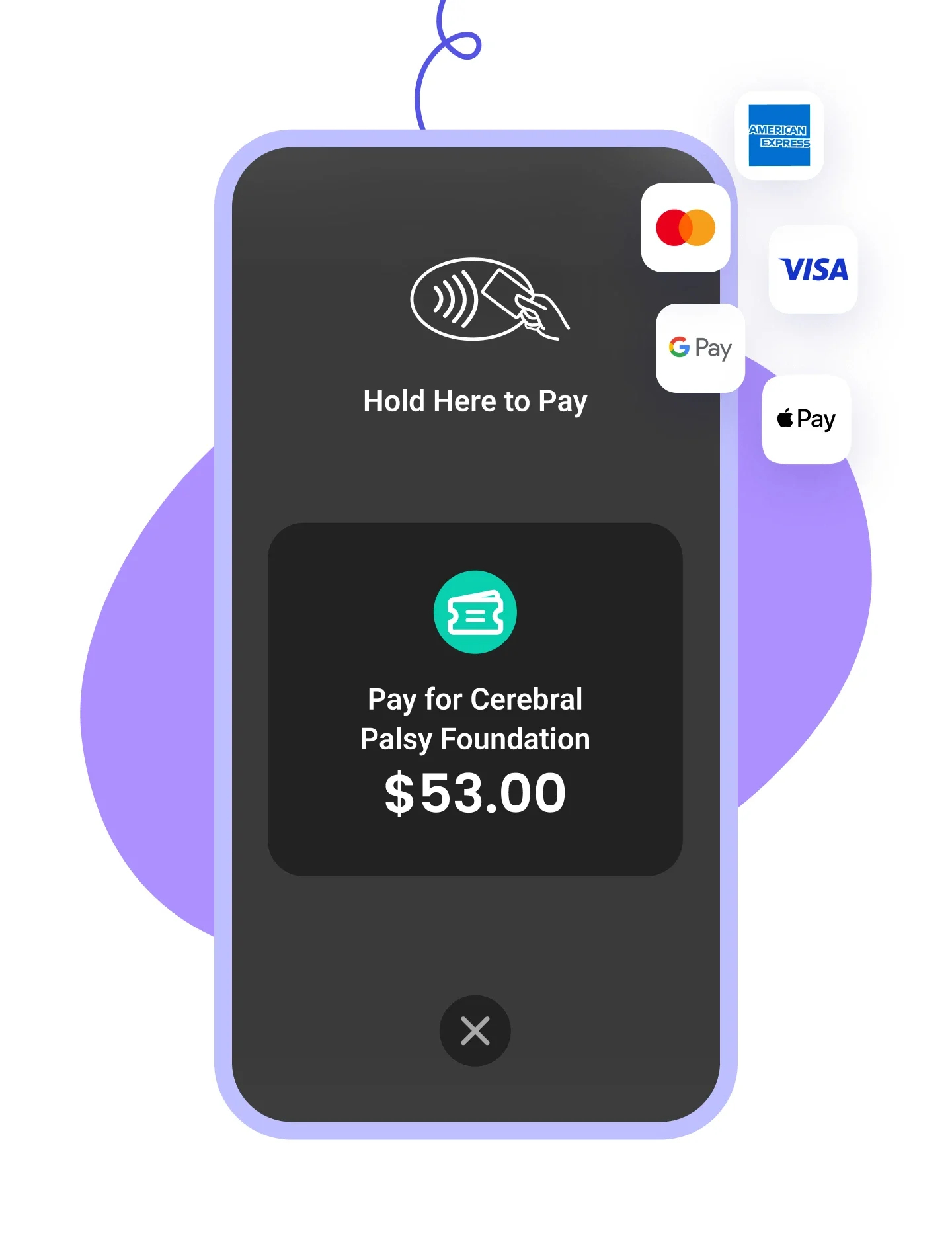
Accept payments on your smartphone with zero fees, check in attendees, and scan QR codes on the go.
Learn more
Right Arrow defaultRight Arrow Hover
Tap to pay Tablet ImageTap To Pay Mobile Image

How it works

STEP 1

Create your donation form.

Customize the donor experience with one-time and recurring donations, logos, colors, and images.
STEP 2

Collect payments in one click.

Share your form online with your supporters and let them use their favorite payment method.
STEP 3

Receive 100% of the money.

You will receive the entirety of your funds in your weekly payout. We never charged a cent to nonprofits, and we never will.
Collect donations for free

Open your online store in 3 easy steps

STEP 1

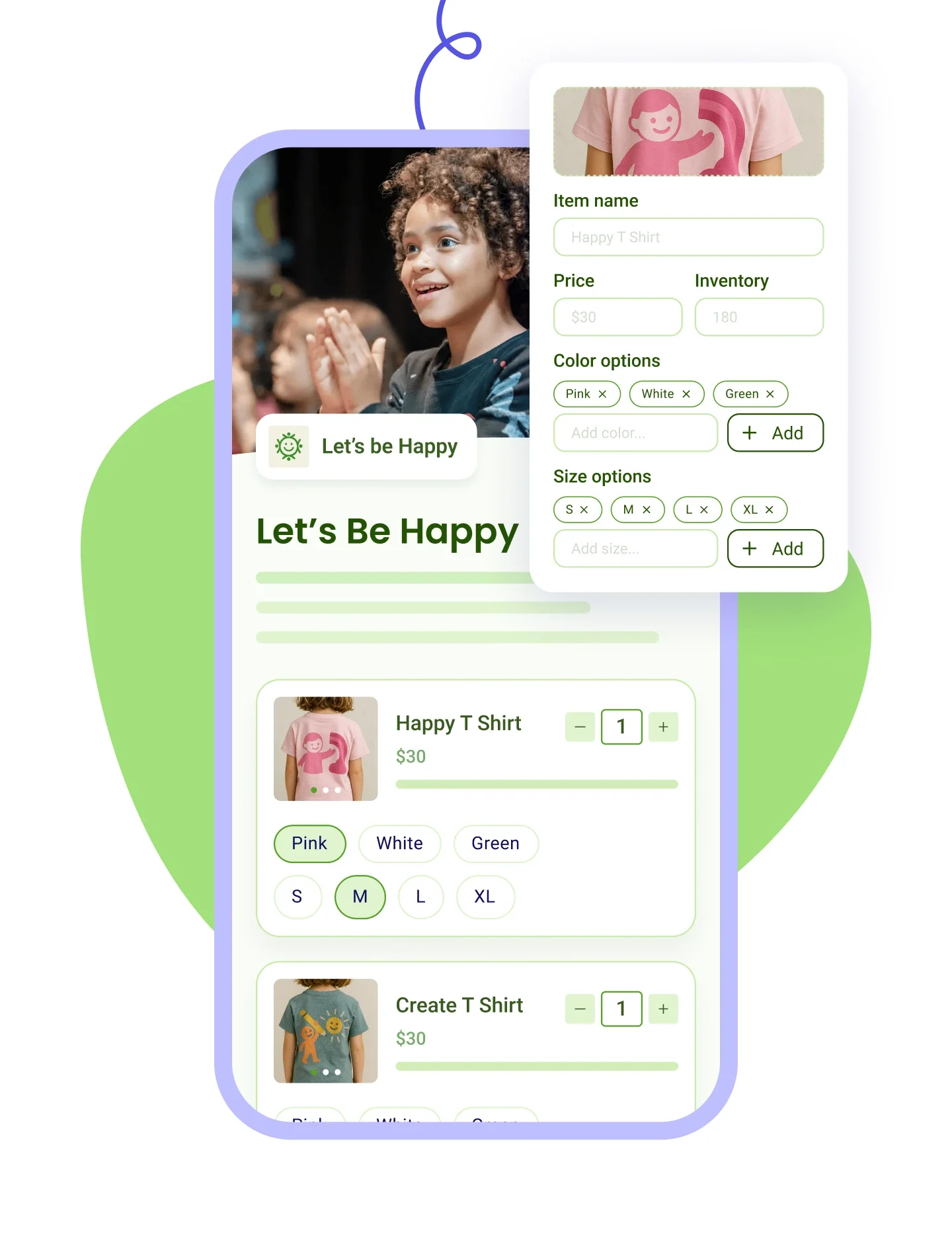
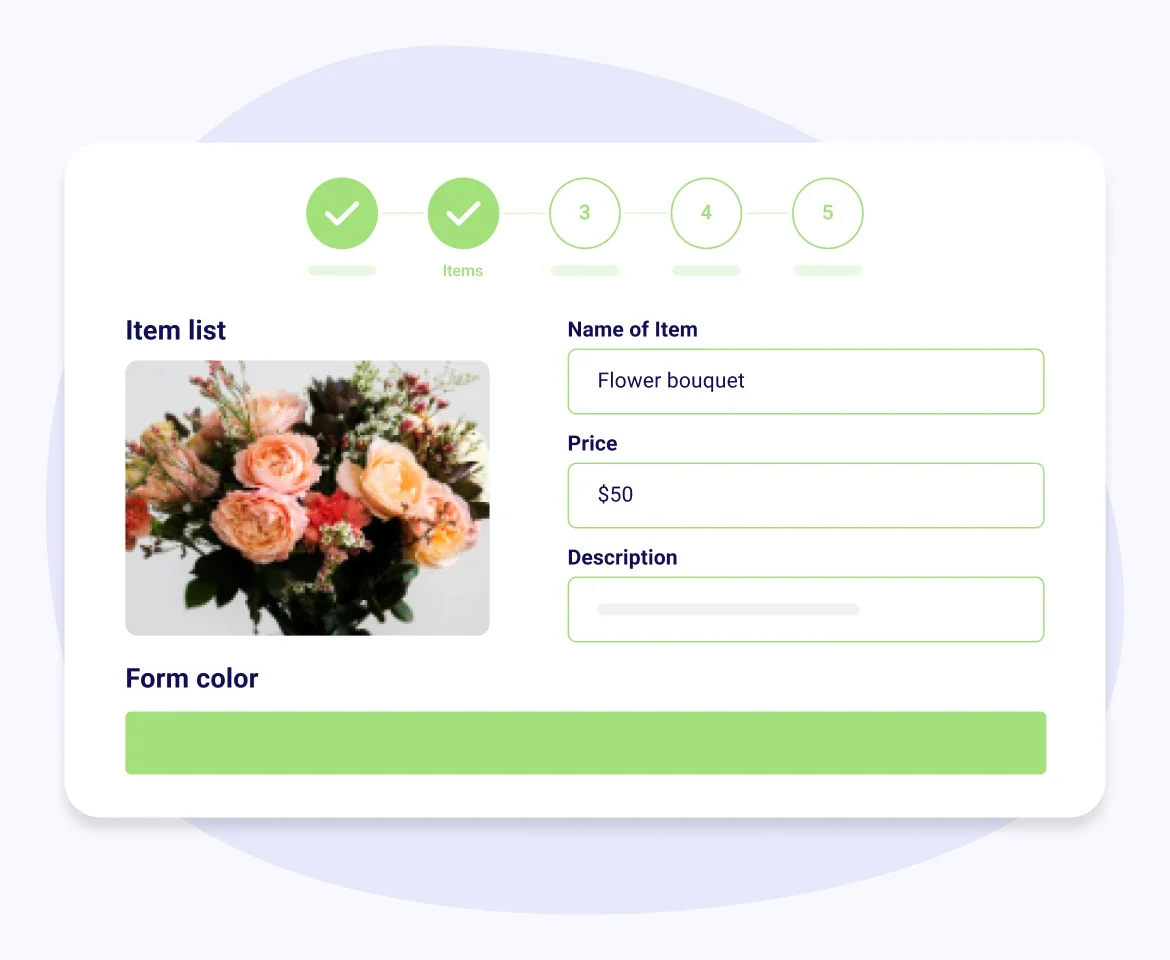
Set up your store.

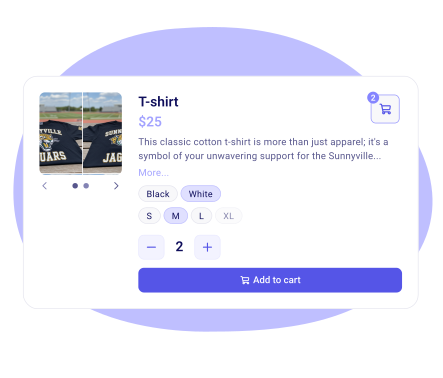
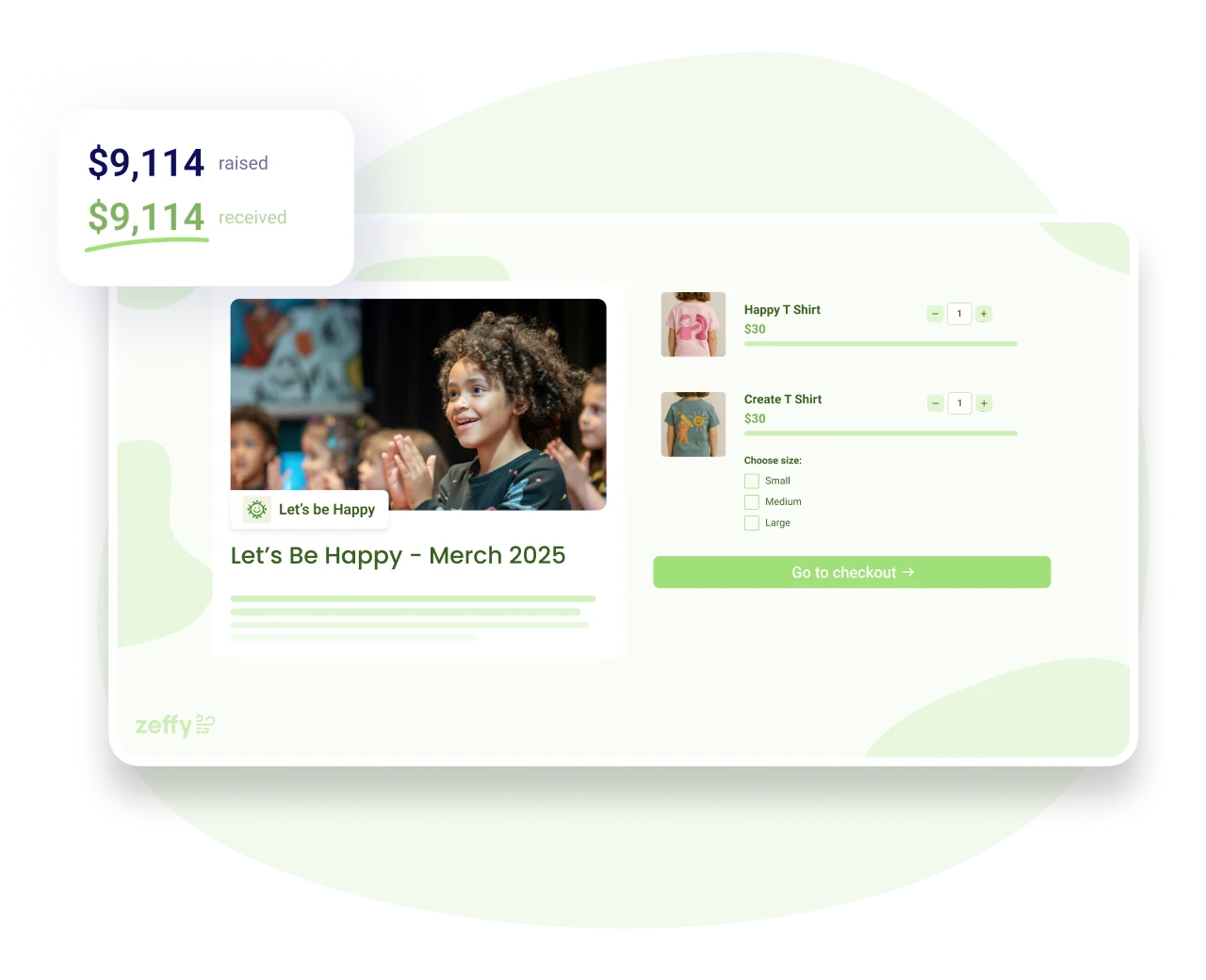
Add your items with photos, prices, sizes, colors or any option you name. Share your store link anywhere.
STEP 2

Collect payments in one click.

Buyers fill a cart, choose pick-up or shipping, and check out with any card or wallet. Every sale is tracked in your Zeffy dashboard.
STEP 3

Keep 100% of what you raise.

No platform, transaction, or credit card fees. Every purchase goes straight to your cause.
Open an online store for free

Everything you need to sell merch, for free

Style your store

  • Add your logo, customize colors, and add a banner to your online shop to make it your own
  • Ask custom questions for each item
  • Offer your store in more than one language

Customize your items and track inventory

  • Add up to 20 images, a price and a description for each item
  • Add options like sizes or colors to any item
  • Stock updates automatically for each item, size and color
  • Offer pre-sale prices and discount codes to your buyers

Offer a seamless shopping experience

  • Buyers fill a cart, so a youth large and an adult small go through in one checkout
  • Group items into categories so buyers can filter them easily
  • Sold-out items grey out, and buyers see when stock runs low

Pick-up and shipping, built into checkout

  • Offer pick-up, shipping or both, with the cost shown before buyers pay
  • Set a pick-up address with instructions, and one flat shipping fee
  • Track every order in a Fulfillments tab, one at a time or in bulk
  • Zeffy emails the buyer when their order is ready or on its way

Accept all payment types

  • All credit cards
  • Apple Pay and Google Pay
  • ACH and PAD

Accept payments in person.

  • No terminal needed, just your iPhone or Android
  • Accept all payments in person with our Tap to Pay solution
  • Every in-person sale records the size or color the buyer picked
  • Log cash sales too, and stock updates like any other sale

Track sales and automate receipts and emails

  • See what sells: revenue, units sold and stock left for every item
  • Collect sales tax on items, shown separately in your payouts (US and Canada)
  • Send receipts automatically
  • Stay engaged with buyers by automating thank you emails

Every buyer becomes a contact in your donor CRM

  • Every purchase creates a contact in your free donor CRM
  • Merch, tickets and donations sit on the same record
  • Turn one-time buyers into long-term supporters
  • Filter last season's buyers and email them, no export needed

A simple online store for you and your supporters

Customize your online shop
Accept all payment methods
Add questions to ask buyers
Automatically send receipts
Offer pre-sale options
Automate reminder emails
Add a donation option
Add discount codes
Mobile-friendly forms
Pay What You Can items
Min and max quantity per order
Hide an item without losing its sales
Clone last season's store
Partial tax receipts on merch
... and more!
Start fundraising for free

Zeffy makes money exclusively from optional tips from your donors

Donation UI

Will I ever have to pay to use Zeffy?

How does Zeffy make money?

What if my donors don’t leave a tip?

Why would donors tip Zeffy?

Donation UI

Frequently asked questions

Does Zeffy offer ecommerce for nonprofits, and how is it different from a regular online store?

Yes, Zeffy offers free eCommerce for nonprofits: list items with a photo, a price and sizes or colors, and buyers pay online and get a receipt. Unlike a retail platform, every buyer lands in your donor CRM, next to your donors and event guests, so whoever bought a t-shirt in March is still on your donor list in November.

How do I set up an online store for my nonprofit?

You can set up a nonprofit online store on Zeffy in an afternoon. Create a fundraising campaign, choose the online shop form, and add each item with a photo, a price and a description. Add sizes or colors, set your stock, and share the link or embed it on your website.

‍"Zeffy gave me a very easy way to set up an online store to fundraise through selling merchandise."Rylee R., United Ways of Alabama (G2)

Is Zeffy's online store really free?

Yes, Zeffy's online store is free: no platform fee, no transaction fee, no credit card fee and no paid tier. A $25 shirt puts $25 in your account, while most store builders charge a monthly subscription plus a cut of each sale. Zeffy is funded by an optional contribution donors can skip.

Can I offer sizes, colors and discount codes?

Yes, Zeffy lets you add sizes, colors or your own options to any item, and stock updates for each one. Discount codes take a percentage or a dollar amount off every item, specific items or the whole order. Buyers fill a cart, so a youth large and an adult small go through in one checkout.

How do buyers receive their items?

Buyers receive their items by pick-up or shipping, which they choose before they pay, with the cost shown up front. Orders land in a Fulfillments tab in Zeffy, where you mark them ready or shipped, and Zeffy emails the buyer at each step. You choose the carrier and send the parcels.

Does the store connect to my supporter data?

Yes, every purchase in your Zeffy store creates a contact in your free donor CRM, with the order next to any donations, tickets or memberships from the same person. Contacts match on email address, so if a supporter uses two emails, you can merge their records in one click.

Do I need to be a registered 501(c)(3) to sell merchandise for my cause?

No, you don't need 501(c)(3) status to sell merchandise on Zeffy: any registered nonprofit can. Still waiting on your IRS determination letter? Choose Other nonprofit organization when you sign up. In the US you'll need an EIN and a bank account in your organization's name.

Is a merchandise purchase tax-deductible for the buyer?

A merchandise purchase is usually only partly tax-deductible, because the buyer gets something back. If someone pays $40 for a hoodie worth $25, $15 is a gift. Set the eligible amount on the item in Zeffy, and the receipt shows the deductible portion separately. Set it before you start selling.

Can we sell at our merch table too, not just online?

Yes, your Zeffy store works at your merch table too. Print its QR code so buyers pay from their own phone, or take the payment with Tap to Pay on an iPhone or Android, no reader needed. The size or color is recorded with the sale, and cash sales can be logged too.

What can a nonprofit sell, and can I sell custom t-shirts or apparel?

Yes, nonprofits can sell custom t-shirts and apparel on Zeffy, the most common items: t-shirts, hoodies, tote bags and caps, each with size or color options.

Organizations also sell baked goods, plants, cookbooks, event extras and digital downloads like a printable guide.

Does Zeffy print or supply the merchandise?

No, Zeffy doesn't print or supply merchandise: you source your items from your own printer or supplier, and Zeffy handles the store, payments and orders. To avoid leftover stock, open your store as a pre-order, collect orders for a few weeks, then order exactly the sizes people bought.

Can Zeffy collect sales tax on merchandise?

Yes, Zeffy can collect sales tax on merchandise for organizations in the US and Canada. Add sales tax to your store items and it's collected at checkout, including on in-person card sales, and shown separately in your payouts for each campaign. You decide whether and what to charge. Zeffy doesn't file or remit it for you.

Fundraise with zero fees

What tools would be useful to your nonprofit?

What kind of organization are you?

Donation
Donations
Ticketing
Event ticketing
Raffles
Raffles
Auctions
Auctions
Online Stores
Online
stores
P2P
Peer-to-peer campaigns
Memberships
Memberships
Tap To Pay
Tap to Pay
All of the above
All of the
above
Next
School
School
Sports Team
Sports Team
Animal Rescue
Animal Rescue
Church
Church
Food Bank & Aid
Food Bank & Aid
Volunteer Fire Department
Arts & Culture
Arts & Culture
Parent Teacher Association
Other
Other
Next
CloseClose Icon