How is Zeffy free?
How is Zeffy free?
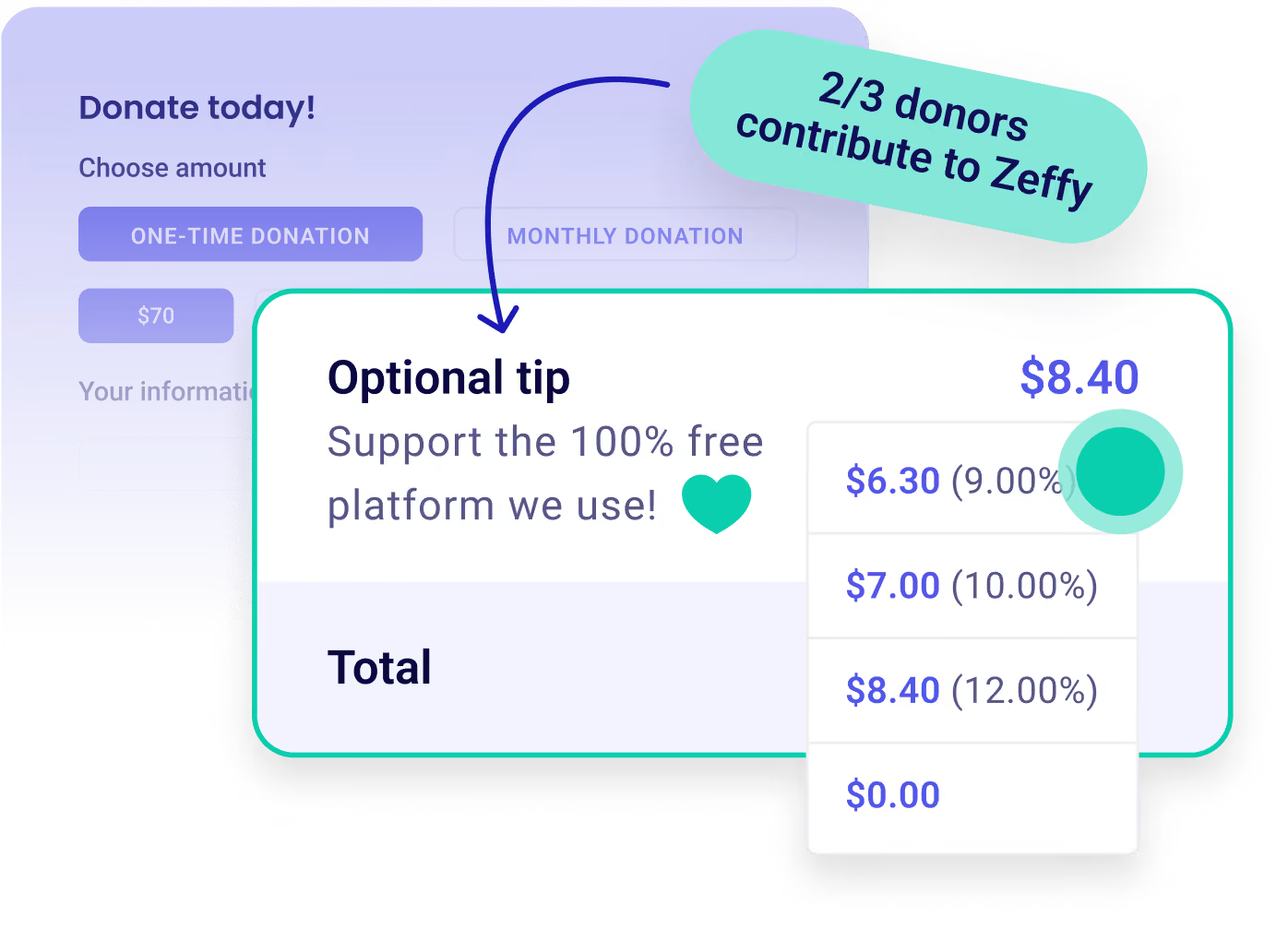
Zeffy relies entirely on optional contributions from donors. At the payment confirmation step - we ask donors to leave an optional contribution to Zeffy.
Learn more >

Create a free online raffle—no fees attached.

Customize Icon

Personalize your raffle with colors, images, prize descriptions, and customizable ticket bundles.

Payment Icon

Manage your raffle effortlessly with e-tickets, in-person sales, and participant reports.

Donation Icon

Keep 100% of the money for your mission with zero fees—we even cover credit card costs.
Raffles

Trusted by over 50,000 nonprofit organizations

Worthy Dog Rescuekids cancer careBOYS & GIRLS CLUBS OF AMERICAthe YMCA
5 Stars
“Before with our raffles we had to collect the money through PayPal and then email the ticket numbers to the individuals. Now that's all done by Zeffy and with no fees.”
Barbara B
Barbara B.
Executive Director
5 Stars
“Zeffy is very easy for customers to make their purchase for raffle tickets. Zeffy helps us save money by not charging any processing fees for credit cards”
Jeff S
Jeff S.
Development Director
5 Stars
“We used the raffle portion and it went great. It was very easy to use and quick set up.”
Eric M
Eric M.
Program Director
5 Stars
“The reporting available allowed me to pull in the name, address, phone and ticket number into excel to mail merge to print out tickets for the drawing. It was SO EASY!”
Todd H
Todd H.
Executive Director
5 Stars
“We were able to sell tickets to our charity event, host a wine wall, and sell raffle tickets all from one site.”
Victoria J
Victoria J.
Development Director
5 Stars
“It has been wonderful for selling tickets to events, managing registrations, and even running an online raffle. We have significantly increased our fundraising now that we can accept online payments without fees.”
Martin B
Martin B.
Executive Director
5 Stars
“With the ability to send thousands of emails and sell thousands of raffle tickets through the platform with zero credit cards fees is going to be amazing!”
Shadley S
Shadley S.
Director of Donor Relations
5 Stars
“Zeffy was super easy to update with content and pictures of items that were part of my raffle fundraiser.”
Jessica C
Jessica C.
TSC Alliance
4.9
(1039 reviews)
5 Stars
4.8
(474 reviews)
5 Stars

Raise more with 100% free fundraising tools

Dontaion IconDontaion Icon
Donations
Plus IconMinus Icon
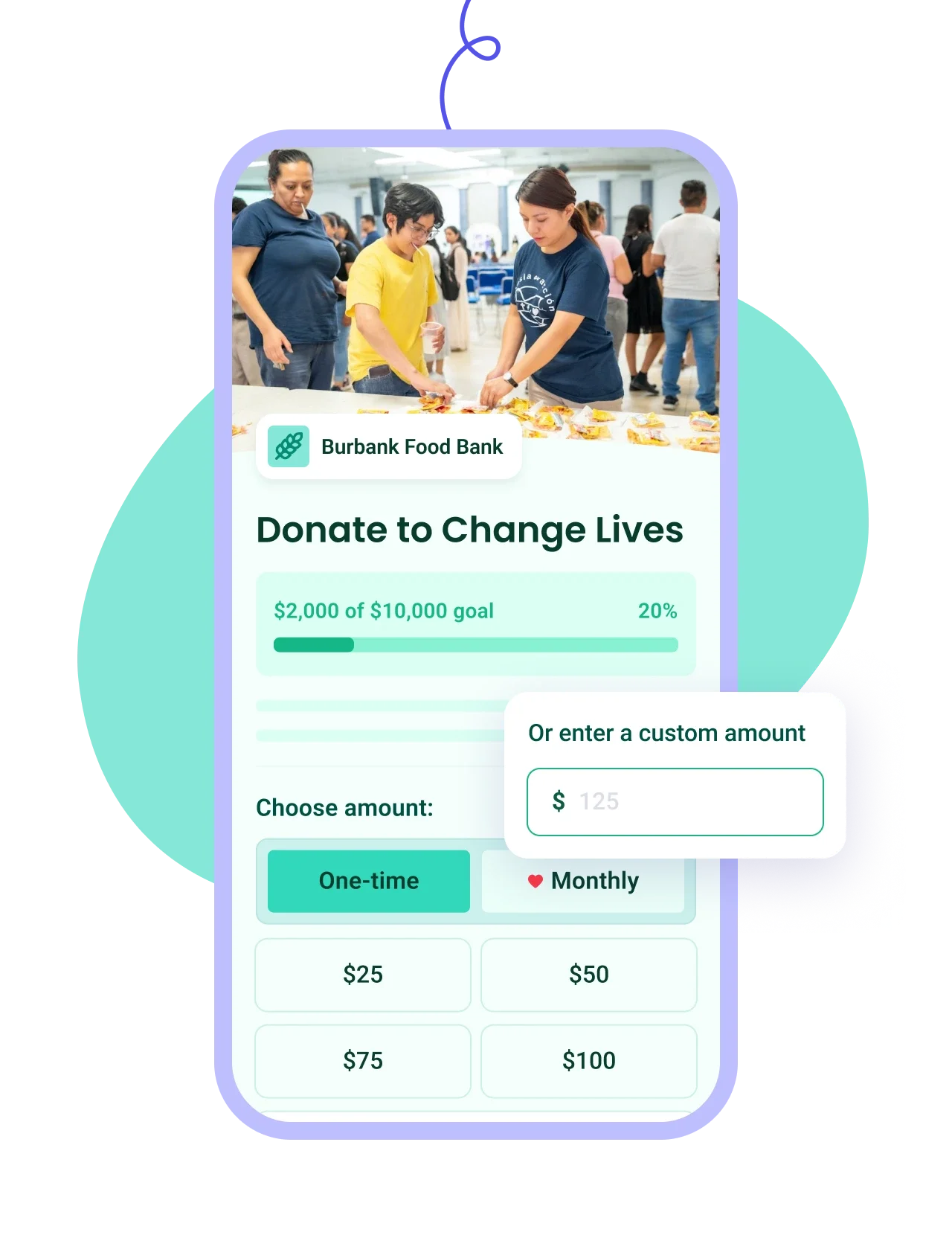
Build branded forms in minutes with one-time or recurring giving and automatic tax receipts.
Learn more
Right Arrow defaultRight Arrow Hover
Donation Tablet ImageDonation Mobile Image
Ticketing IconTicketing Icon
Ticketing
Plus IconMinus Icon
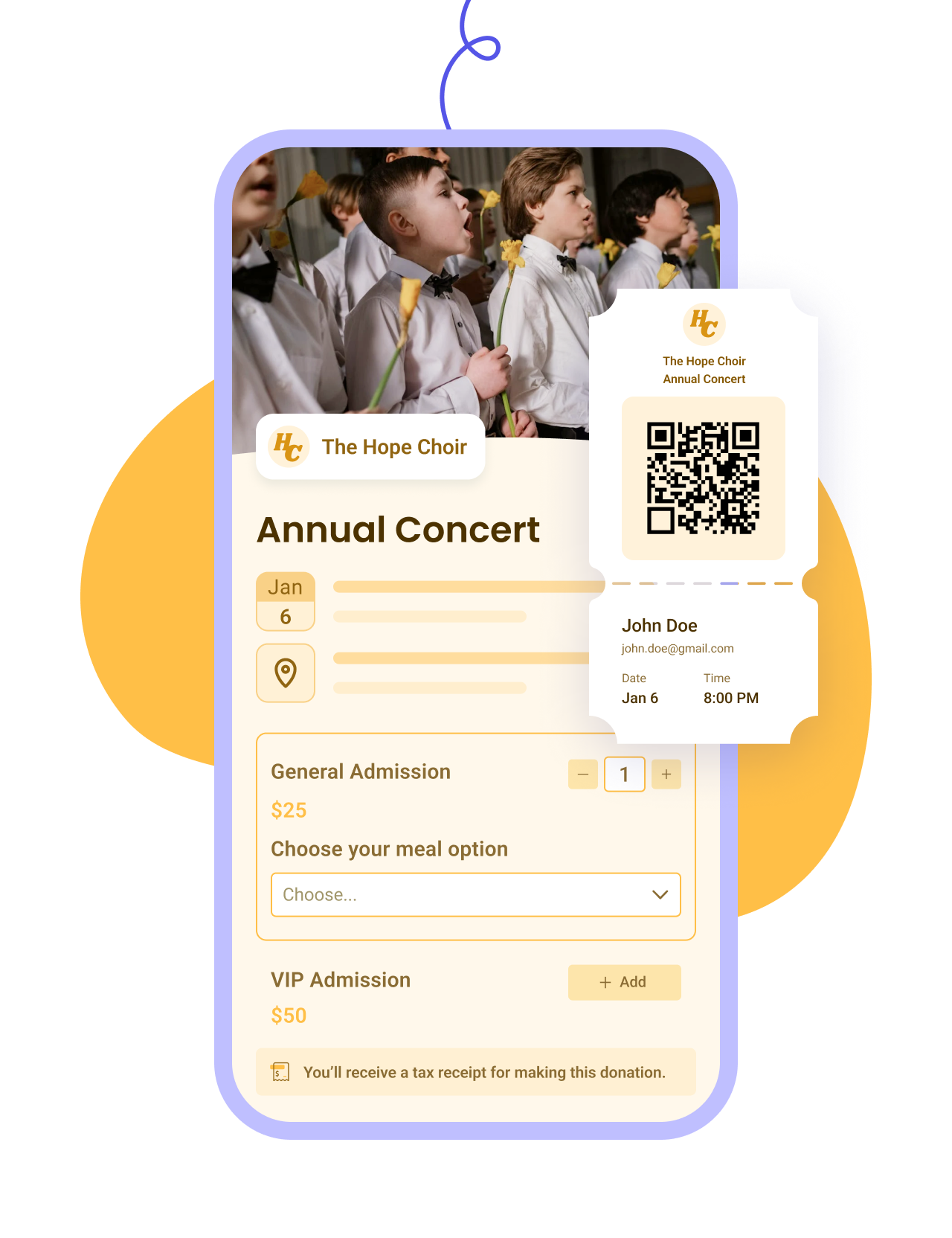
Customize your event form, email tickets, and manage check-ins and attendees on the day.
Learn more
Right Arrow defaultRight Arrow Hover
Ticketing Tablet ImageTicketing Mobile Image
Raffles IconRaffles Icon
Raffles
Plus IconMinus Icon
Set up prize pools and ticket bundles, generate numbered tickets, and draw winners from your list.
Learn more
Right Arrow defaultRight Arrow Hover
Raffles Tablet ImageRaffles Mobile Image
Membership IconMembership Icon
Membership
Plus IconMinus Icon
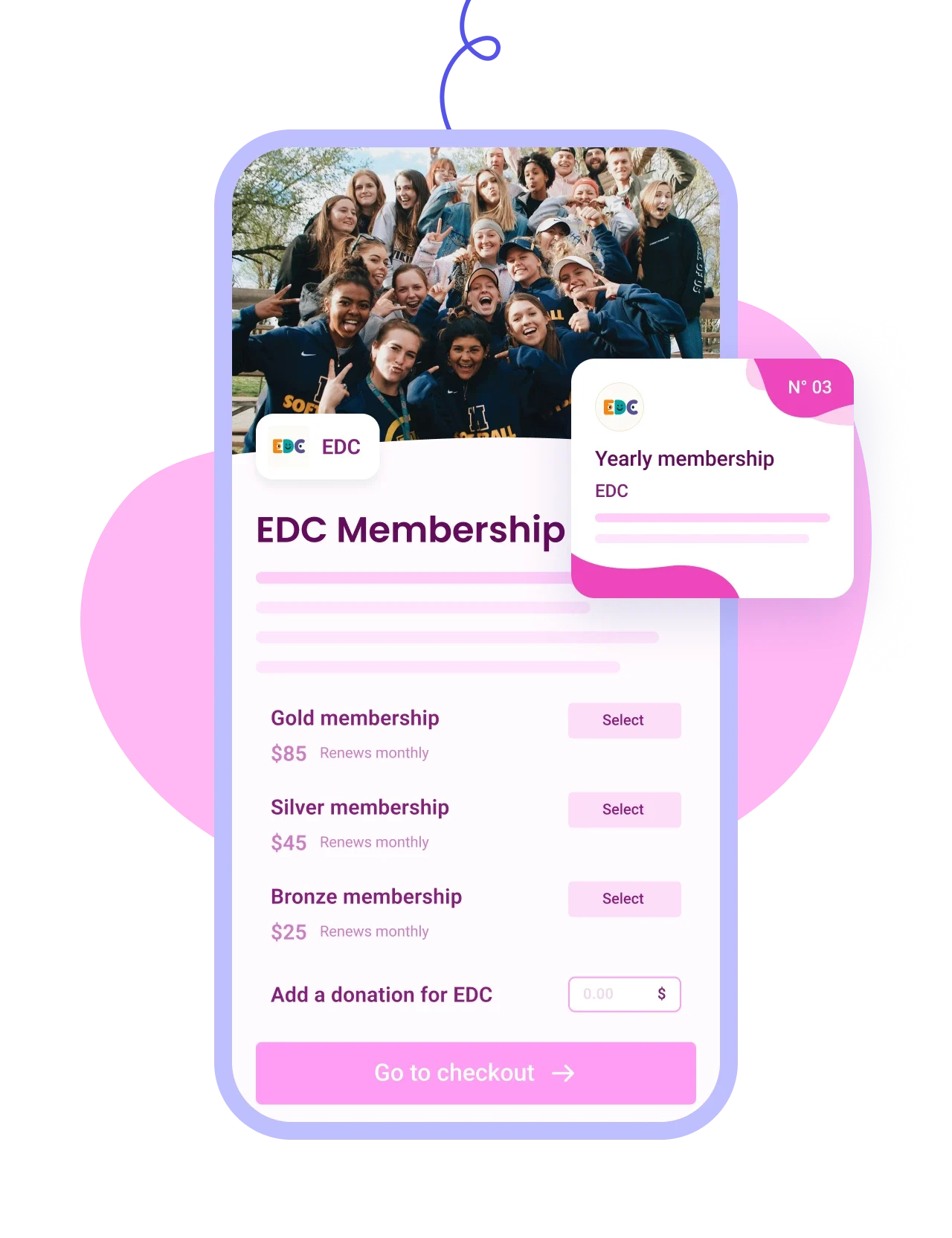
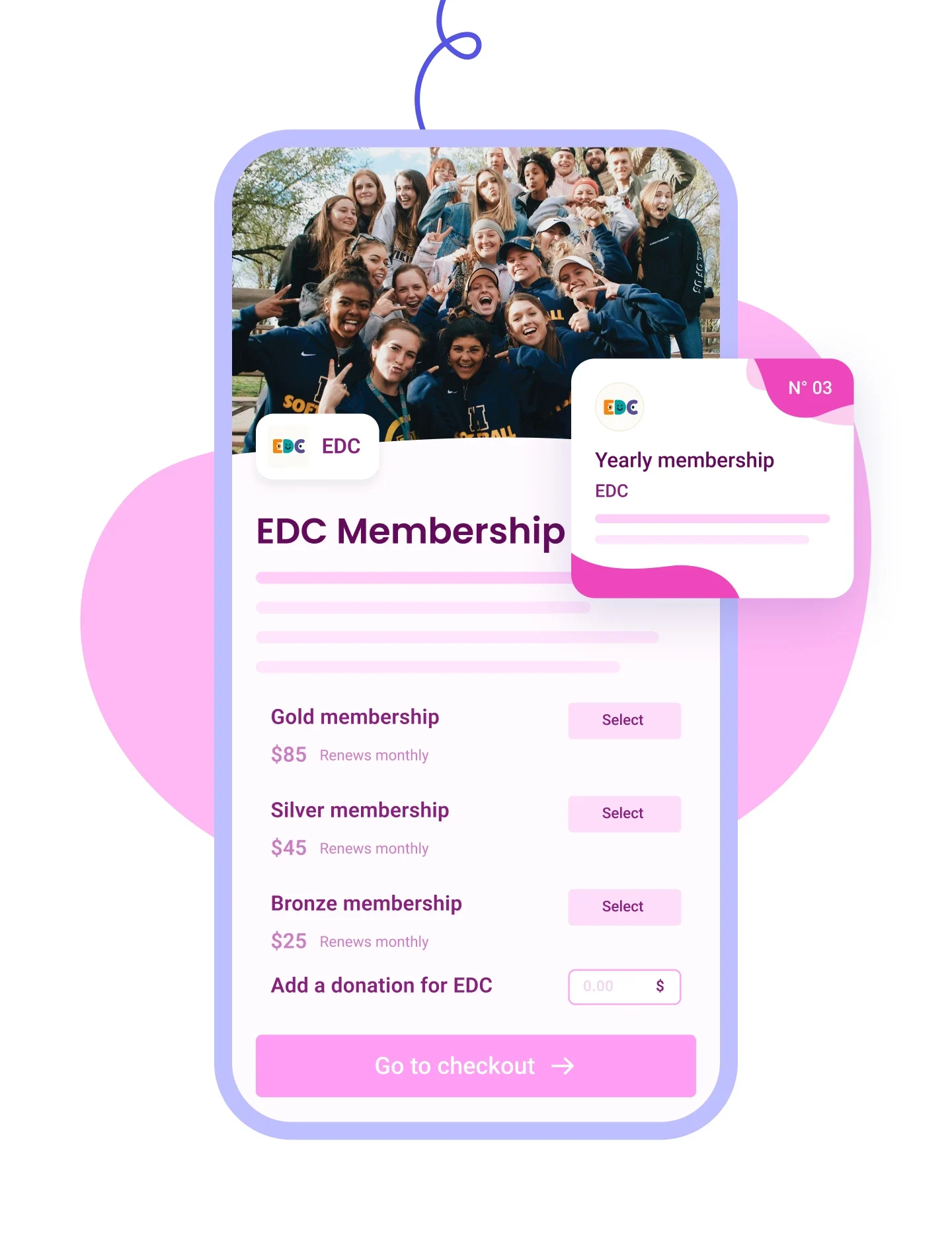
Sell tiered memberships with renewal options and send personalized cards by email.
Learn more
Right Arrow defaultRight Arrow Hover
Membership Tablet ImageMembership Mobile Image
Auction IconAuction Icon
Auctions
Plus IconMinus Icon
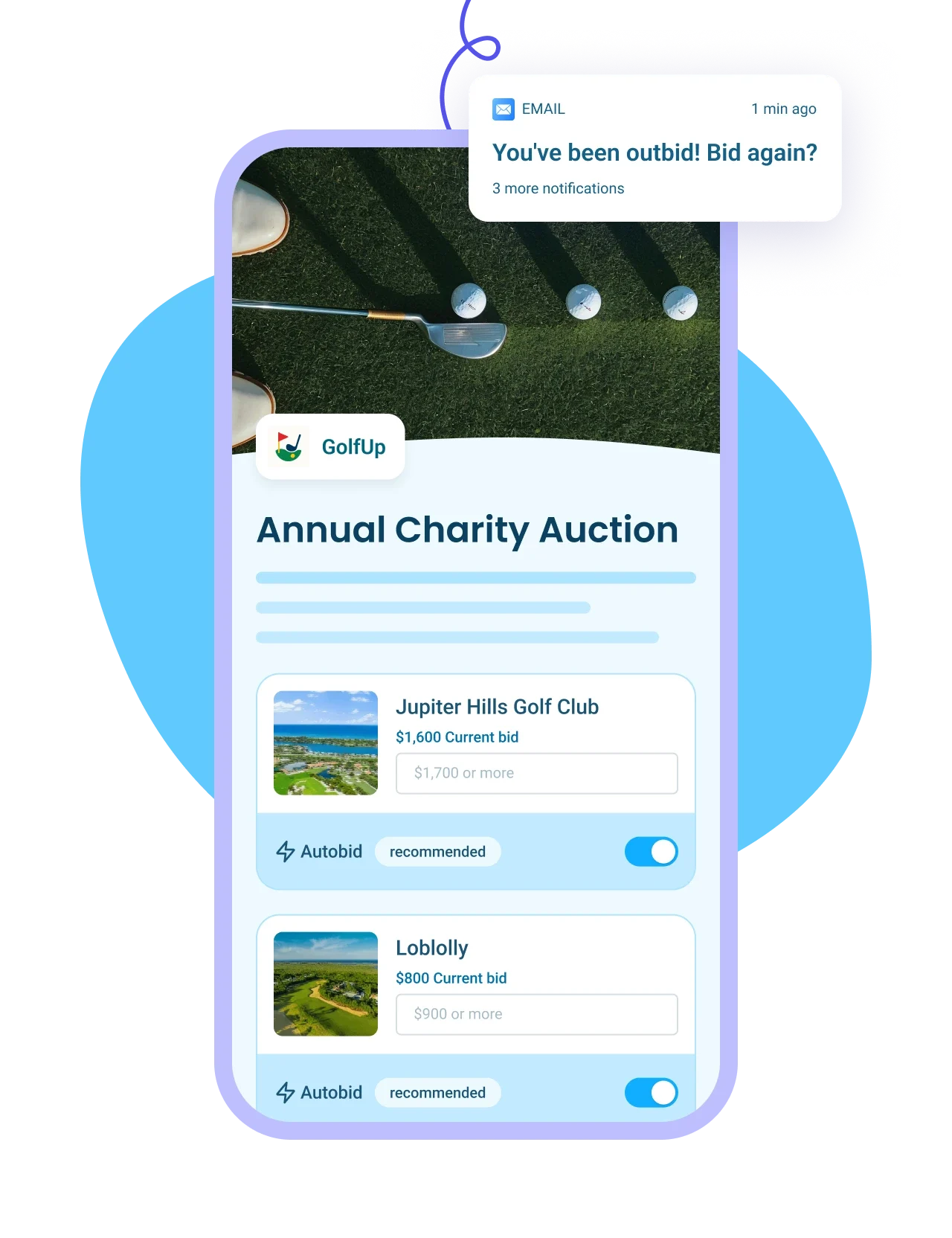
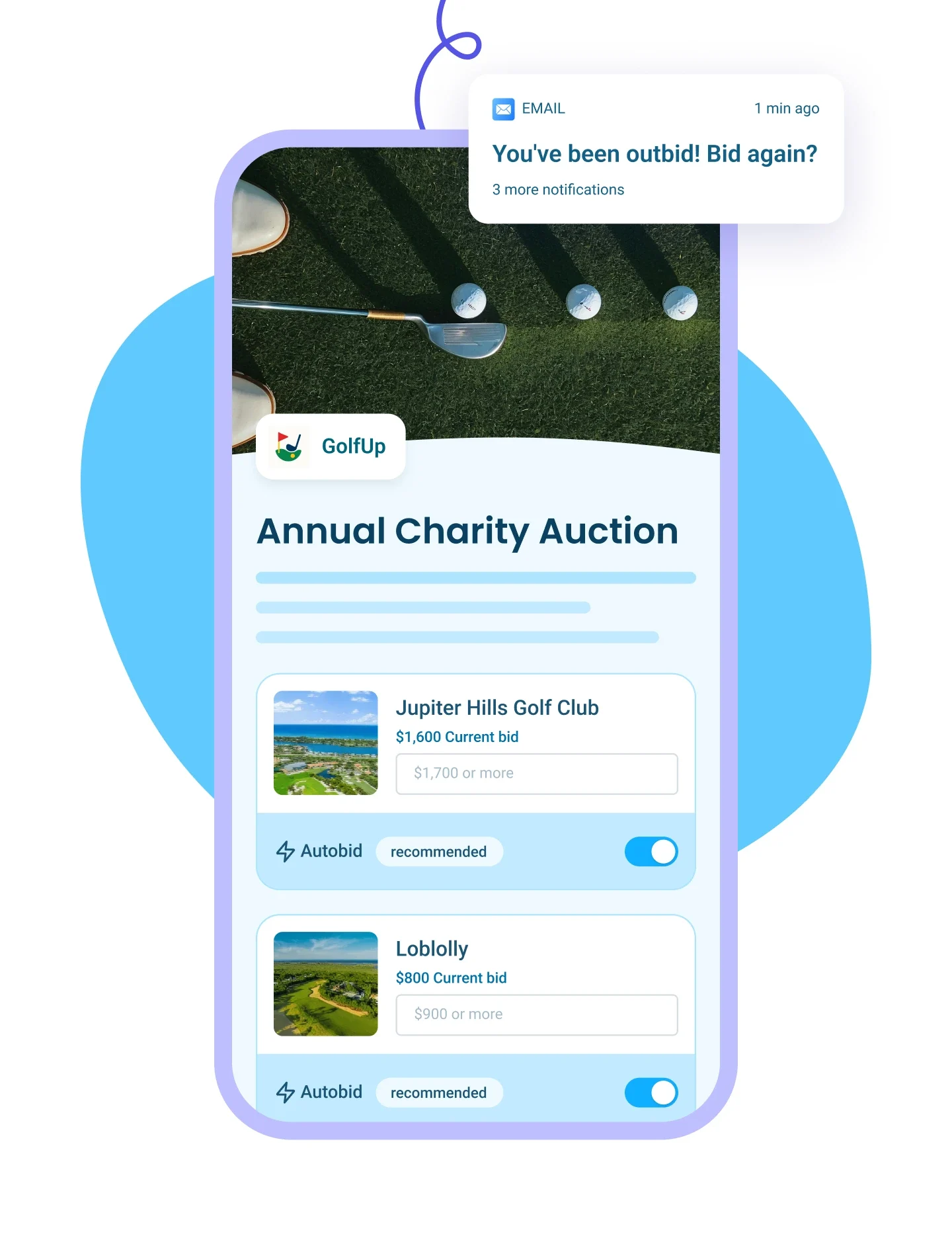
List auction items with images and write-ups, send outbid alerts, and auto-collect payments from winners.
Learn more
Right Arrow defaultRight Arrow Hover
Auction Tablet ImageAuction Mobile Image
p2p Iconp2p Icon
Peer-to-Peer Campaigns
Plus IconMinus Icon
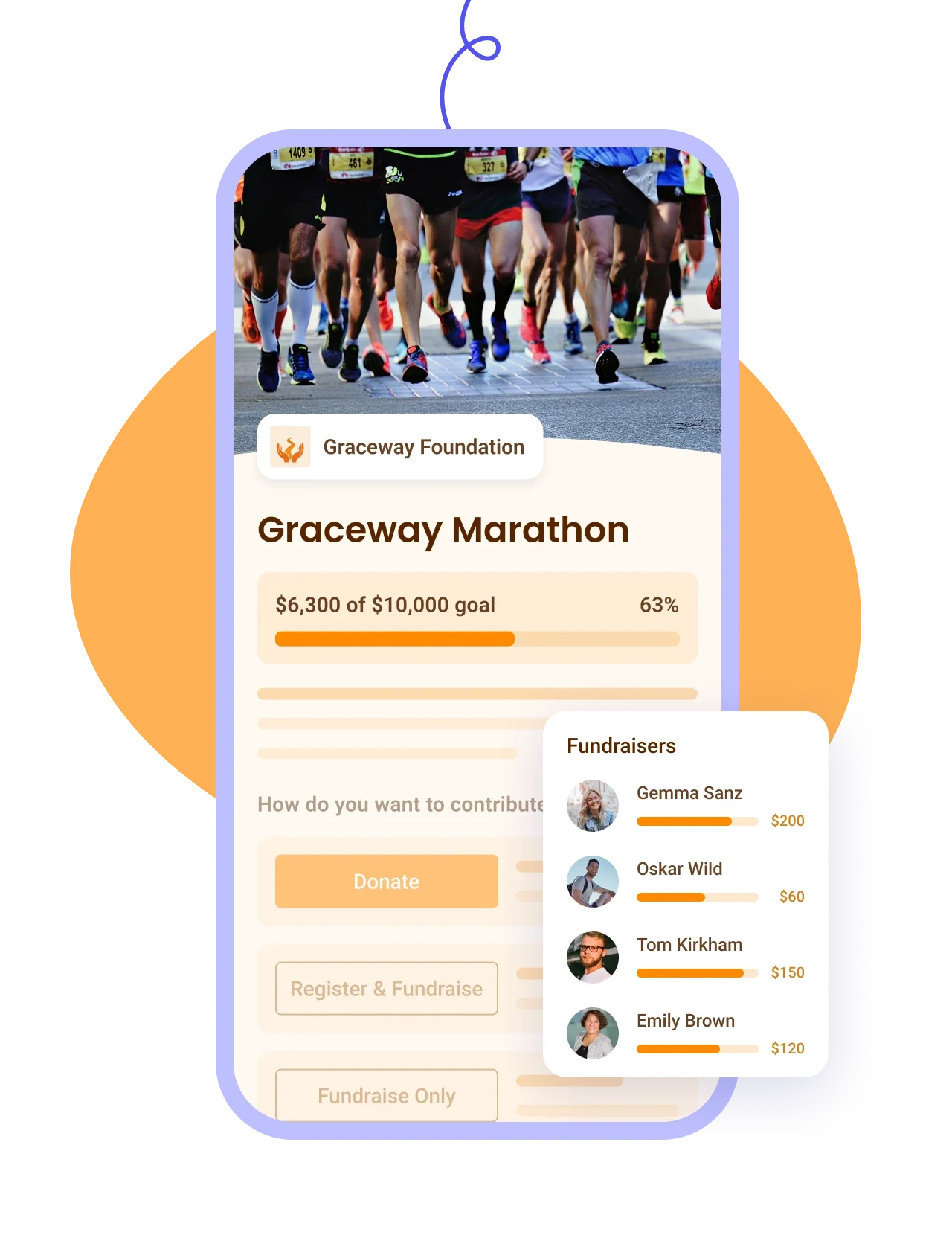
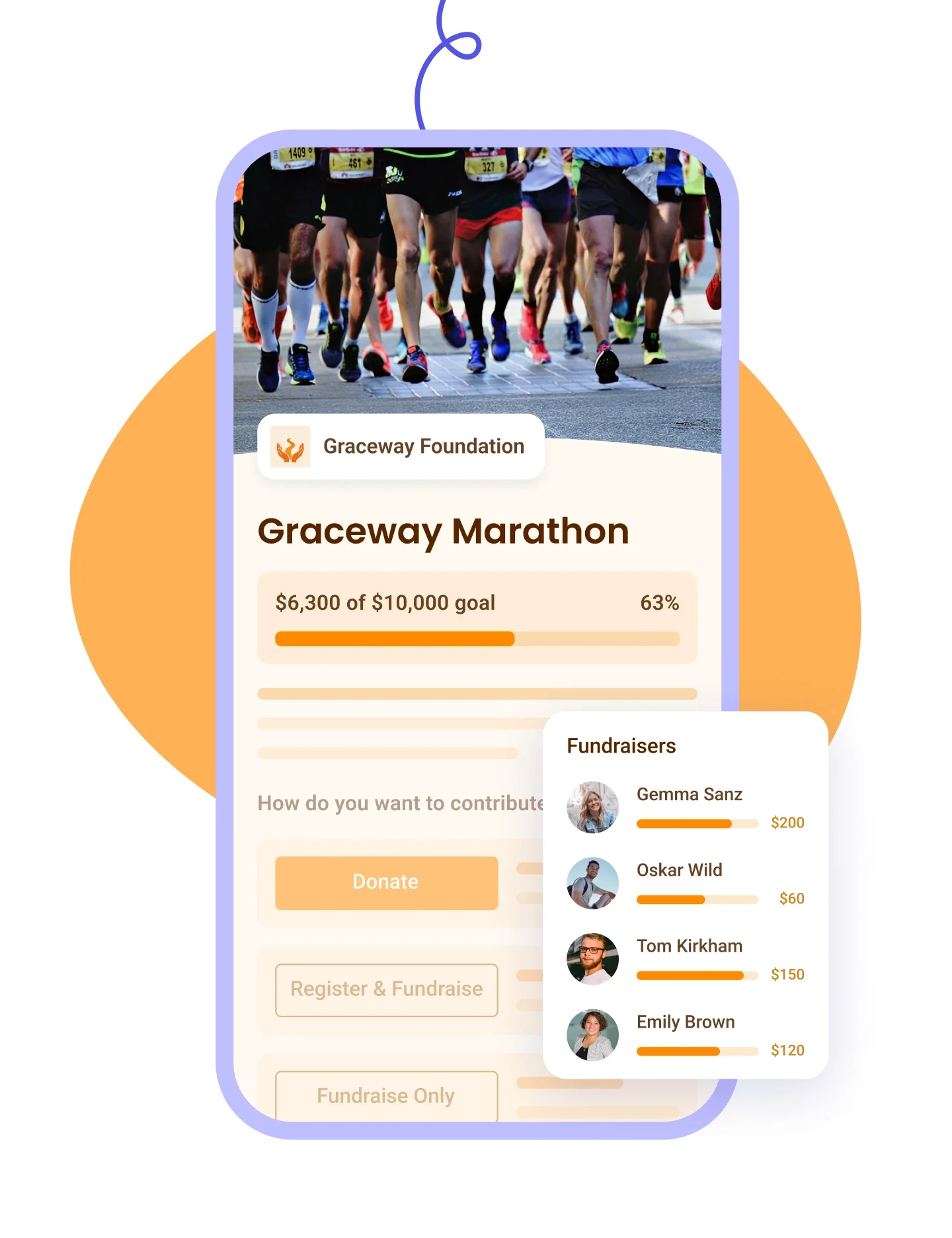
Let donors fundraise for your cause, track proceeds on a leaderboard — ideal for a-thons.
Learn more
Right Arrow defaultRight Arrow Hover
P2P Tablet ImageP2P Mobile Image
Online Store IconOnline Store Icon
Online Stores
Plus IconMinus Icon
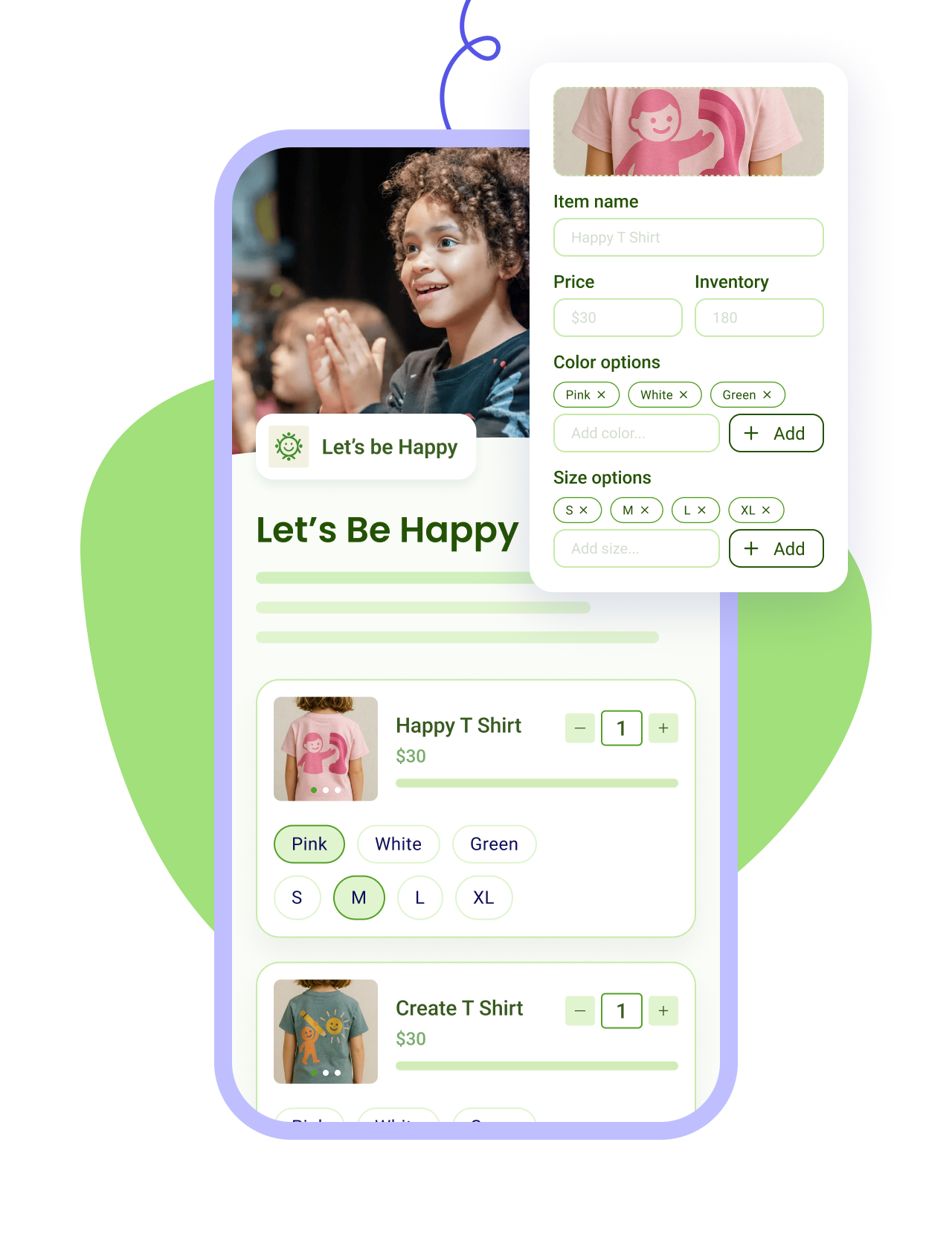
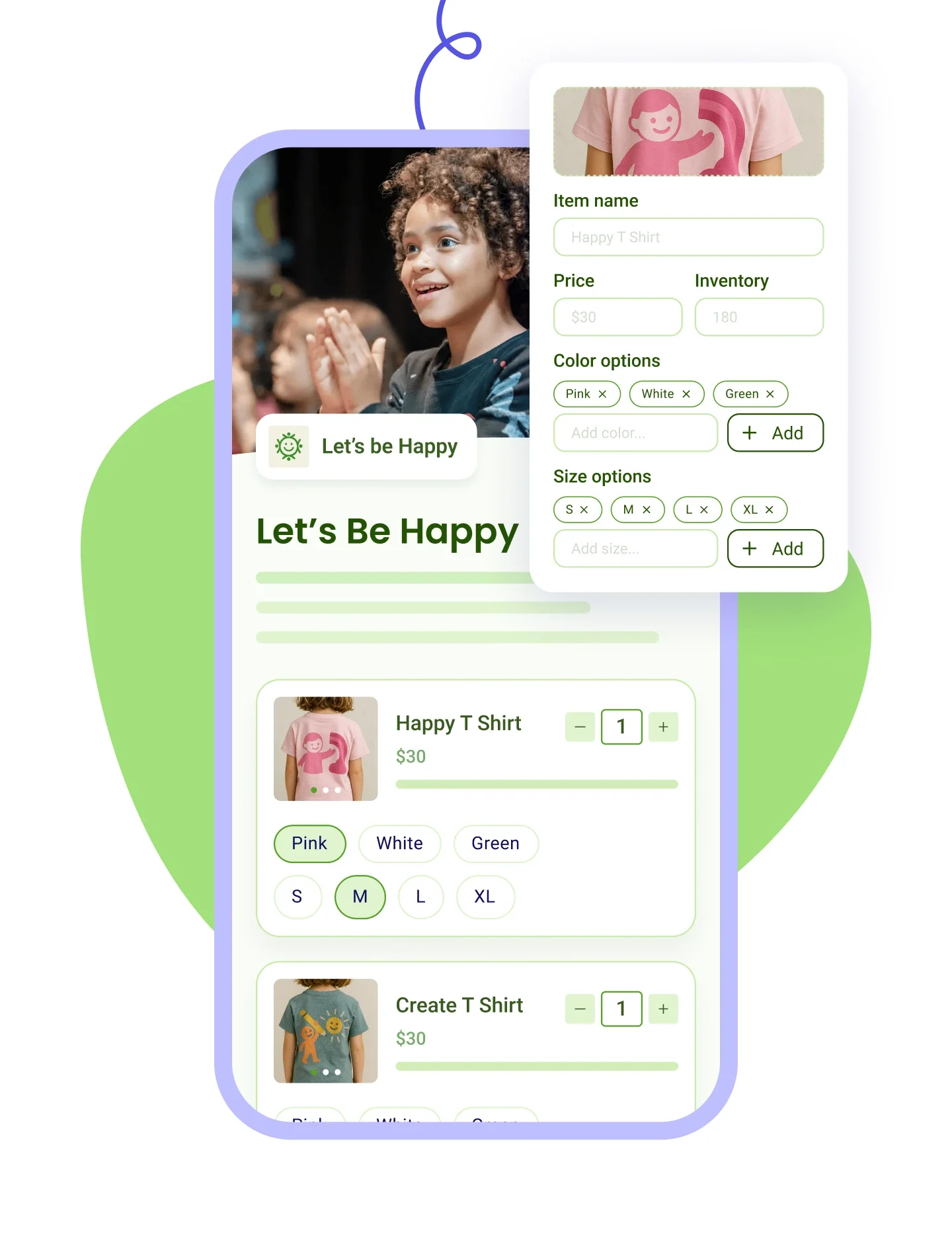
Sell merch with photos and variants, apply discounts, and track sales and inventory in one place.
Learn more
Right Arrow defaultRight Arrow Hover
Online Store Tablet ImageOnline Store Mobile Image
Tap To Pay IconTap To Pay Icon
Tap to Pay App
Plus IconMinus Icon
Accept payments on your smartphone with zero fees, check in attendees, and scan QR codes on the go.
Learn more
Right Arrow defaultRight Arrow Hover
Tap to pay Tablet ImageTap To Pay Mobile Image

Host a raffle in a breeze

STEP 1

Create your raffle form.

Customize the experience with multiple ticket bundles, prize descriptions, logos, colors, and images.

Sell raffle tickets for free
STEP 2

Let participants buy tickets.

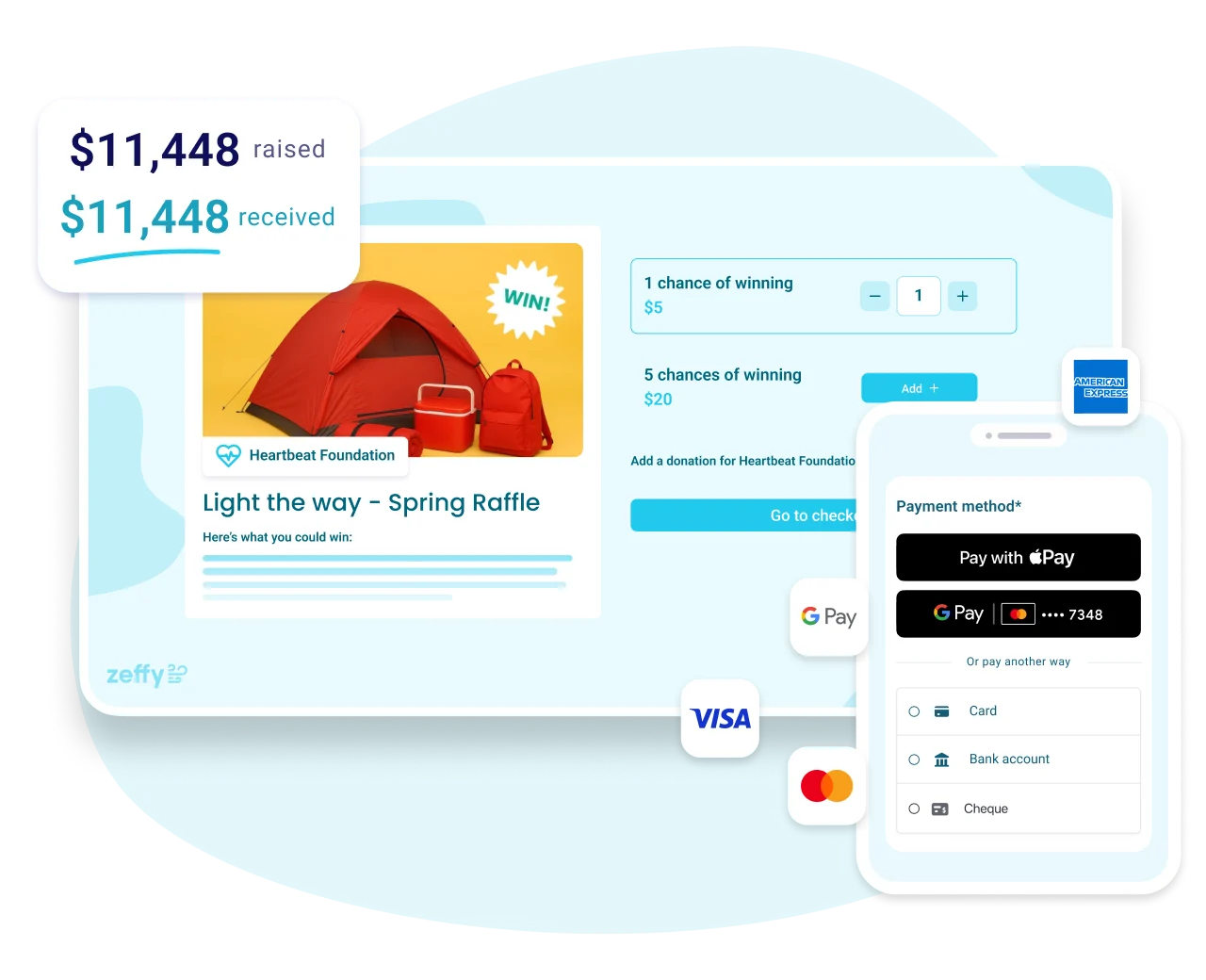
Share your form online with your supporters. They can use their favorite payment method to buy tickets.

Sell raffle tickets for free
STEP 3

Generate tickets automatically.

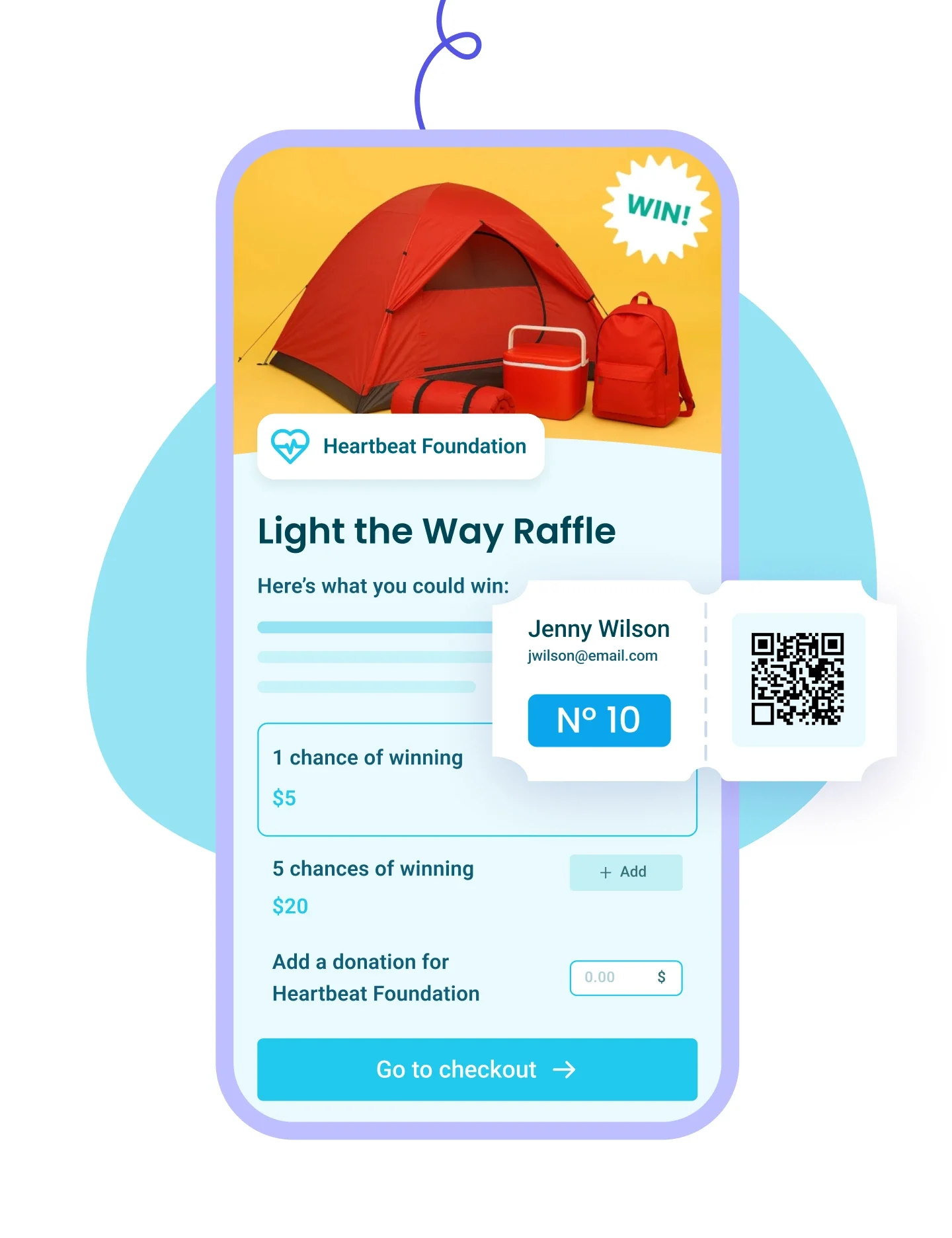
Each ticket has a unique number and shows the buyer’s info. Tickets are automatically emailed to the participants.

Sell raffle tickets for free
STEP 4

Keep track of participants and draw the winner.

Monitor participants, tickets, and more. When sales close, you can draw a winner from the list.

Sell raffle tickets for free
avec Zeffy 100% des dons récoltés équivalent à 100% dans votre banque.
STEP 5

Keep 100% of the money.

You will receive the entirety of your funds in your weekly payout. We never charged a cent to nonprofits, and we never will.

Sell raffle tickets for free

More 100% free features

Automatically generate and send scannable e-tickets.

  • Customize your raffle tickets.
  • Scan and track raffle tickets thanks to unique QR codes on every ticket.
  • Keep track of ticket purchases and scans in your dashboard.

Accept all payment types without paying all the fees.

  • All credit cards
  • Apple Pay and Google Pay
  • ACH and PAD
  • Cheque
  • Zeffy covers the transaction fees, so your nonprofit keeps 100% of every ticket sale.

Accept payments in person. No terminal. No fees.

  • Sell raffle tickets in person at your next fundraising event with Tap to Pay.
  • No terminal needed—just your iPhone.

Easily export reports on your raffle sales.

  • Automatically keep track of your sales from your nonprofit's dashboard.
  • Record and track offline purchases.
  • Add custom questions to your forms and collect and sort answers right from your dashboard.

Stay in touch before, during, and after your nonprofit's event.

  • Automate and customize reminder emails.
  • Follow up with donors after the raffle.
  • Contact your participants at any time.
  • Create and group attendee lists.
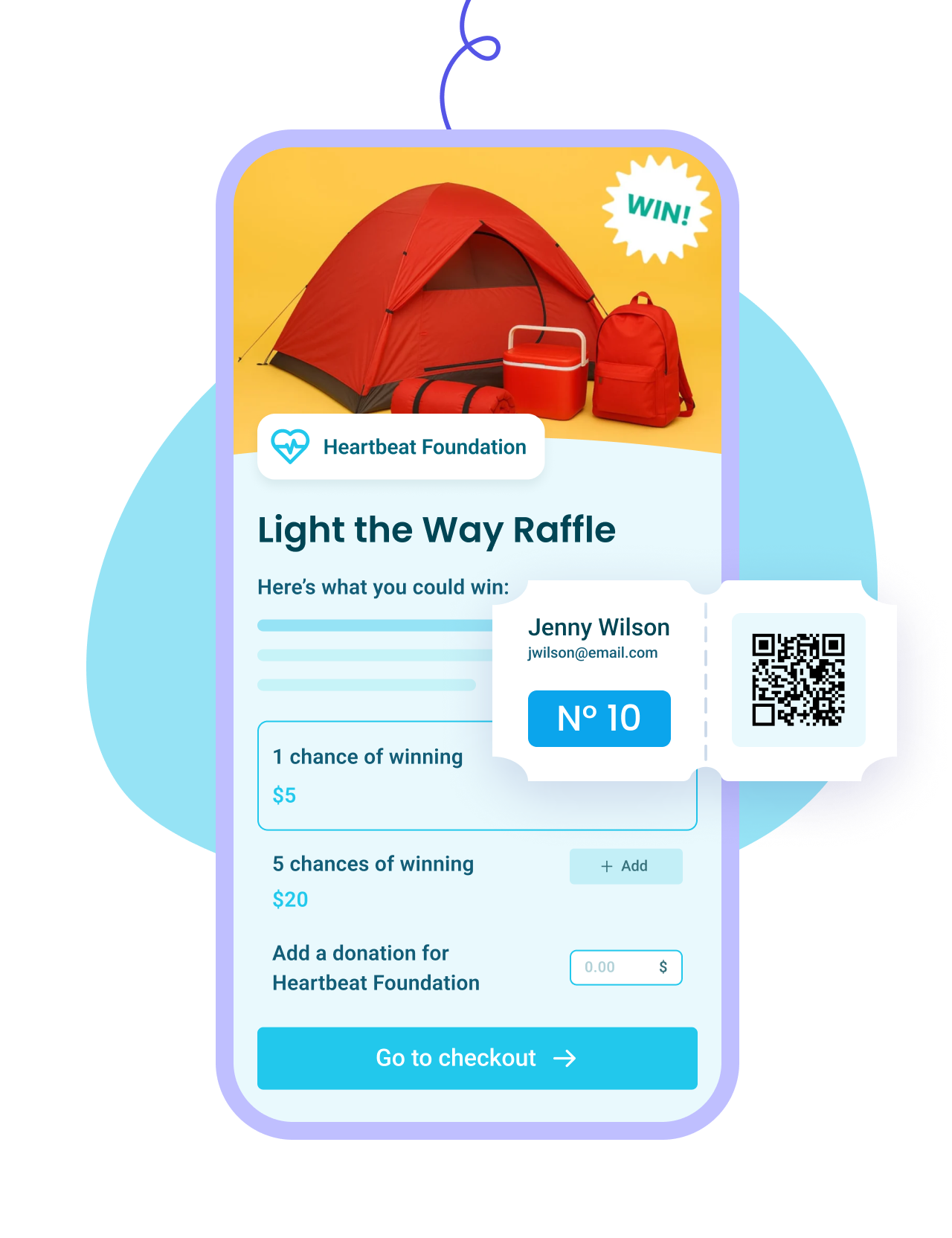
A streamlined ticketing experience for you and your supporters

Generate scannable e-tickets
Accept all payment methods
Add questions to ask buyers
Automatically send tax receipts
Sell group or individual tickets
Automate reminder emails
Add a donation option
Add discount codes
Mobile-friendly forms
... and more!
Sign up for free

Zeffy makes money exclusively from optional tips from your donors

Donation UI

Will I ever have to pay to use Zeffy?

How does Zeffy make money?

What if my donors don’t leave a tip?

Why would donors tip Zeffy?

Donation UI

Frequently asked questions

Is Zeffy really free to sell raffle tickets, and are there any fees?

Yes, Zeffy is free for raffles at any size. Sell a $10 ticket and $10 reaches your account, with no platform fee, no per-ticket fee and no card fee, because Zeffy is funded by an optional contribution supporters can add at checkout. Every buyer also lands in your free donor CRM, next to your donations, events and memberships, with no separate bill. The one cost Zeffy can't waive is a raffle license: many states and provinces charge for one, and that fee goes to your gaming authority.

Can I run a 50/50 raffle?

Yes, you can run a 50/50 raffle on Zeffy with the same free raffle form. Give the form a sales target, and supporters see a thermometer of the pot filling up as tickets sell, which is what keeps a 50/50 moving. Zeffy tracks what's raised and numbers every ticket, so you find the winner by their ticket number in your dashboard and pay them their half directly. A 50/50 falls under the same gaming rules as any raffle, so check yours first. Our 50/50 raffle guide covers pricing and promotion.

Can donors get a refund on a raffle ticket?

Yes, supporters can get a refund on a raffle ticket on Zeffy if your raffle terms allow it, since you set the policy. Zeffy gives you two separate controls: refund the payment, in full or in part, and cancel the tickets. Cancelling voids the QR code on those e-tickets and puts them back on sale if you capped how many were available. Some gaming authorities have their own refund rules, so check yours before you publish your terms.
Can I sell raffle tickets online and in person at the same time?

Zeffy does both, and both run off the same raffle form. What changes is what your state allows, and the limits take different shapes: California doesn't permit raffle tickets to be sold online at all, and Pennsylvania only allows cash, check or money order for raffle tickets, so cards are out whether you sell online or at the table. Check your own state's rules before you set either one up. Our raffle laws guide has a state-by-state table.

Taking payments at the event with the free Tap to Pay app runs through the same raffle form, so those tickets get numbered, emailed and added to the same participant list as your online sales, with nothing for you to reconcile afterwards.

Pre-printed paper stubs work differently. Either keep them on a second raffle form with e-ticket creation turned off, or set your online numbering to start above your printed range, right in the raffle form. Either way, no two tickets share a number, which is what matters when you draw.

How do I run an online raffle for my nonprofit?

Check first whether raffles and online ticket sales are permitted where you are, because that varies by state and province and it changes what you can run. Once you know, set up a free raffle form, set your ticket price and any bundles, connect your bank account and share the link. From there Zeffy numbers every ticket sequentially as it sells, emails each buyer their ticket automatically, and builds your participant list as you go. You can cap how many tickets go out, either overall or per ticket type. When you close sales you export that list and draw your winner, and the next question covers how, including the free tool you can use to do it. Our raffle walkthrough covers pricing and promotion.

"Before with our raffles we had to collect the money through PayPal and then email the ticket numbers to the individuals. Now that's all done by Zeffy and with no fees."

Barbara B., Executive Director (G2)

How does the winner drawing work?

Raffle law varies by state and province, and some places don't permit online ticket sales or online draws at all, so check where you stand before you set anything up. Our raffle laws guide has a state-by-state table, including a column for whether online ticket sales are allowed.

If an online draw is permitted where you are, there's a free Zeffy tool for it. Every ticket is numbered as it sells, so you export a list with one row per ticket showing the buyer and their number, paste it into the raffle generator and draw by name or by ticket number, with each entry counted separately so someone who bought five tickets gets five chances. If an online draw isn't permitted where you are, you use that same exported list and draw the way your authority requires.

Fundraise with zero fees

What tools would be useful to your nonprofit?

What kind of organization are you?

Donation
Donations
Ticketing
Event ticketing
Raffles
Raffles
Auctions
Auctions
Online Stores
Online
stores
P2P
Peer-to-peer campaigns
Memberships
Memberships
Tap To Pay
Tap to Pay
All of the above
All of the
above
Next
School
School
Sports Team
Sports Team
Animal Rescue
Animal Rescue
Church
Church
Food Bank & Aid
Food Bank & Aid
Volunteer Fire Department
Arts & Culture
Arts & Culture
Parent Teacher Association
Other
Other
Next
CloseClose Icon