How is Zeffy free?
How is Zeffy free?
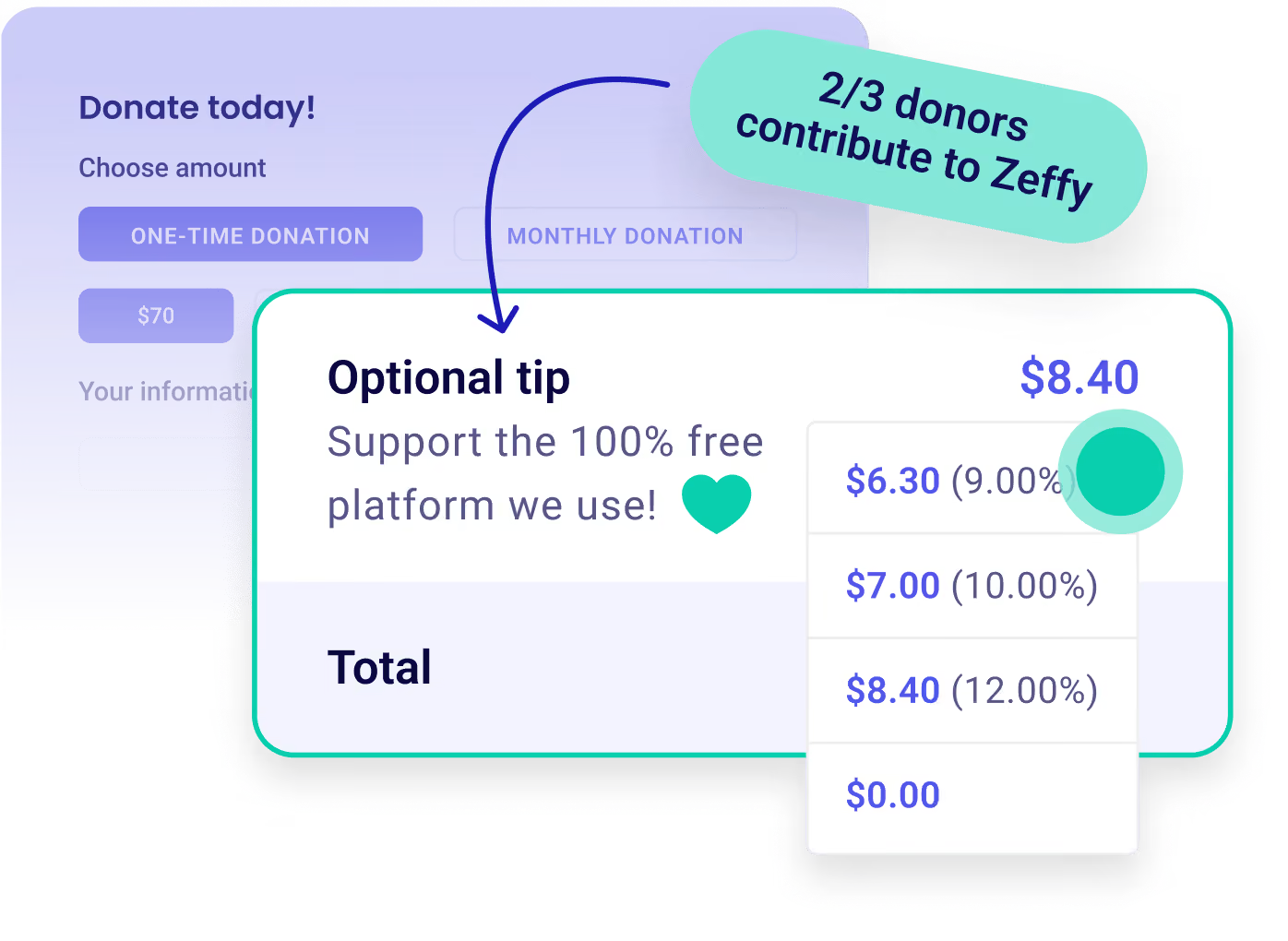
Zeffy relies entirely on optional contributions from donors. At the payment confirmation step - we ask donors to leave an optional contribution to Zeffy.
Learn more >

Collect donations on your phone. Zero fees.

Customize Icon

Offer Tap to Pay. Take all major cards on your phone via mobile app, with no reader to buy and no monthly fee. Sell tickets, merch, concessions, etc.

Payment Icon

Boost donations. Let supporters add an additional donation at checkout. Offer discount codes. Send receipts. Grow proceeds.

Donation Icon

Keep all funds. No credit card, transaction, processing, or other fees. 100% of every donation goes to your nonprofit.

Create your Zeffy account
Already have a Zeffy account?
Tap To Pay
Worthy Dog Rescuekids cancer careBOYS & GIRLS CLUBS OF AMERICAthe YMCA
5 Stars
“We use Tap to Pay directly on our phones (iOS and Android), so there’s no clunky hardware to work with.”
Colleen S
Colleen S.
Program Director
5 Stars
“With Zeffy’s app that can be downloaded onto any phone, they’ve saved us the need to purchase a square reader”
Jessie B
Jessie B.
Executive Director
5 Stars
“The tap to pay app was an amazing replacement for our clunky Square devices. Our bookkeeper loves the intuitive layout for reporting.”
Sasha M
Sasha M.
Executive Director
5 Stars
“We’ve tried Square, Zelle, Venmo, and PayPal, but Zeffy has been the best for us, and it’s the only one we use now.”
Douglas C
Douglas C.
Kiwanis Literacy Club
5 Stars
“Zeffy is actually 100% free and allows for all your users (under managed accesses by admin) to take tap to pay donations and payments everywhere!”
Bradley H
Bradley H.
Program Director
5 Stars
“Zeffy is easy to use, simple to set up, and share with our supporters. I really love the tap-to-pay option.”
Christopher C
Christopher C.
Executive Director
5 Stars
“Zefy has a number of options for forms creation that should serve most, if not all, of the needs of a non-profit organization. I like that they also offer Tap-to-Pay.”
Cheryl D
Cheryl D.
Program Director
5 Stars
“One of the best features of Zeffy is that it is 100% free to use. Your non-profit will receive every penny that is raised.”
Matt V
Matt V.
Executive Director
4.9
(1039 reviews)
5 Stars
4.8
(474 reviews)
5 Stars

Raise more with 100% free fundraising tools

Dontaion IconDontaion Icon
Donations
Plus IconMinus Icon
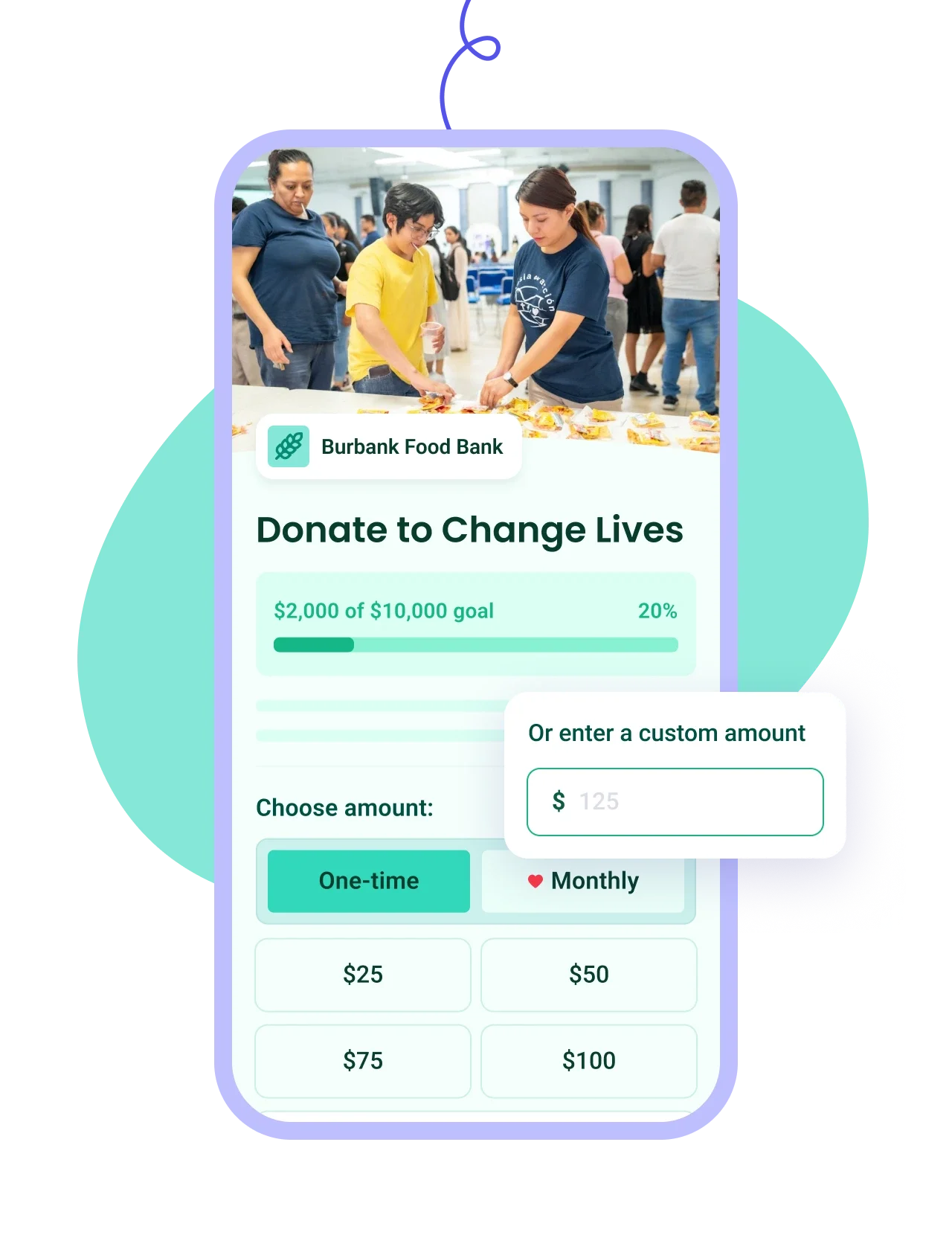
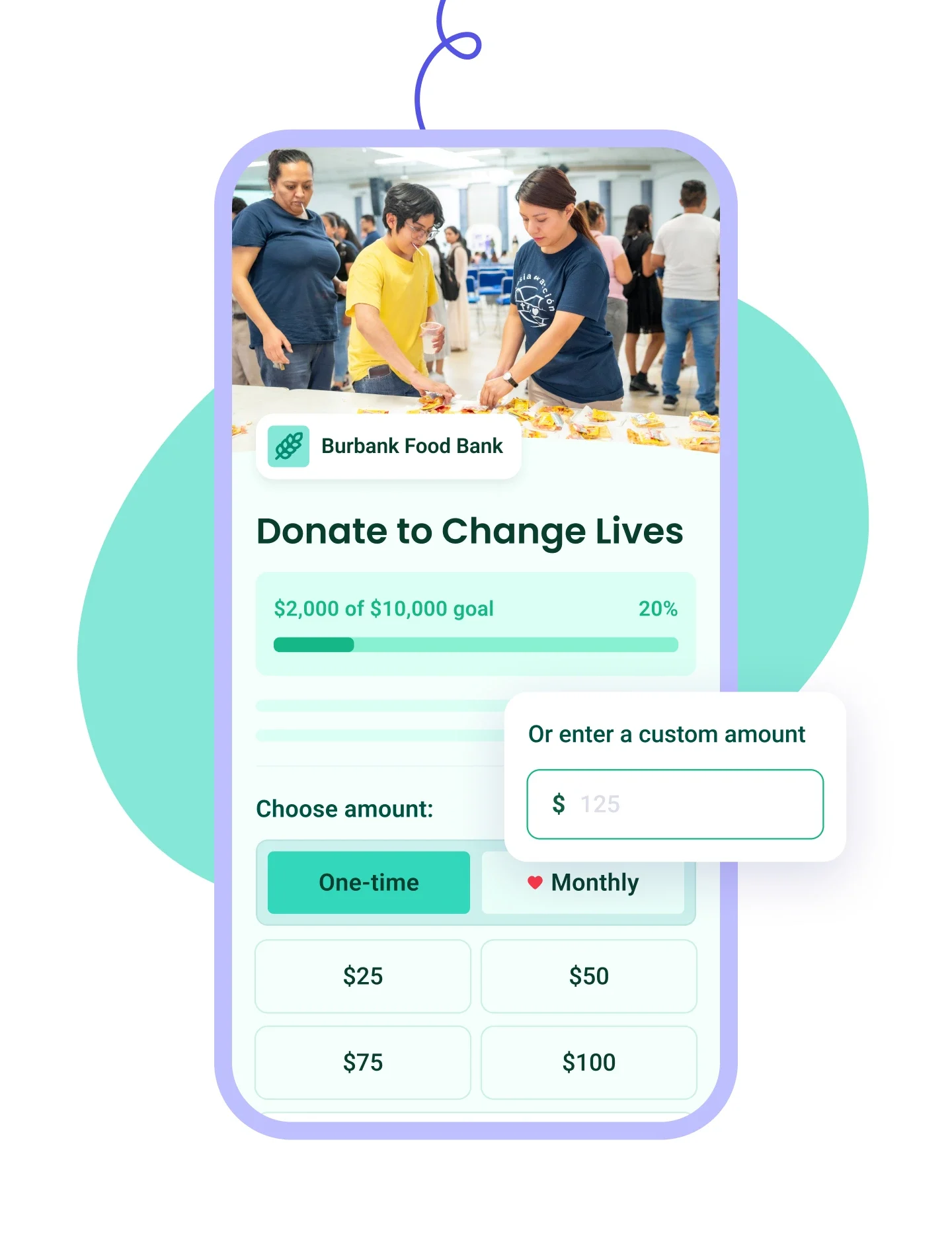
Build branded forms in minutes with one-time or recurring giving and automatic tax receipts.
Learn more
Right Arrow defaultRight Arrow Hover
Donation Tablet ImageDonation Mobile Image
Ticketing IconTicketing Icon
Ticketing
Plus IconMinus Icon
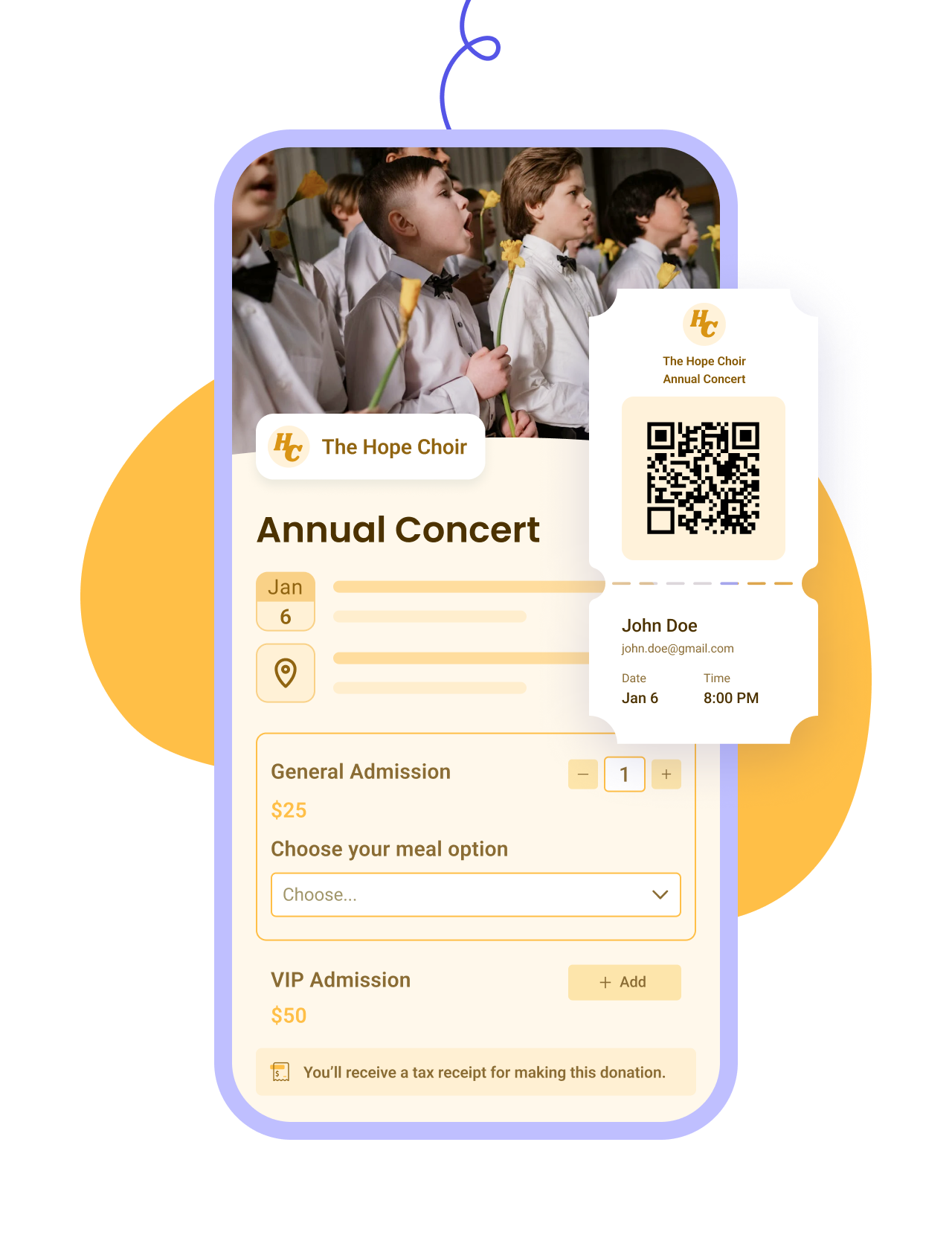
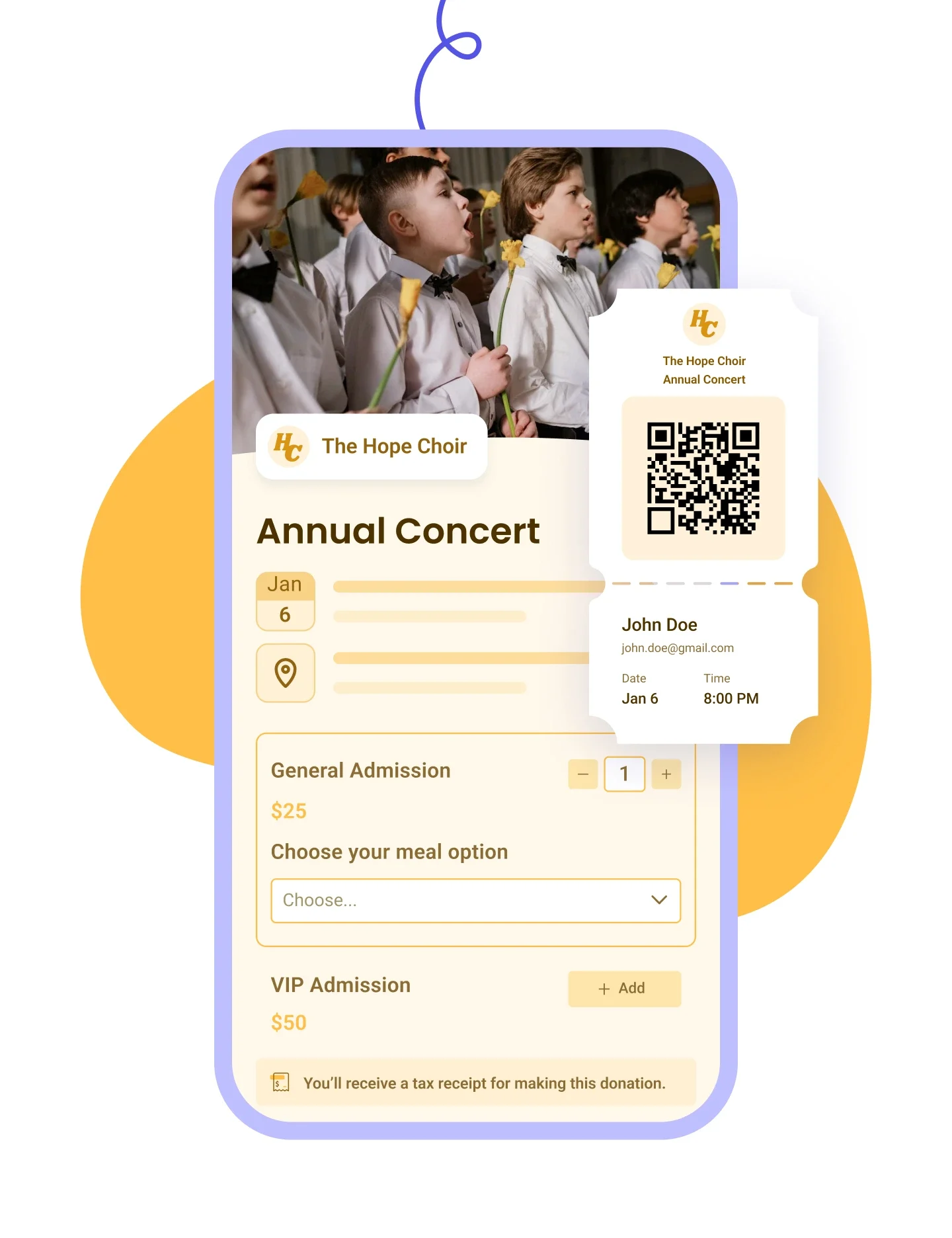
Customize your event form, email tickets, and manage check-ins and attendees on the day.
Learn more
Right Arrow defaultRight Arrow Hover
Ticketing Tablet ImageTicketing Mobile Image
Raffles IconRaffles Icon
Raffles
Plus IconMinus Icon
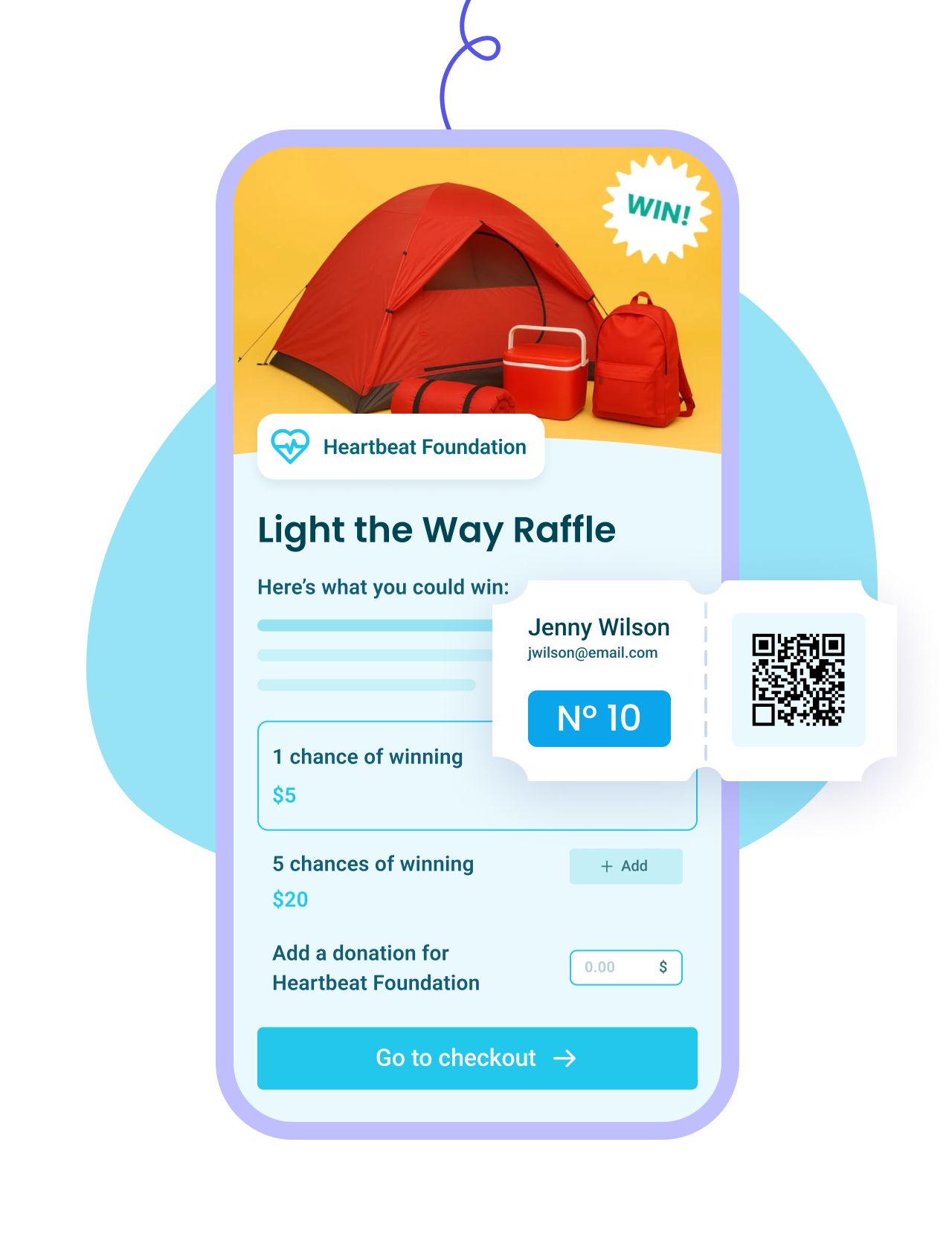
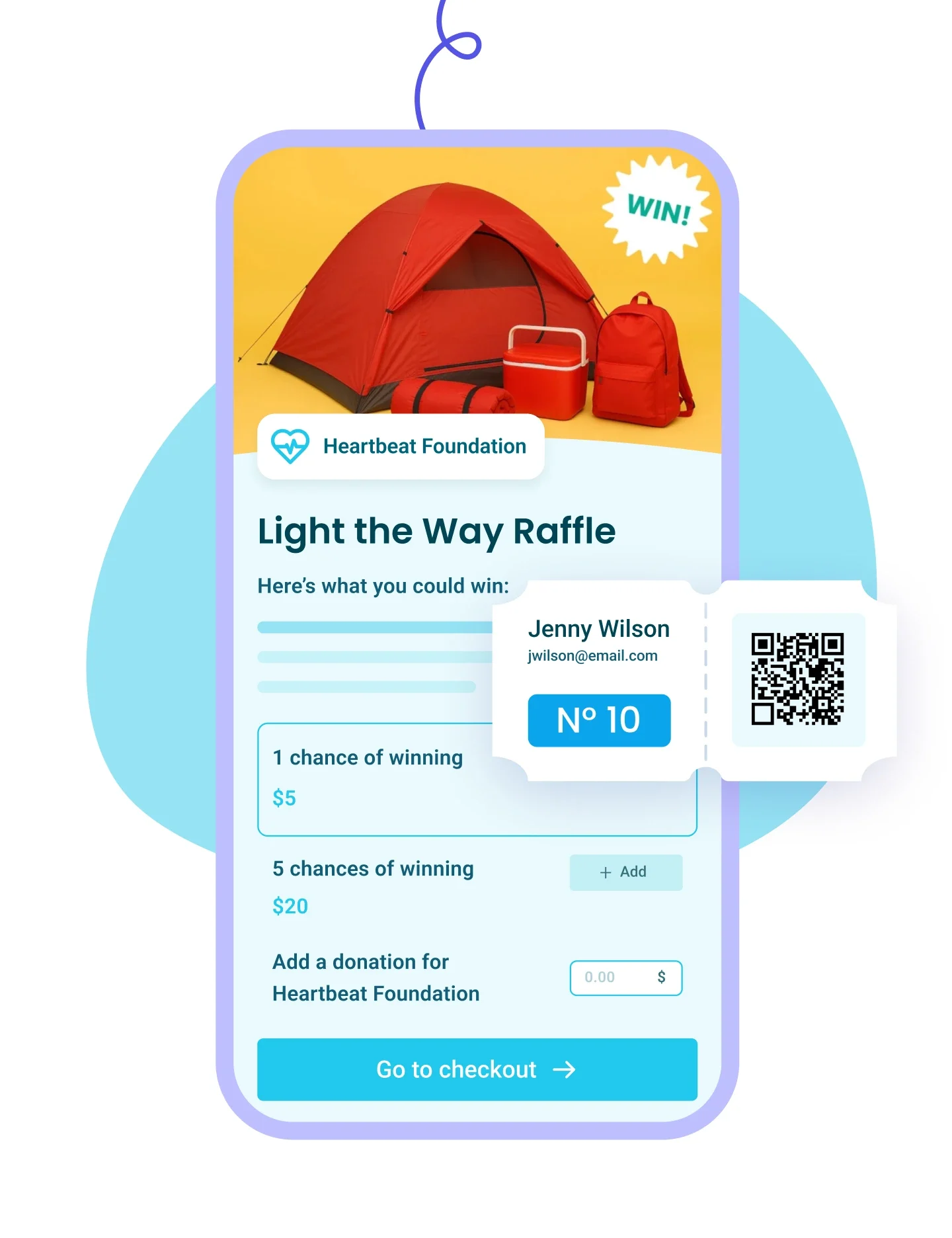
Set up prize pools and ticket bundles, generate numbered tickets, and draw winners from your list.
Learn more
Right Arrow defaultRight Arrow Hover
Raffles Tablet ImageRaffles Mobile Image
Membership IconMembership Icon
Membership
Plus IconMinus Icon
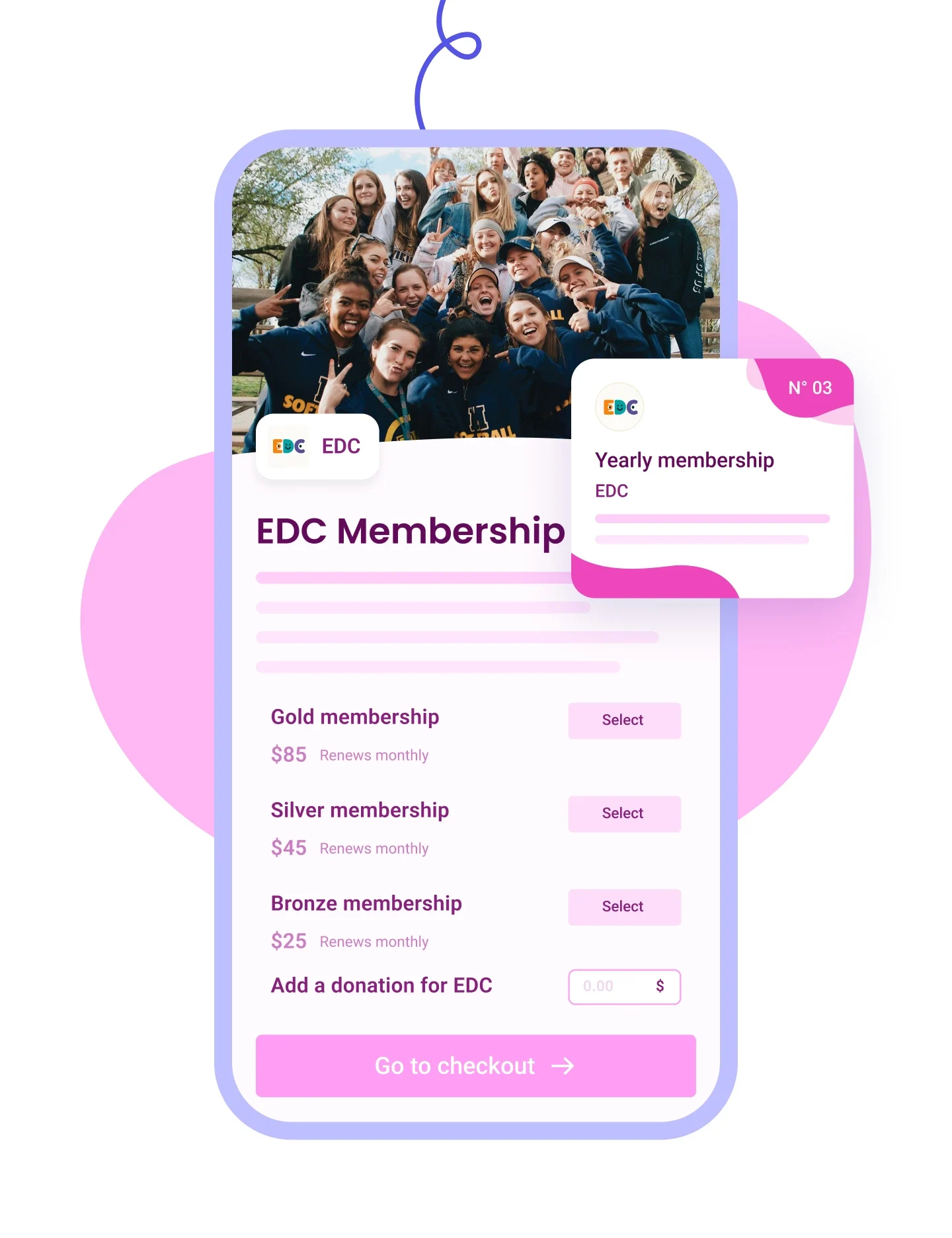
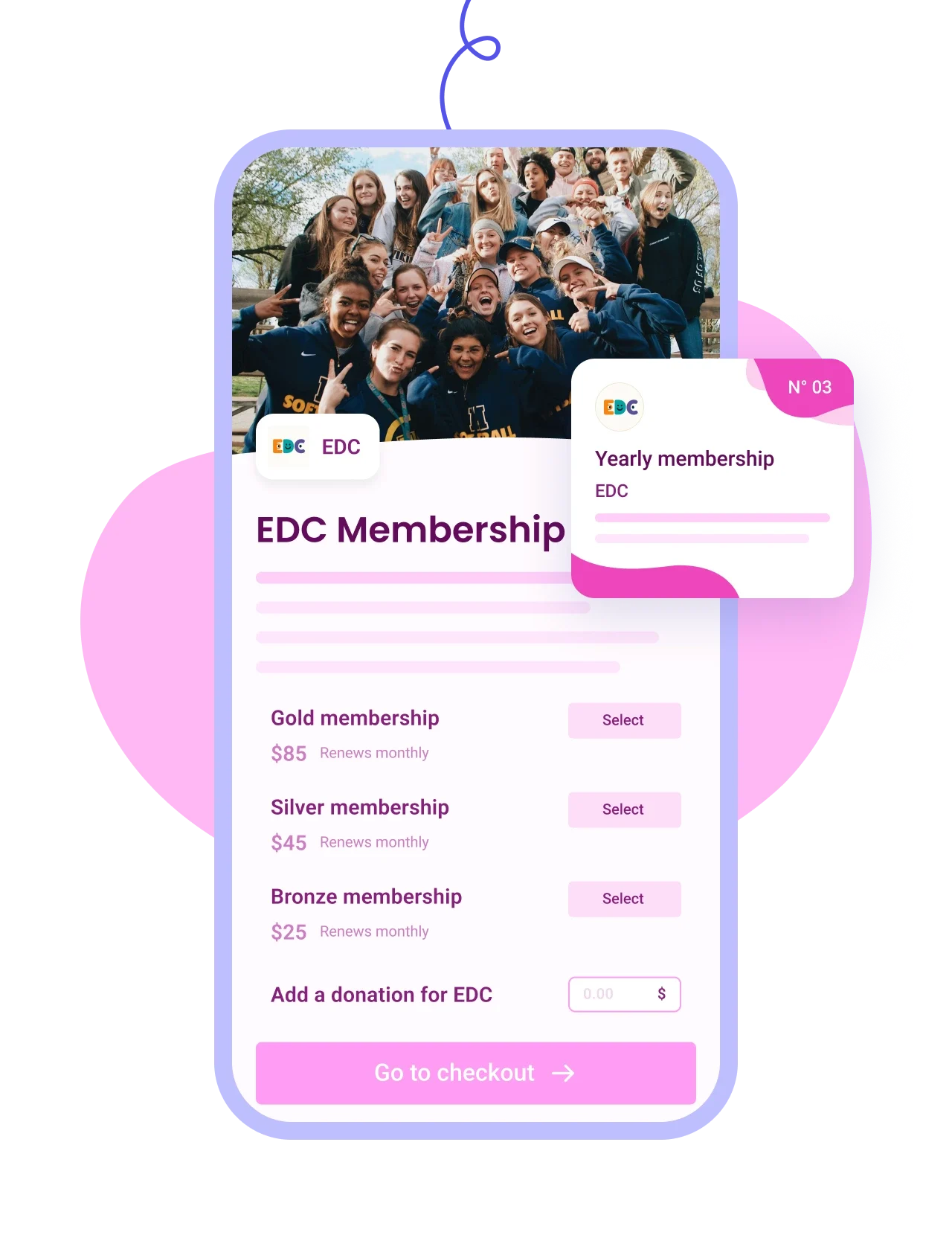
Sell tiered memberships with renewal options and send personalized cards by email.
Learn more
Right Arrow defaultRight Arrow Hover
Membership Tablet ImageMembership Mobile Image
Auction IconAuction Icon
Auctions
Plus IconMinus Icon
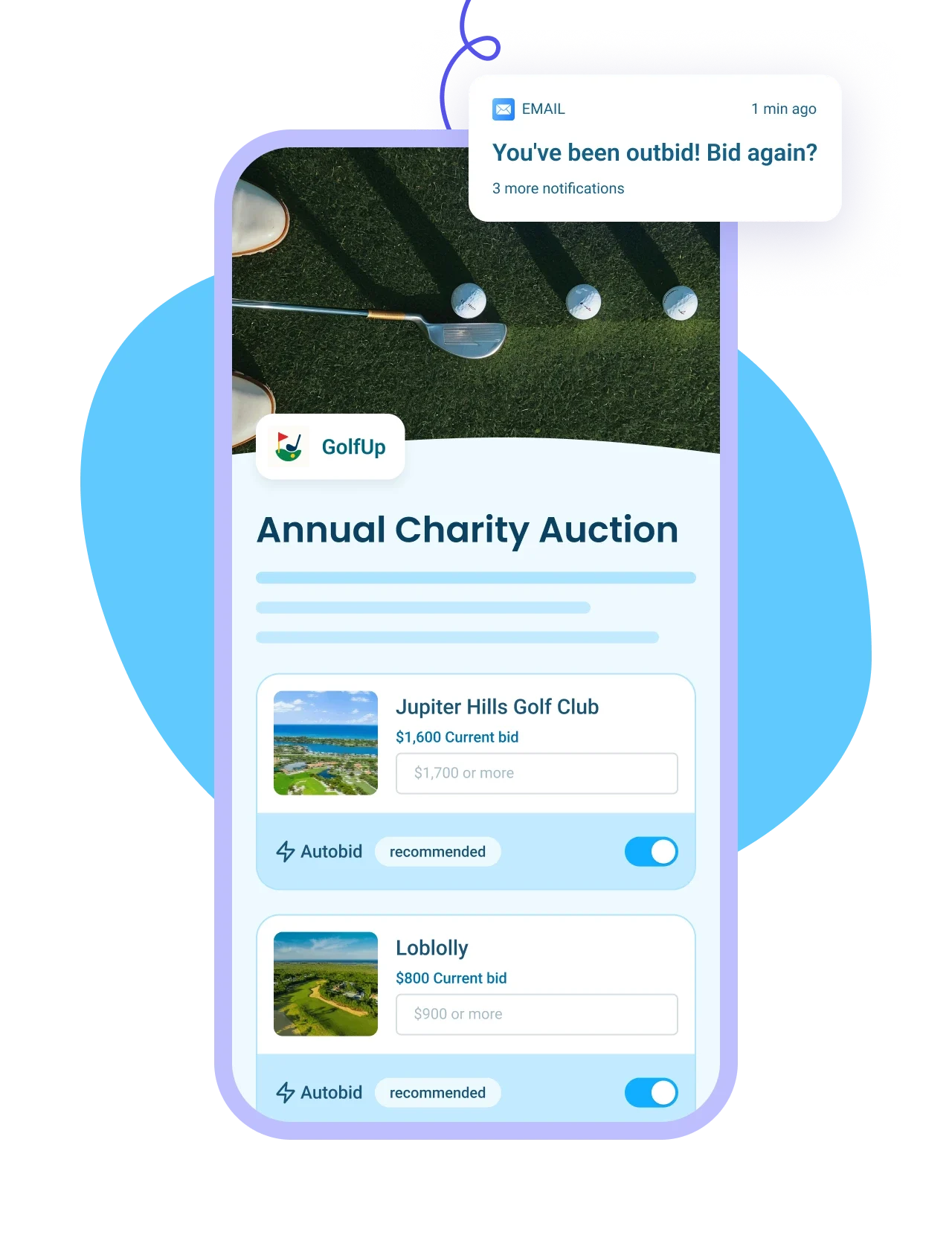
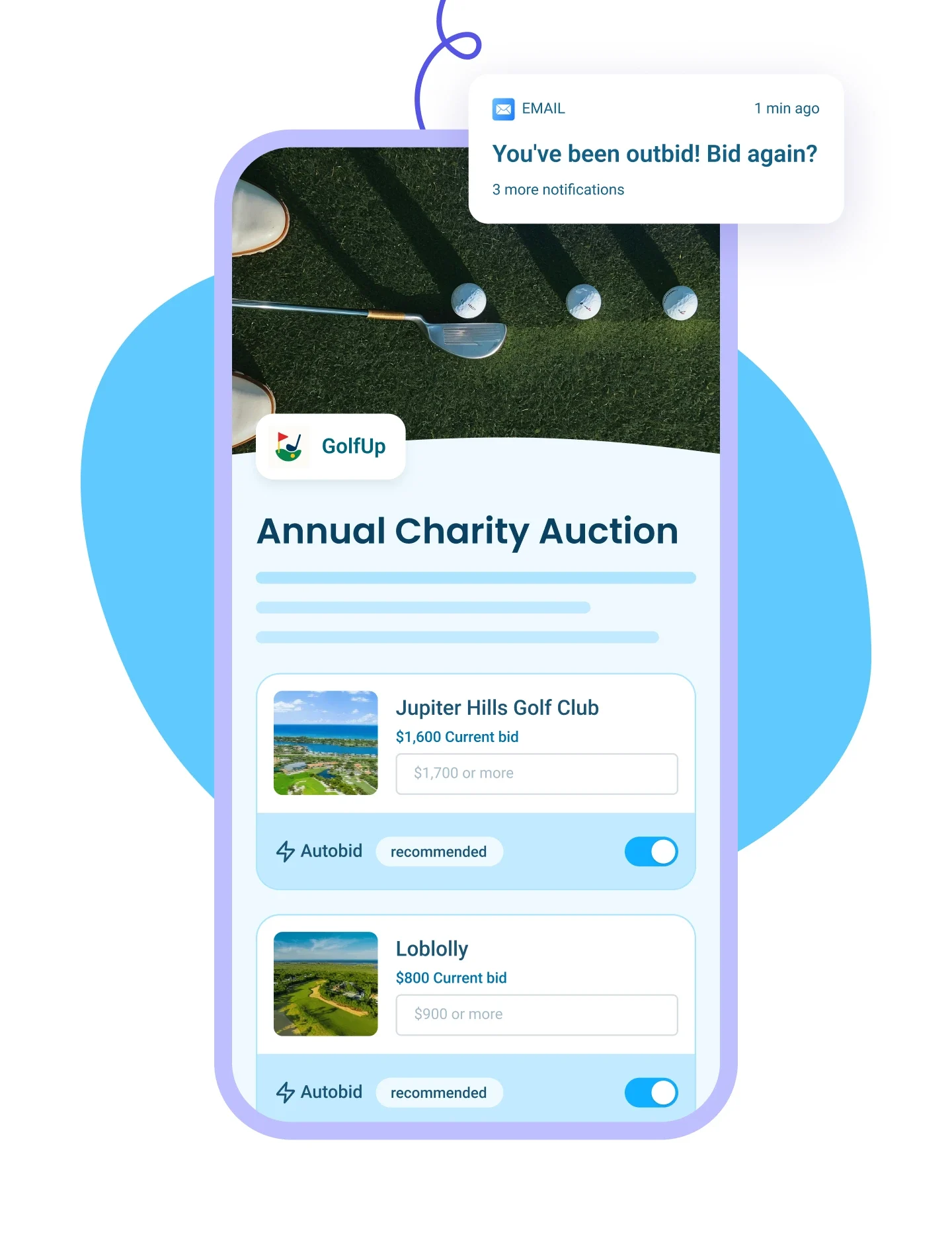
List auction items with images and write-ups, send outbid alerts, and auto-collect payments from winners.
Learn more
Right Arrow defaultRight Arrow Hover
Auction Tablet ImageAuction Mobile Image
p2p Iconp2p Icon
Peer-to-Peer Campaigns
Plus IconMinus Icon
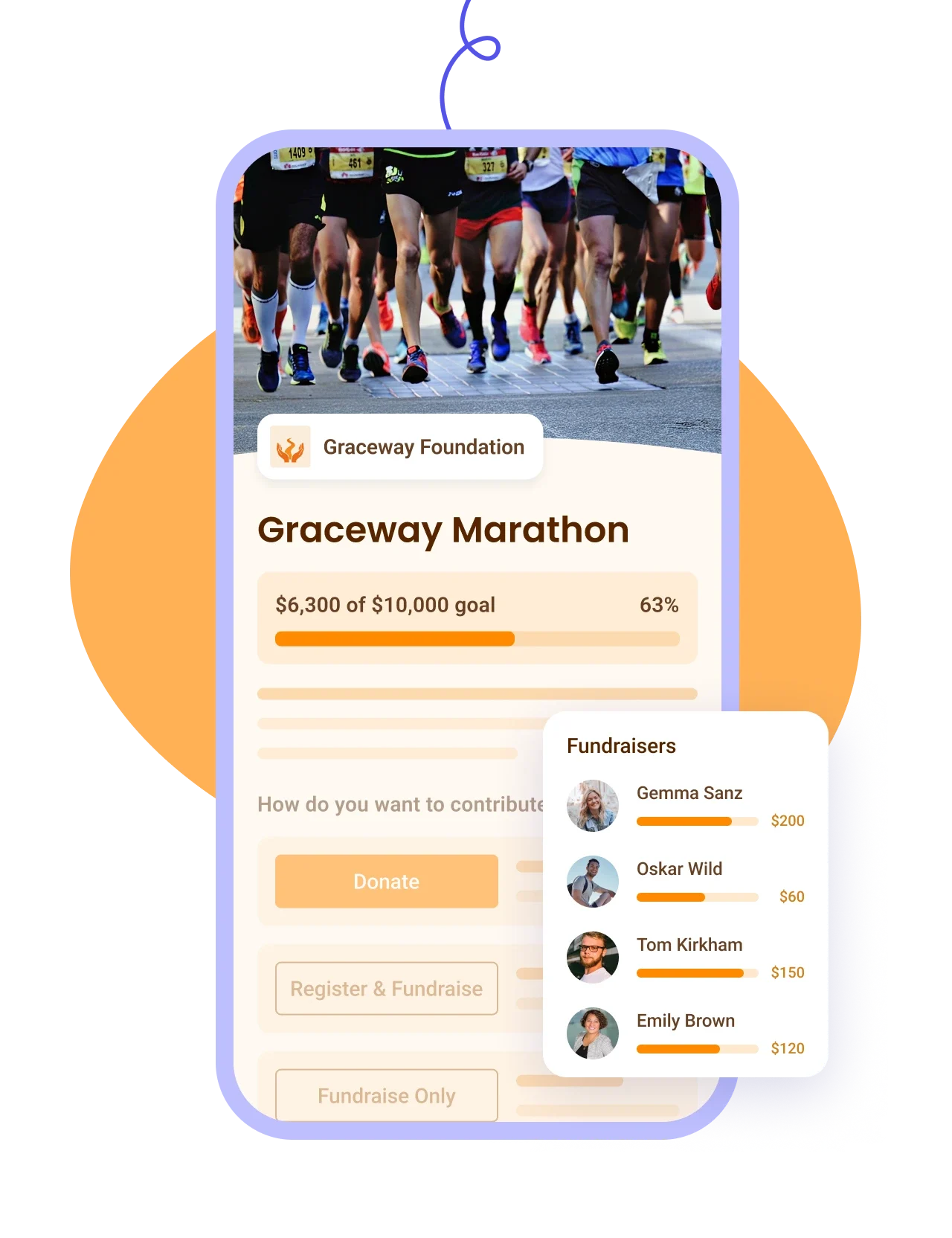
Let donors fundraise for your cause, track proceeds on a leaderboard — ideal for a-thons.
Learn more
Right Arrow defaultRight Arrow Hover
P2P Tablet ImageP2P Mobile Image
Online Store IconOnline Store Icon
Online Stores
Plus IconMinus Icon
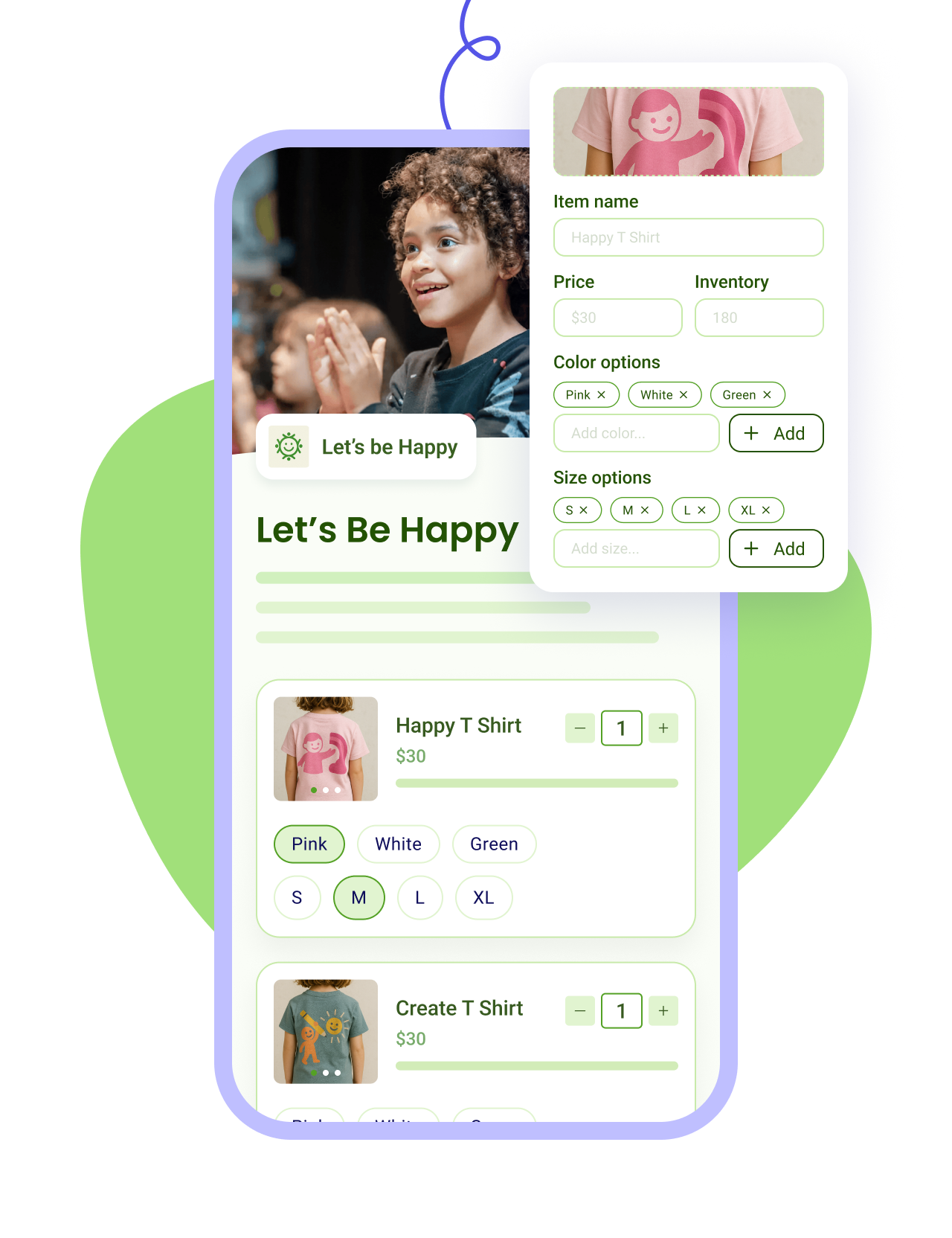
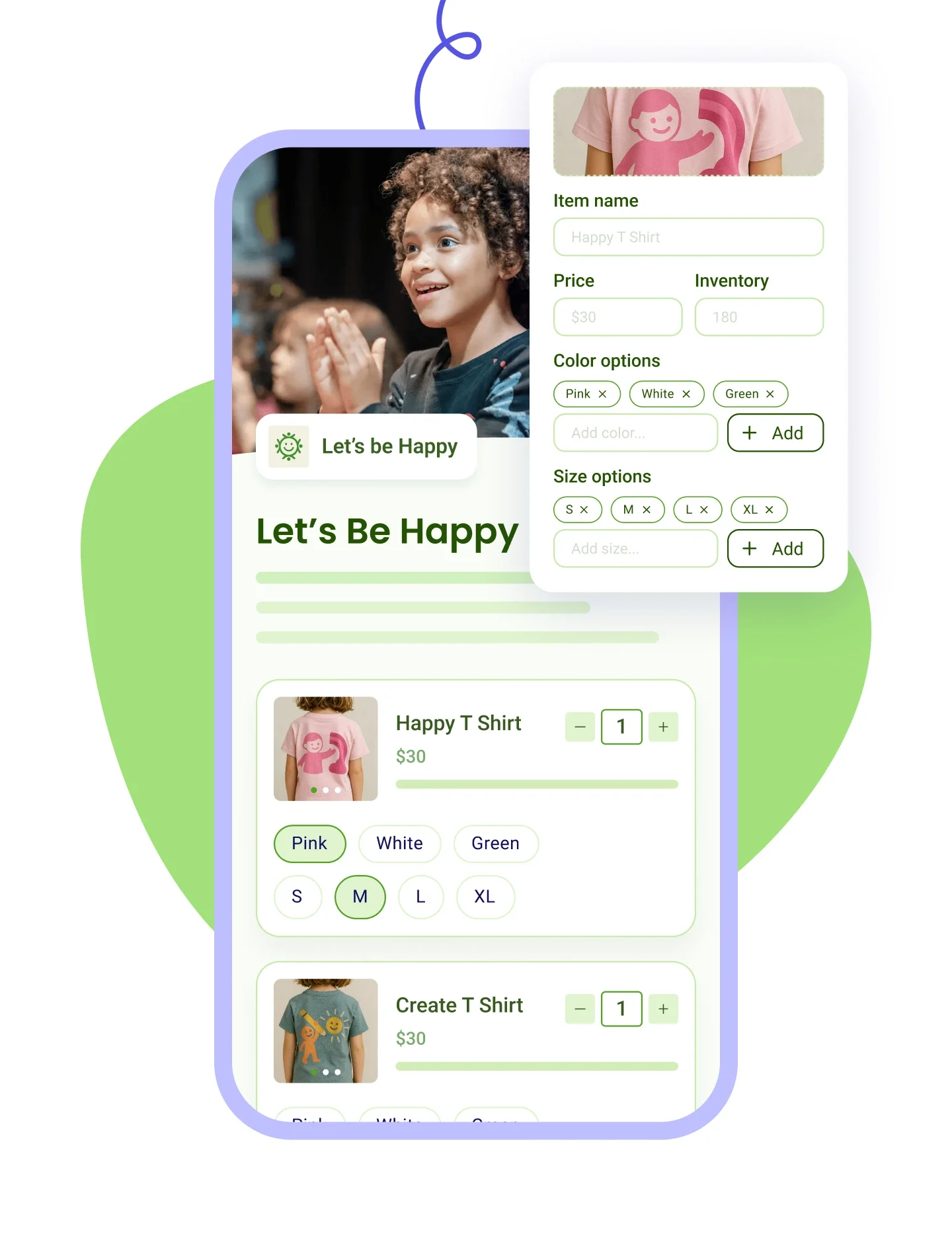
Sell merch with photos and variants, apply discounts, and track sales and inventory in one place.
Learn more
Right Arrow defaultRight Arrow Hover
Online Store Tablet ImageOnline Store Mobile Image
Tap To Pay IconTap To Pay Icon
Tap to Pay App
Plus IconMinus Icon
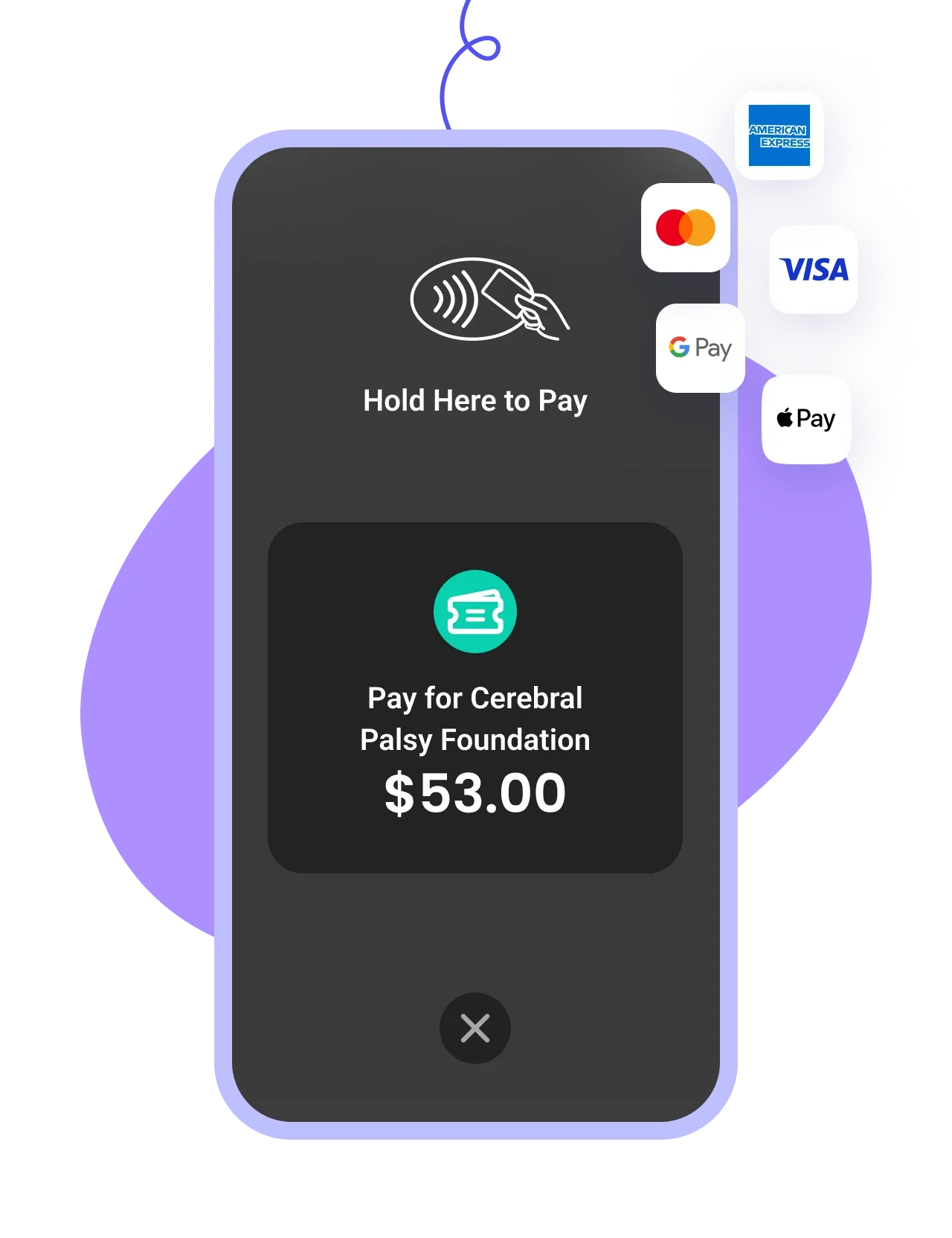
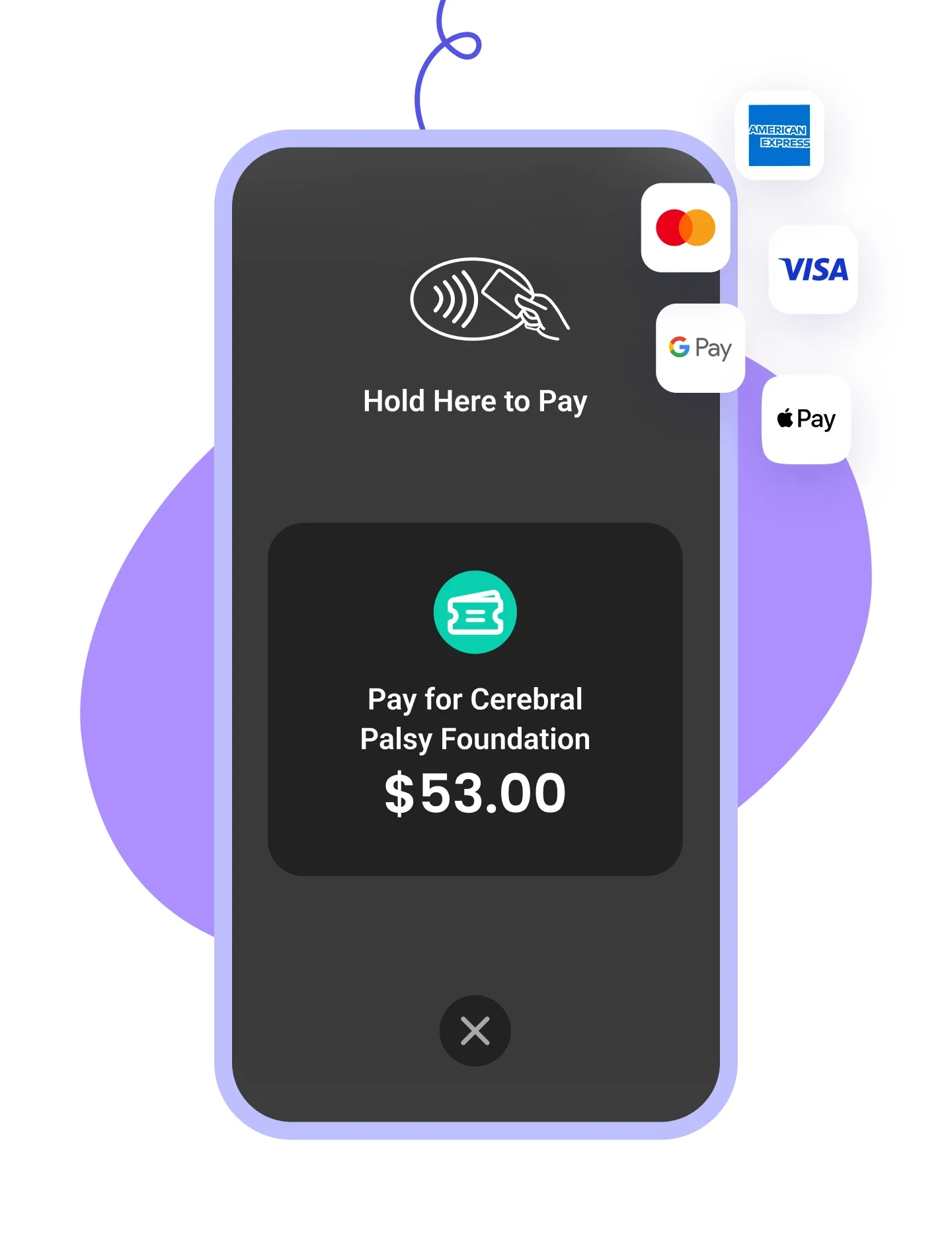
Accept payments on your smartphone with zero fees, check in attendees, and scan QR codes on the go.
Learn more
Right Arrow defaultRight Arrow Hover
Tap to pay Tablet ImageTap To Pay Mobile Image

From your phone to your first sale in four steps

Accept all payment types from your
iPhone or Android
STEP 1

Accept all payment types from your
iPhone or Android

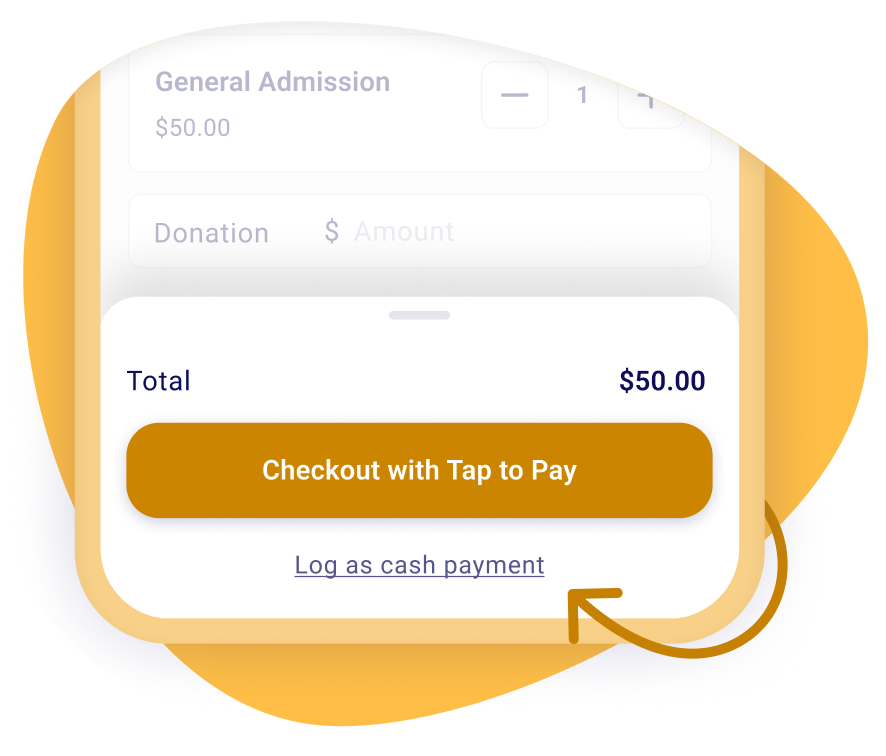
Accept all major credit and debit cards, right from your iPhone or Android. Log a cash payment just as easily; it's tracked the same way as a card.
Create your Zeffy account
Already have a Zeffy account?
Apple Store
App Store
Google Pay
Google Play
A box office in the palm of your hand
STEP 2

A box office in the palm of your hand

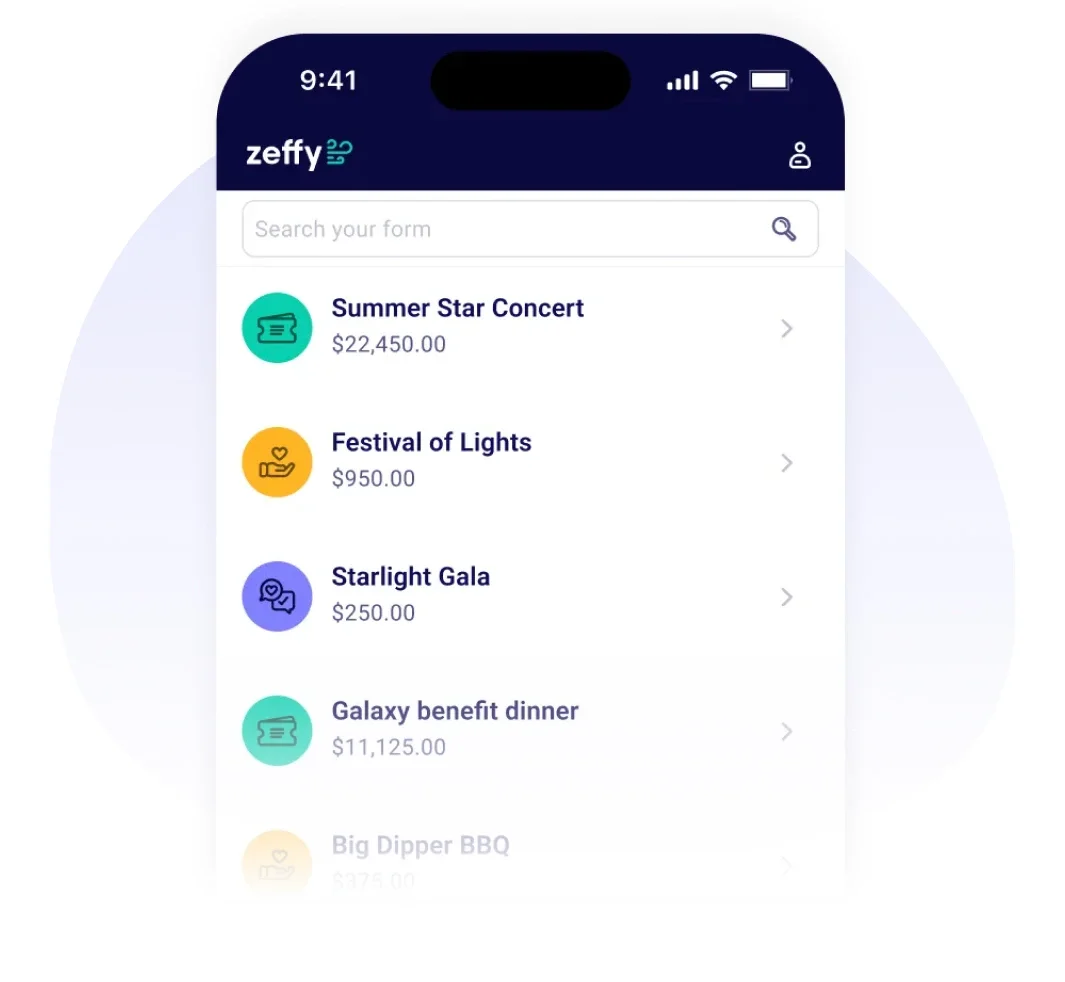
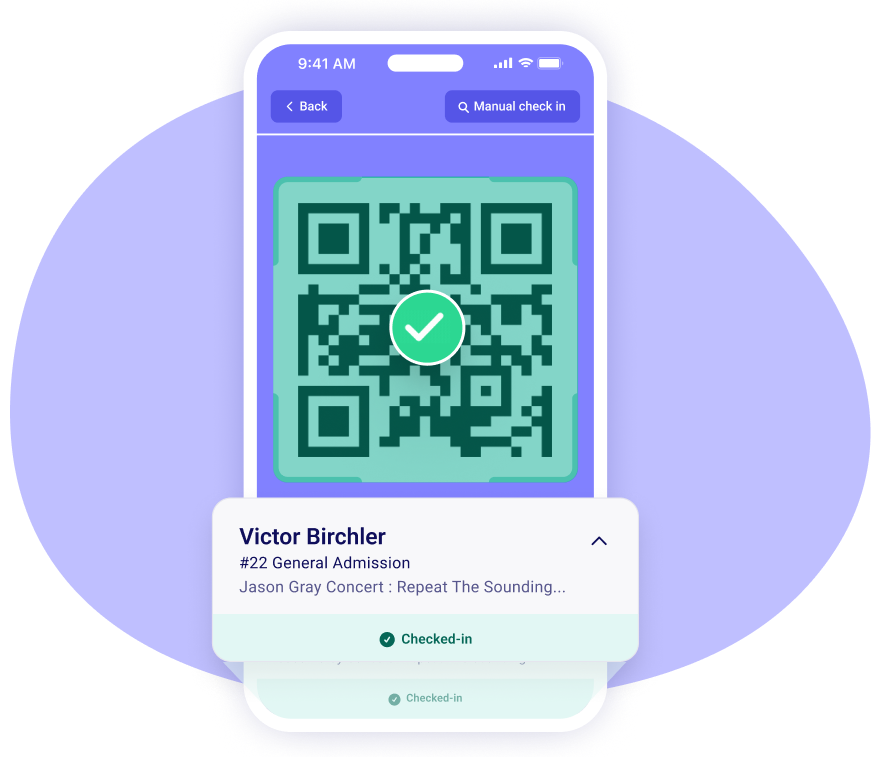
Choose from all of your Zeffy events to sell tickets and accept donations while connecting in-person with your supporters!
Create your Zeffy account
Already have a Zeffy account?
Apple Store
App Store
Google Pay
Google Play
No terminal needed - only an iPhone
STEP 3

No terminal needed, any phone will do

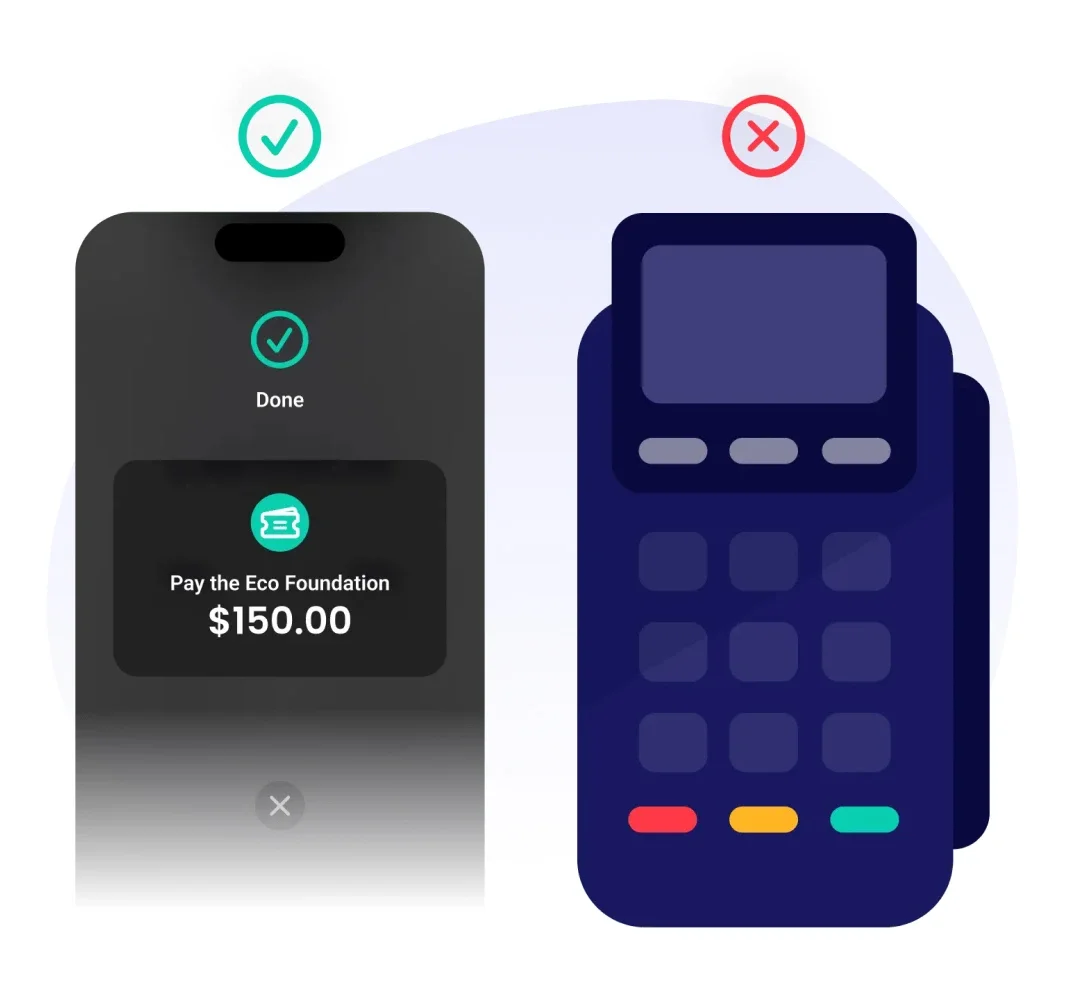
Say goodbye to clunky terminals - accepting a payment from your supporters is as simple as a tap on your iPhone or Android. On an older phone that doesn't support tap payments, or on an iPad? The app still opens and runs your event; it just won't take a tap payment on that device.
Create your Zeffy account
Already have a Zeffy account?
Apple Store
App Store
Google Pay
Google Play
and more!
STEP 4

Sell everything on your form

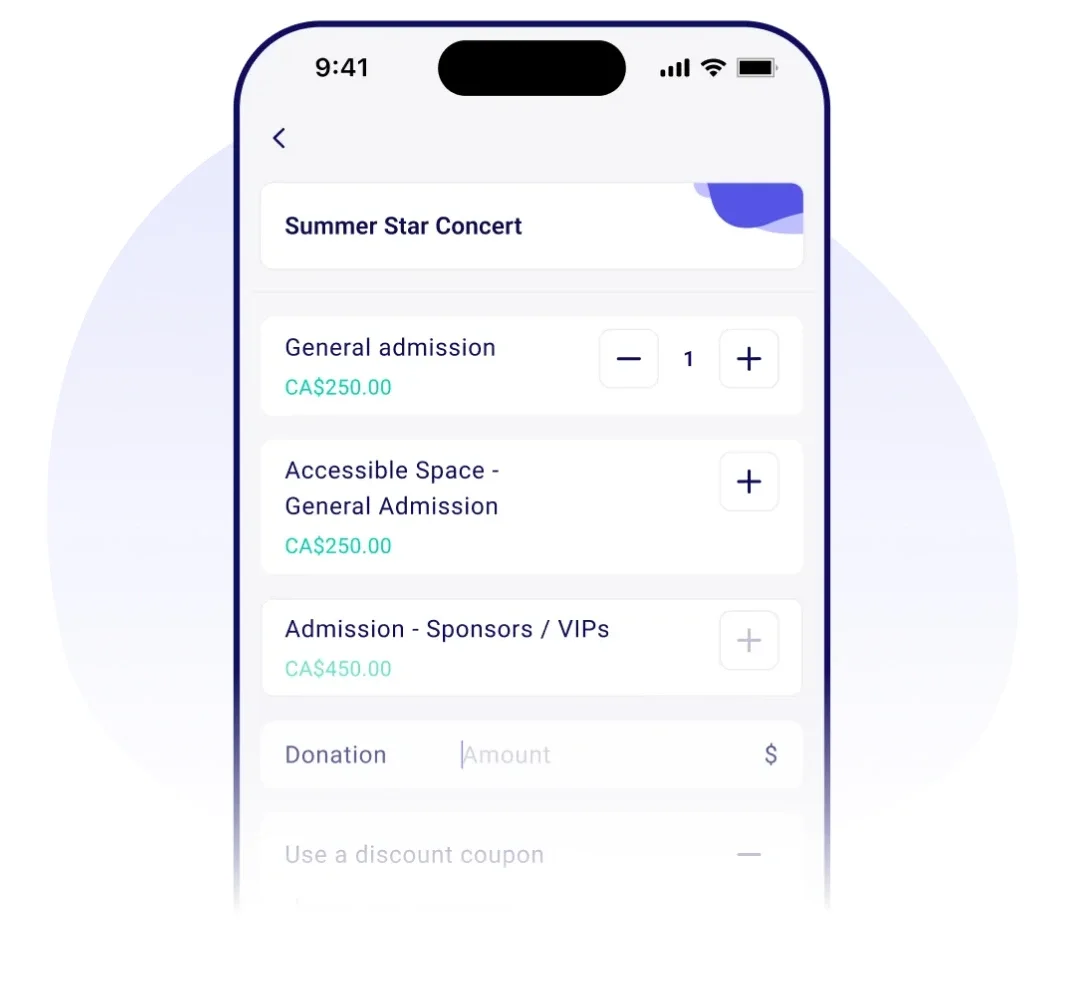
Add an additional donation option at checkout. Offer discount codes. Automatically send receipts to your buyers' emails. Sell items with variants, like a size or a color, and Pay What You Can rates, right from the app.
Create your Zeffy account
Already have a Zeffy account?
Apple Store
App Store
Google Pay
Google Play

Everything you need to sell at your event, for free

It's an event desk, not just a card reader

  • Check guests in and scan tickets from the same app
  • Correct totals across multi-date events
  • Syncs in real time with the web Check-in Manager, so two people can work the door at once
  • Full guest list and payment details, with push notifications

Cash counts too, automatically

  • Log a cash payment as easily as a card, right under the same button
  • It updates inventory and adds the buyer to raffle pools or participant lists exactly like a card sale does
  • Shows up as its own channel in reporting (in-person cash, in-person card, online), so there's nothing to reconcile by hand

Sell everything on your form, right from the app

  • Items with variants, like a T-shirt in a size and color, go in the cart without anyone touching a laptop
  • Pay What You Can rates, with the suggested and minimum amounts your form already set
  • Discount codes, item-level questions, and per-guest answers for multi-ticket sales

A sale at the door isn't anonymous

  • A card reader gives you money and nothing else. Tap to Pay also captures who paid, straight into your donor list
  • Tax receipt, name and email toggle on per campaign, on by default for campaigns that already issue receipts
  • Check-in, cash and sales all land on that same record, not three separate logs
Decorative

A pocket-sized payment experience for you and your supporters

Tap to accept any card

Allow your team to take payments

Automatically send receipts

Sell tickets at your event

Keep every dollar you raise

Collect donations on the spot

Track payments in one placeLog cash alongside card sales

Sell items with variants

Pay What You Can rates

Check in guests and scan tickets

No hardware to buy, works on any phone

Anyone can install it, even on an incompatible device

Works for churches, schools and community fundraisers

Start fundraising for free
Decorative

Frequently asked questions

Does Zeffy have a card reader?

Your phone is the card reader. The free Tap to Pay app takes tap payments on an iPhone or Android phone, so there is no terminal to buy. Zeffy doesn't connect to an external card reader.

Which countries can use Tap to Pay?

Tap to Pay is available in the US, Canada, the UK and Australia. Zeffy itself is also available in Ireland, but the Tap to Pay app is not yet. UK organizations: Tap to Pay sales don't carry Gift Aid the way an online donation form does, so a Gift Aid-eligible campaign is better run through the web form for now.

Can churches use Tap to Pay for tithes and offerings?

Yes, churches can use Tap to Pay for tithes and offerings, with nothing church-specific to set up. A tithe or offering is a campaign like any other, so the same tap, cash logging and automatic tax receipt all work the same way.

Can I use Tap to Pay without wifi or a data connection?

No, Tap to Pay needs a connection to process a card payment, so it isn't built for a fully offline event. If you know signal will be weak, log the sale as cash instead: it's tracked exactly the same way as a card payment, including the tax receipt.

Zeffy makes money exclusively from optional tips from your donors

Donation UI

Will I ever have to pay to use Zeffy?

How does Zeffy make money?

What if my donors don’t leave a tip?

Why would donors tip Zeffy?

Donation UI

Fundraise with zero fees

What tools would be useful to your nonprofit?

What kind of organization are you?

Donation
Donations
Ticketing
Event ticketing
Raffles
Raffles
Auctions
Auctions
Online Stores
Online
stores
P2P
Peer-to-peer campaigns
Memberships
Memberships
Tap To Pay
Tap to Pay
All of the above
All of the
above
Next
School
School
Sports Team
Sports Team
Animal Rescue
Animal Rescue
Church
Church
Food Bank & Aid
Food Bank & Aid
Volunteer Fire Department
Arts & Culture
Arts & Culture
Parent Teacher Association
Other
Other
Next
CloseClose Icon