How is Zeffy free?
How is Zeffy free?
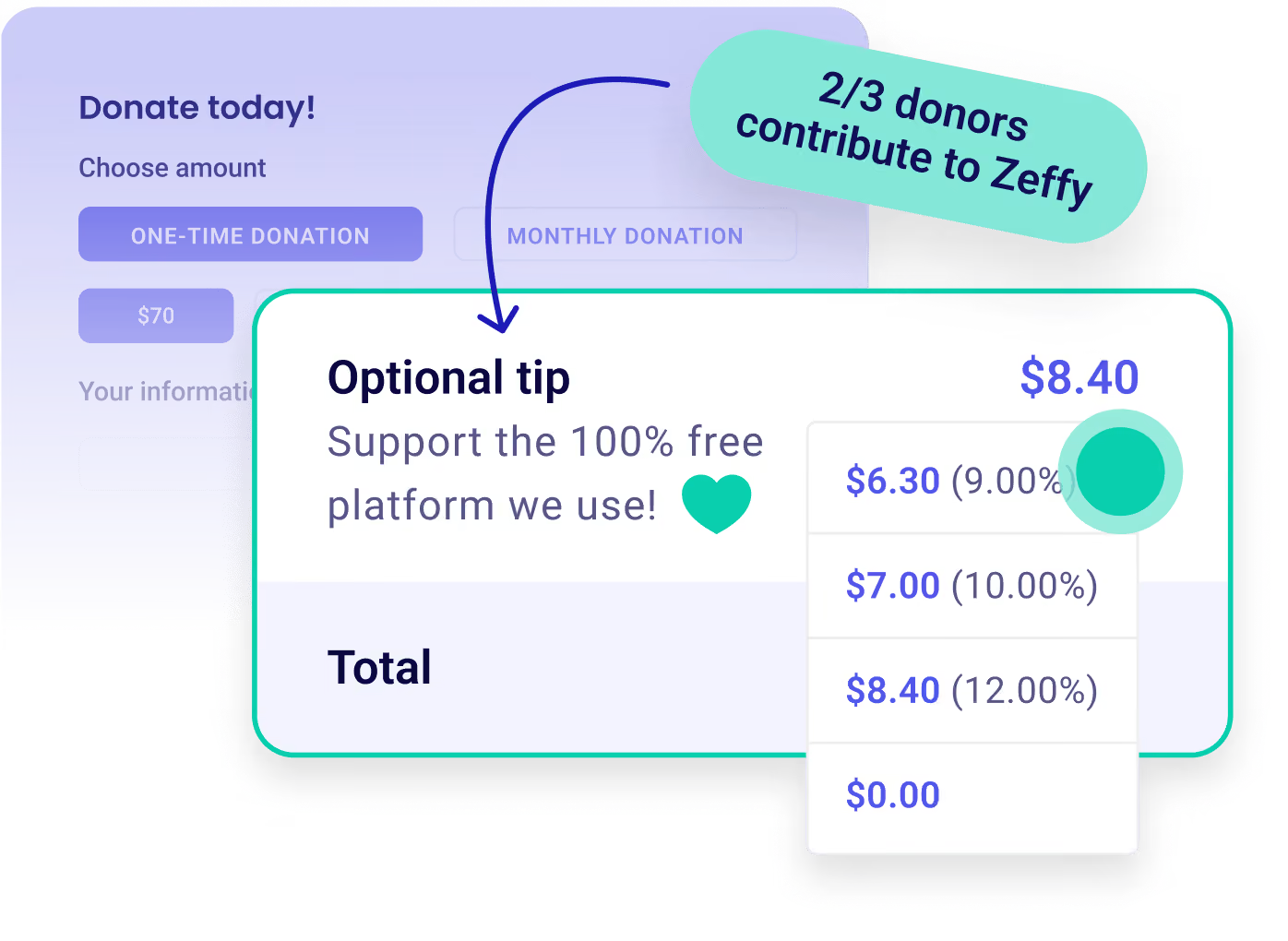
Zeffy relies entirely on optional contributions from donors. At the payment confirmation step - we ask donors to leave an optional contribution to Zeffy.
Learn more >

Raise more with 100% free auctions

Customize Icon

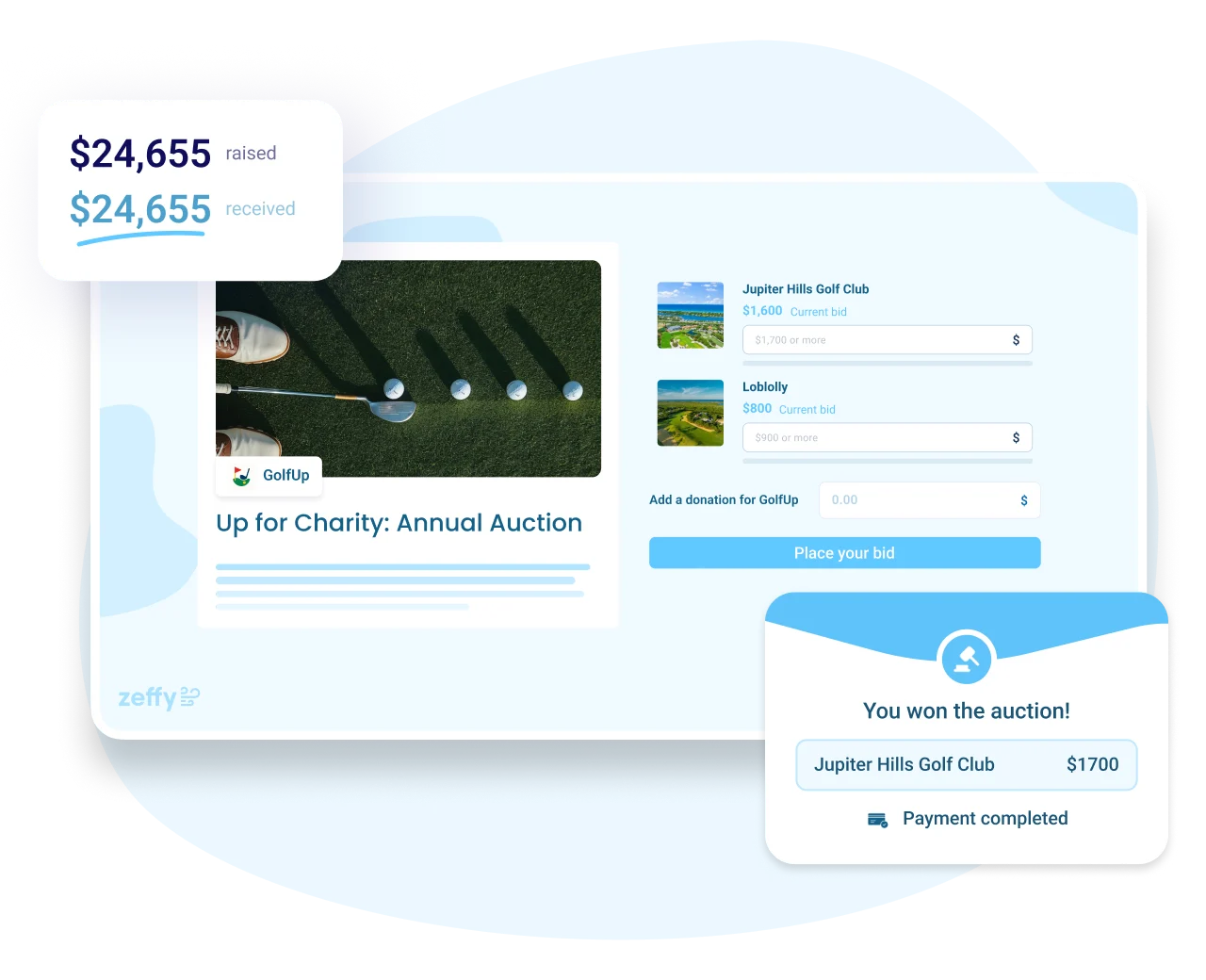
Online auctions. Launch in minutes. Customize forms to increase bids. Set bid increments. Share with supporters.

Payment Icon

Management. Auto-send outbid notifications. Drive higher bidding. Track bids, item performance, and participants.

Donation Icon

Payments. Auto-collect payments. Accept cards, Apple Pay, Google Pay, etc. No credit card, transaction, or platform fees.

Create a free auction
100% free forever.
Auction
Worthy Dog Rescuekids cancer careBOYS & GIRLS CLUBS OF AMERICAthe YMCA
“We recently used Zeffy for our Rotary Club's online auction, and the experience was nothing short of exceptional!”
Julie S
Julie S.
Rotary Club of District 5010
“I set up a 13 item virtual auction that was easy at both the back end and the user end.”
Cathy W
Cathy W.
Program Director
“We have used Zeffy for donations, as well as an online auction and an in-person event, in the last year or so and have already saved hundreds of dollars in fees!”
Tara K
Tara K.
Executive Director
“The event ticketing and silent auction features simplify management and consolidate payments and donations in one site.”
Jason K
Jason K.
Executive Director
“Creating events, managing sponsorships, and organizing auctions are all easy and streamlined. This saves us time, reduces stress, and allows us to focus on our mission”
Kim B
Kim B.
The Brandon Caserta Foundation
“Zeffy is super easy to set up, especially for silent auctions and small nonprofits looking to host their first event.”
Alyssa A
Alyssa A.
Executive Director
“Zeffy’s free platform has saved us a lot of money that can be directed towards supporting our mission instead of escalating fees.”
Dallas T
Dallas T.
Saskatchewan Co-operative Association
“Zeffy is 100% free for nonprofits, so every dollar goes to the mission, and it’s easy for both organizers and donors to use.”
Michael V
Michael V.
Thames River Community Service
4.9
(1039 reviews)
4.8
(474 reviews)

Raise more with 100% free fundraising tools

Dontaion IconDontaion Icon
Donations
Plus IconMinus Icon
Build branded forms in minutes with one-time or recurring giving and automatic tax receipts.
Learn more
Right Arrow defaultRight Arrow Hover
Donation Tablet ImageDonation Mobile Image
Ticketing IconTicketing Icon
Ticketing
Plus IconMinus Icon
Customize your event form, email tickets, and manage check-ins and attendees on the day.
Learn more
Right Arrow defaultRight Arrow Hover
Ticketing Tablet ImageTicketing Mobile Image
Raffles IconRaffles Icon
Raffles
Plus IconMinus Icon
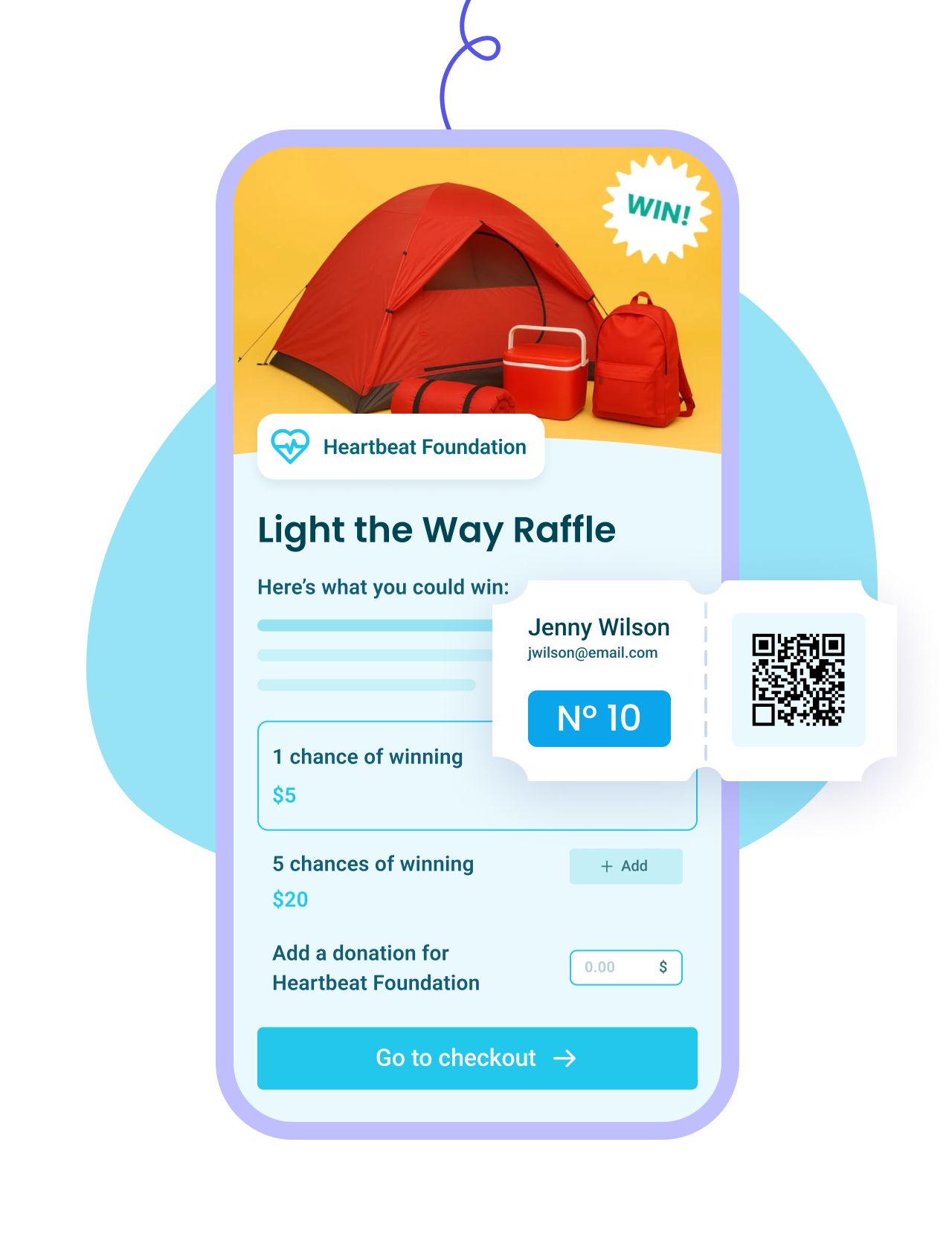
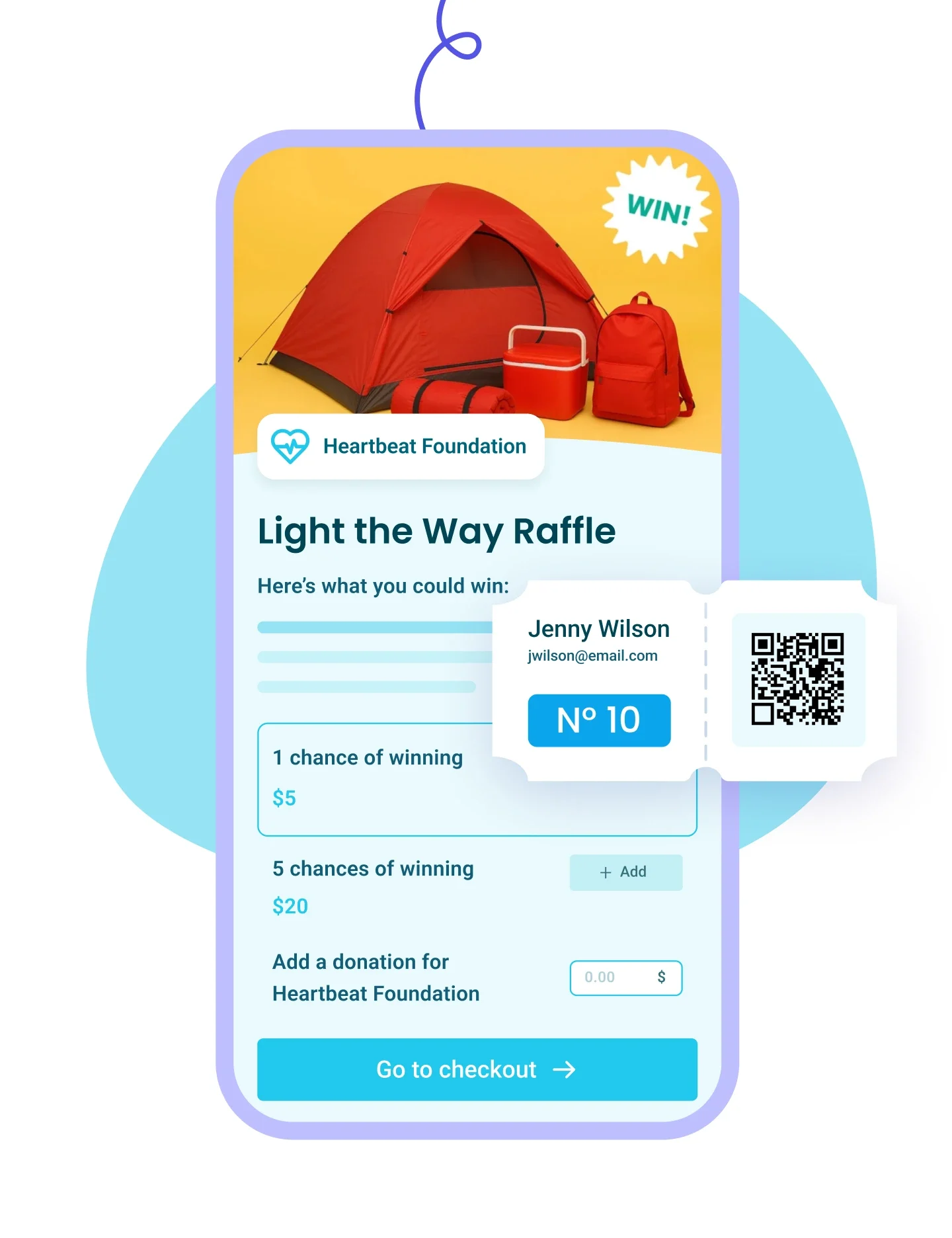
Set up prize pools and ticket bundles, generate numbered tickets, and draw winners from your list.
Learn more
Right Arrow defaultRight Arrow Hover
Raffles Tablet ImageRaffles Mobile Image
Membership IconMembership Icon
Membership
Plus IconMinus Icon
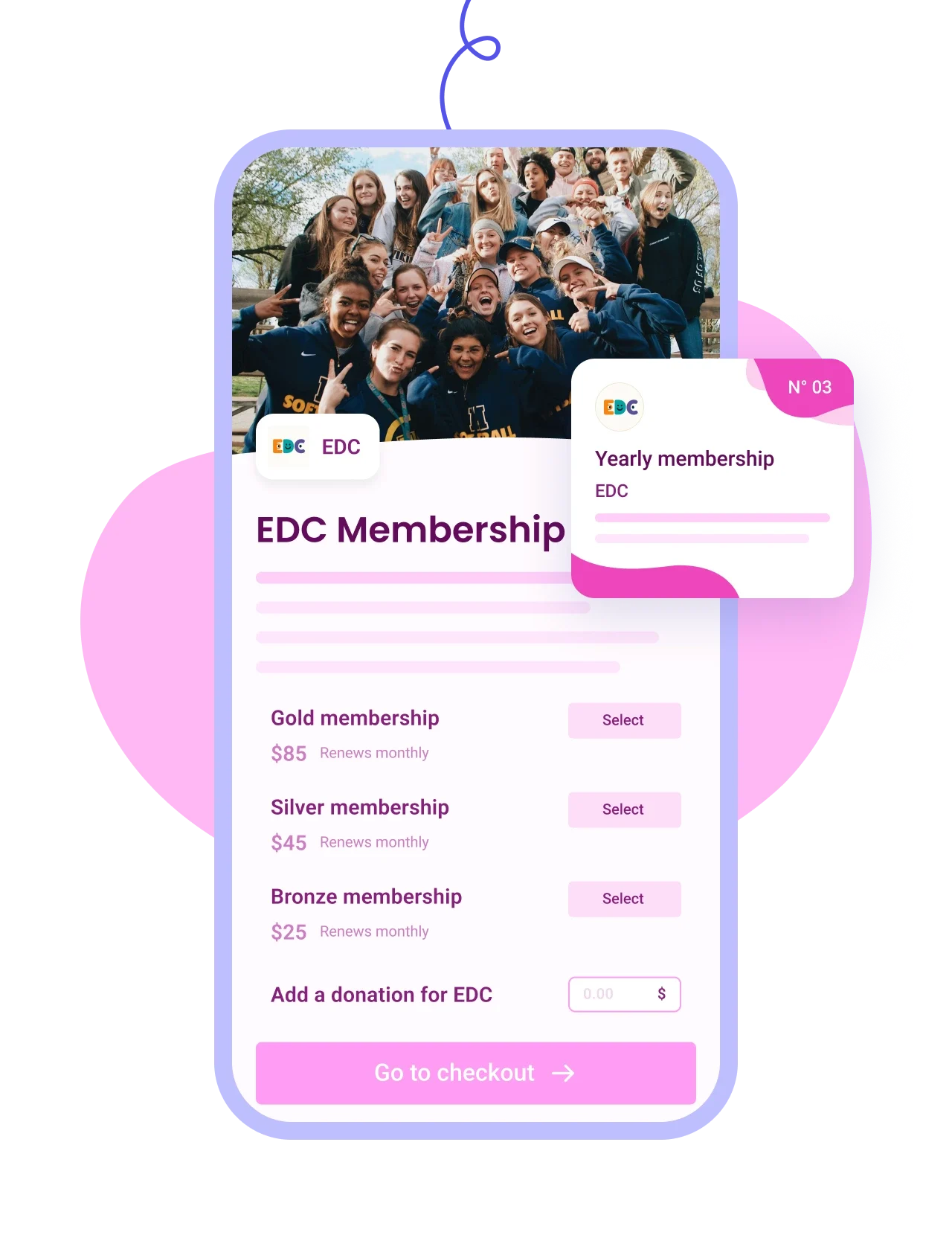
Sell tiered memberships with renewal options and send personalized cards by email.
Learn more
Right Arrow defaultRight Arrow Hover
Membership Tablet ImageMembership Mobile Image
Auction IconAuction Icon
Auctions
Plus IconMinus Icon
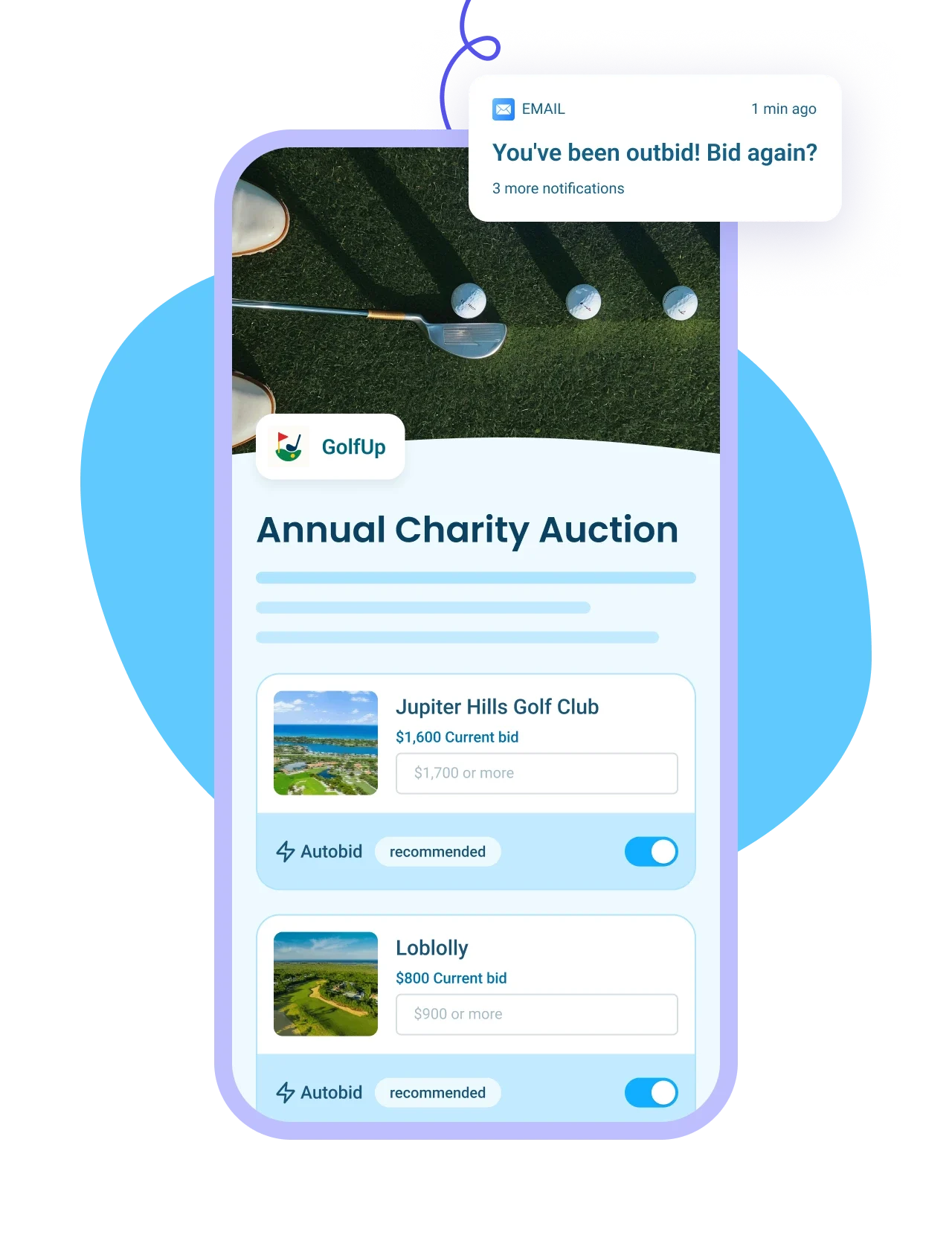
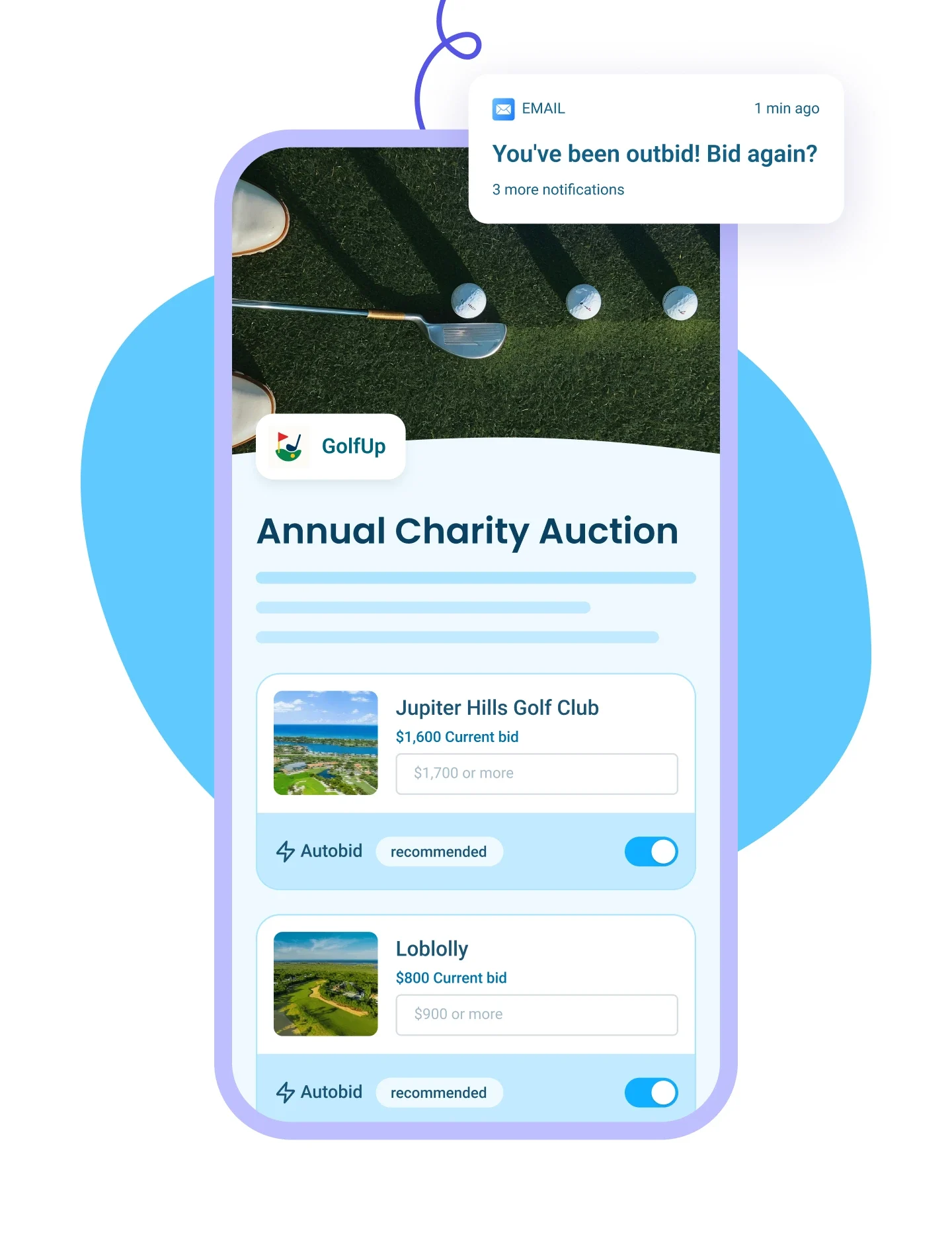
List auction items with images and write-ups, send outbid alerts, and auto-collect payments from winners.
Learn more
Right Arrow defaultRight Arrow Hover
Auction Tablet ImageAuction Mobile Image
p2p Iconp2p Icon
Peer-to-Peer Campaigns
Plus IconMinus Icon
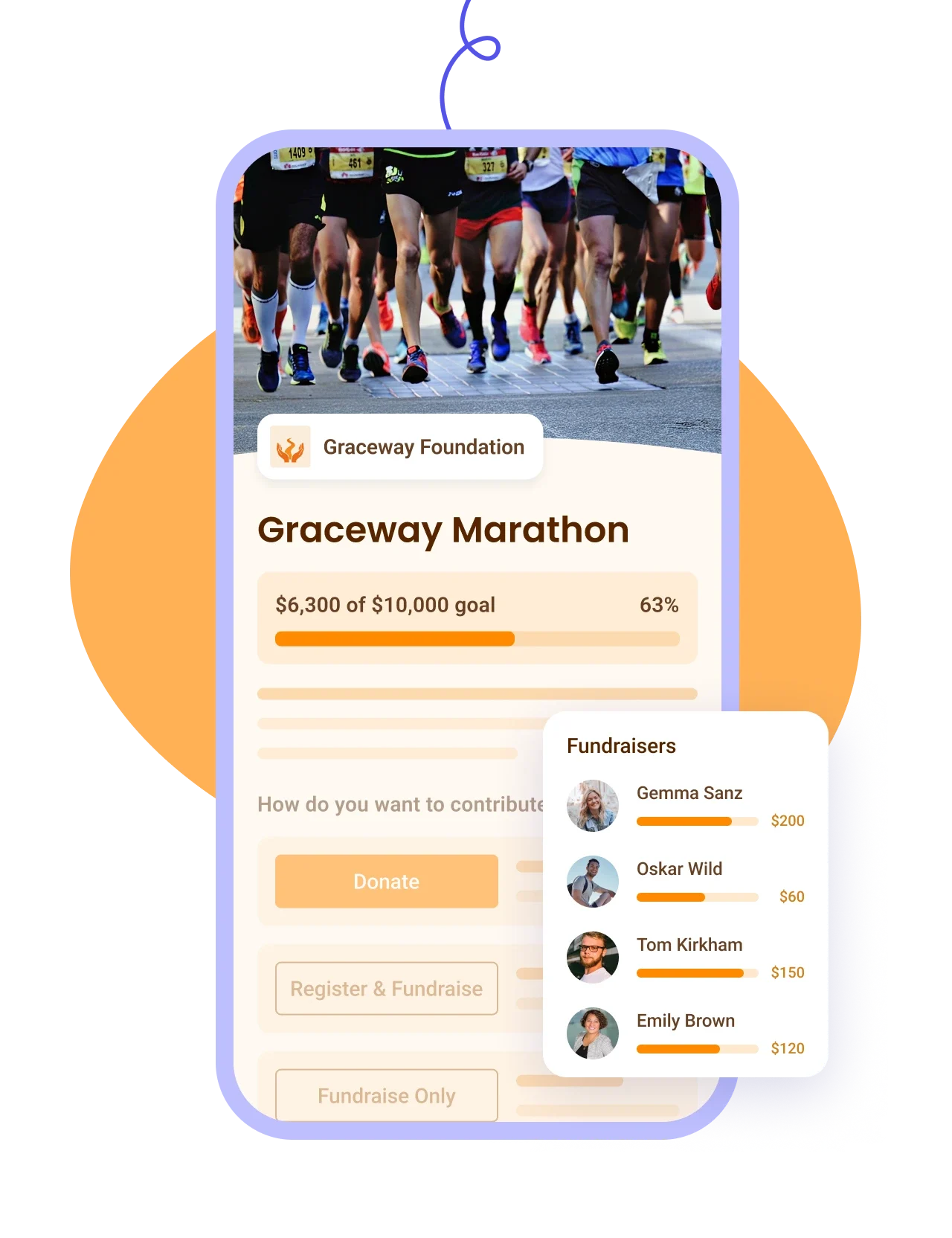
Let donors fundraise for your cause, track proceeds on a leaderboard — ideal for a-thons.
Learn more
Right Arrow defaultRight Arrow Hover
P2P Tablet ImageP2P Mobile Image
Online Store IconOnline Store Icon
Online Stores
Plus IconMinus Icon
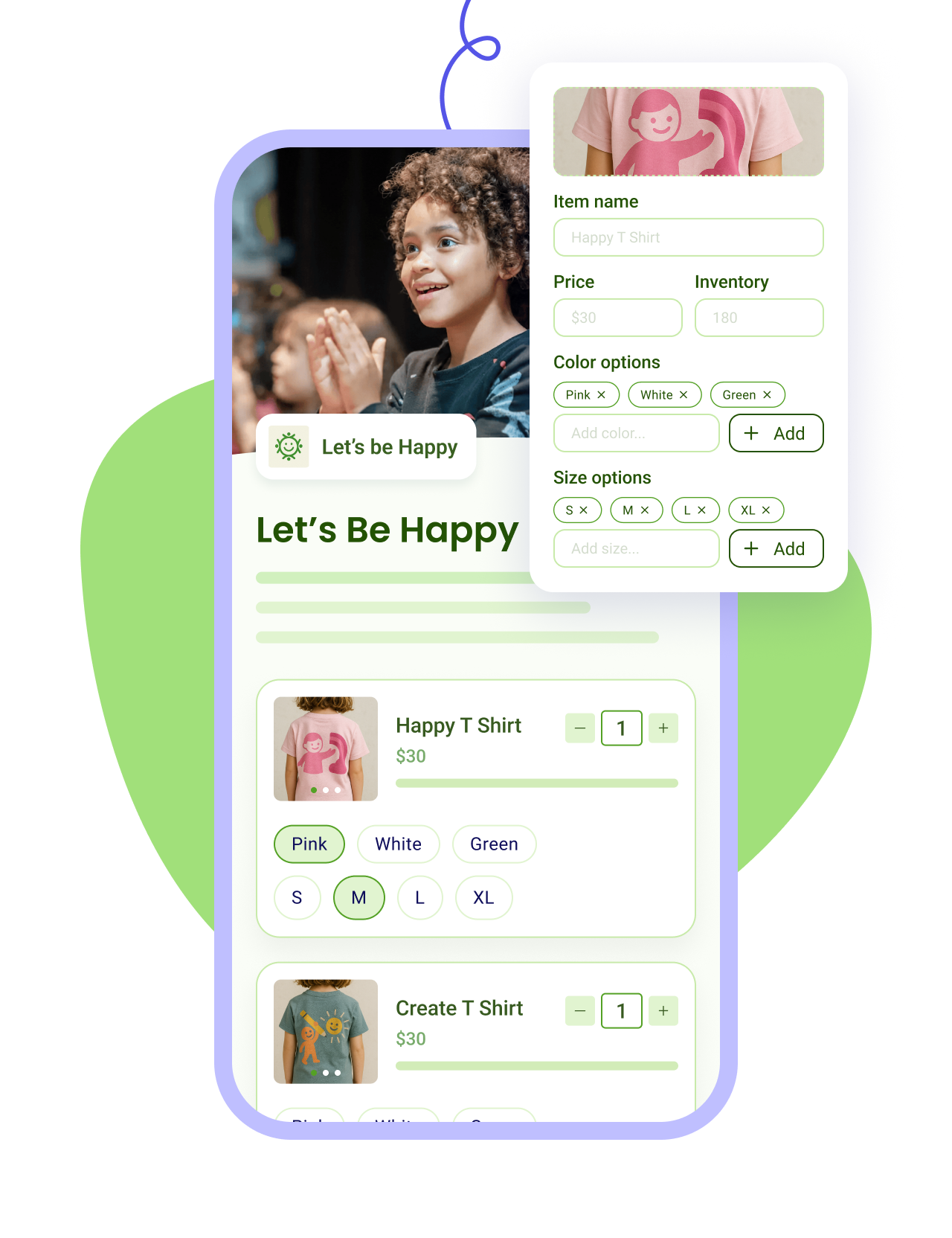
Sell merch with photos and variants, apply discounts, and track sales and inventory in one place.
Learn more
Right Arrow defaultRight Arrow Hover
Online Store Tablet ImageOnline Store Mobile Image
Tap To Pay IconTap To Pay Icon
Tap to Pay App
Plus IconMinus Icon
Accept payments on your smartphone with zero fees, check in attendees, and scan QR codes on the go.
Learn more
Right Arrow defaultRight Arrow Hover
Tap to pay Tablet ImageTap To Pay Mobile Image
Top Curve Vector

How it works

Create your auction form.
STEP 1

Create your auction form.

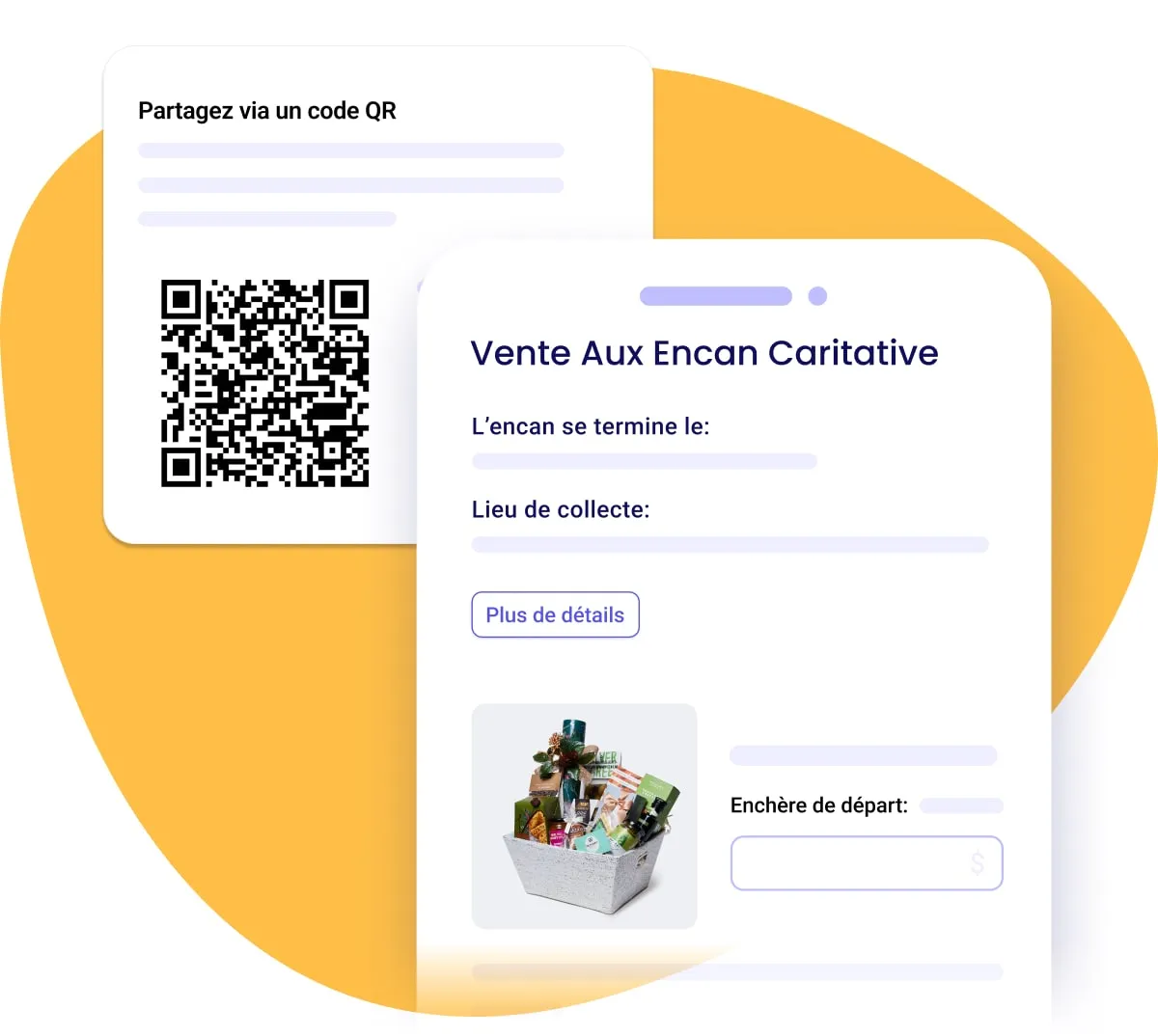
Add items with photos and starting bids, then share your auction by link or QR code. Track every bid in real time.
Let the bidding drive itself.
STEP 2

Let the bidding drive itself.

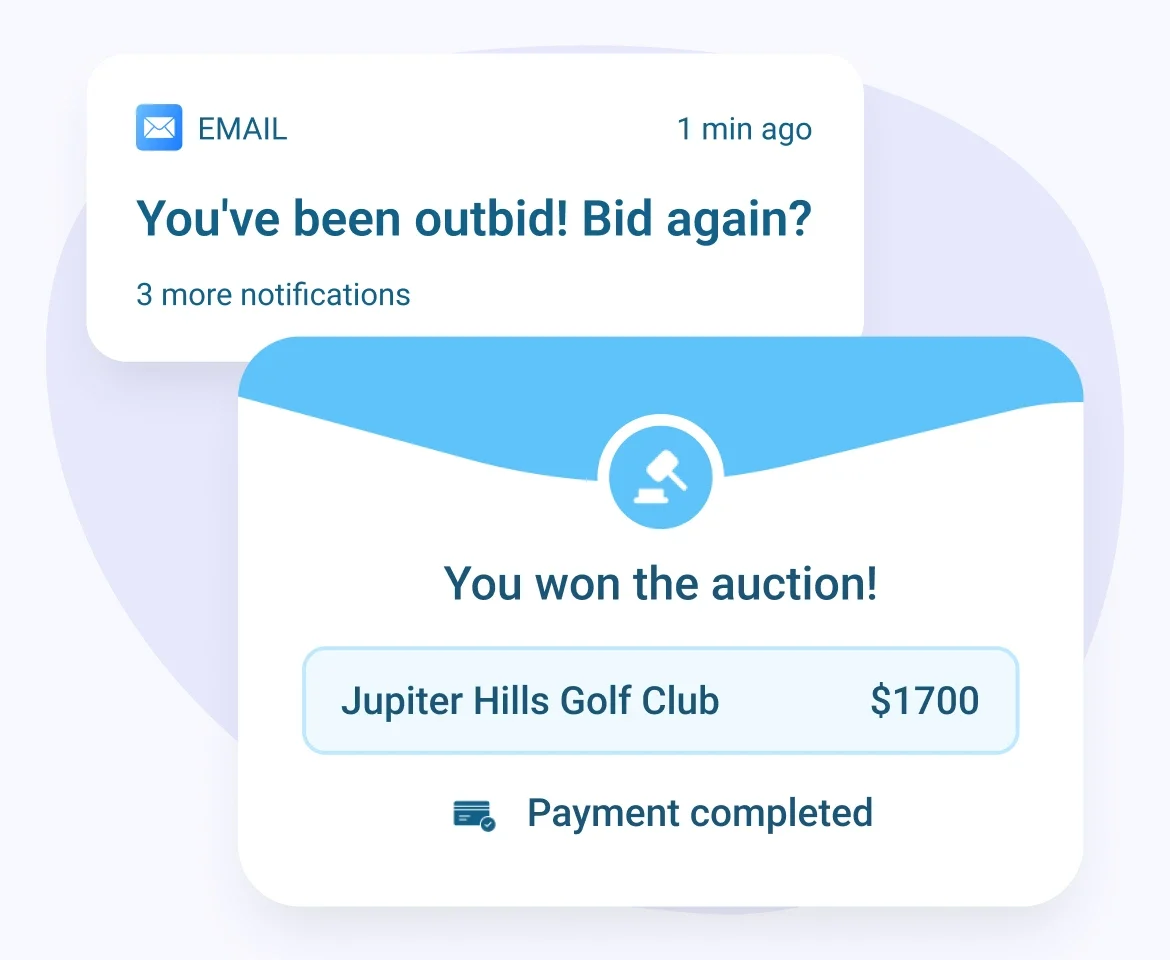
Bidders get an email the moment they're outbid, so bids keep climbing on their own. At close, Zeffy charges each winner automatically and sends receipts.
STEP 3

Keep 100% of what you raise.

No platform, transaction, or credit card fees. Every winning bid goes straight to your cause.
Host an auction for free
Top Curve Vector

More 100% free features

Host your auction for free

  • No platform fees.
  • No add-on fees.
  • No credit card fees.
  • No transaction fees.
  • No fees. Period.
Customize your auction forms

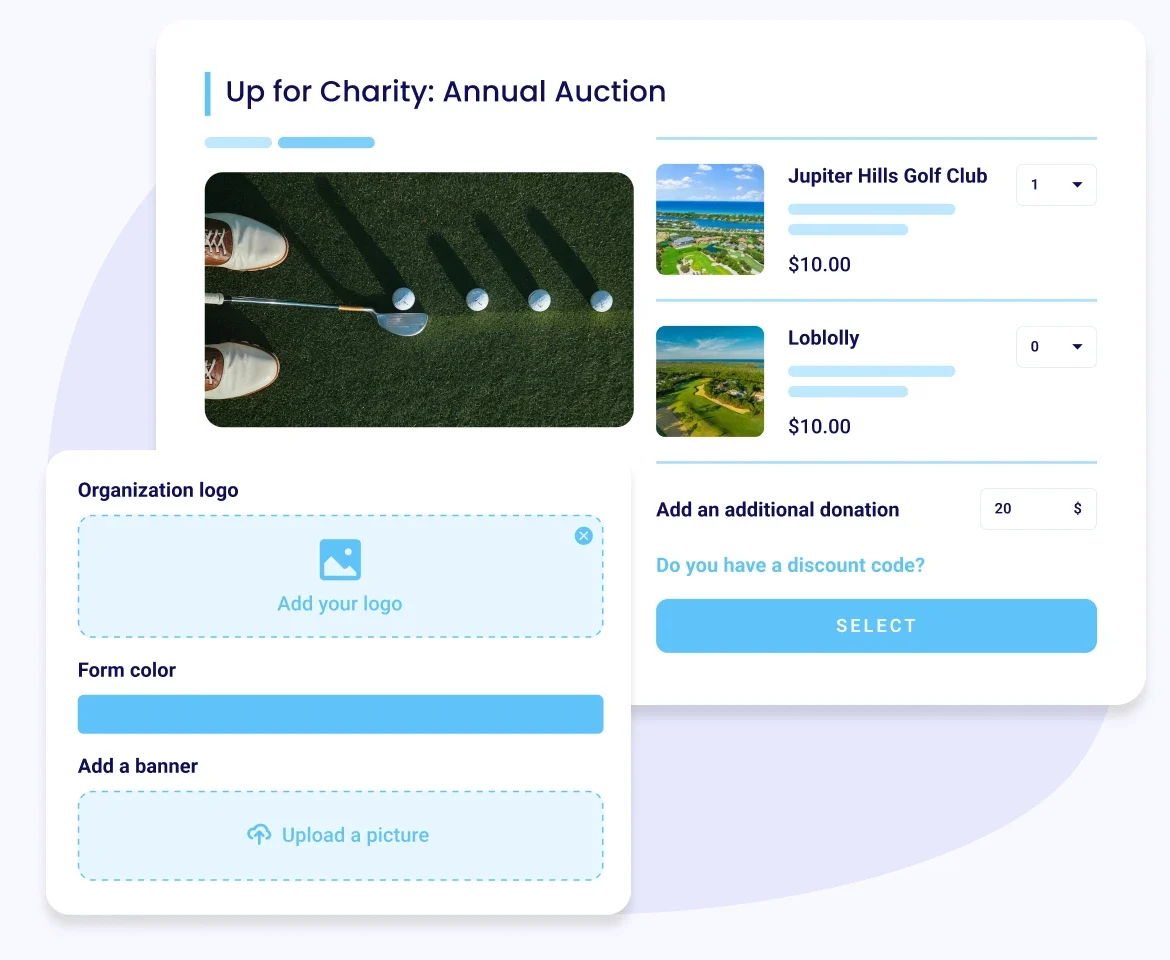
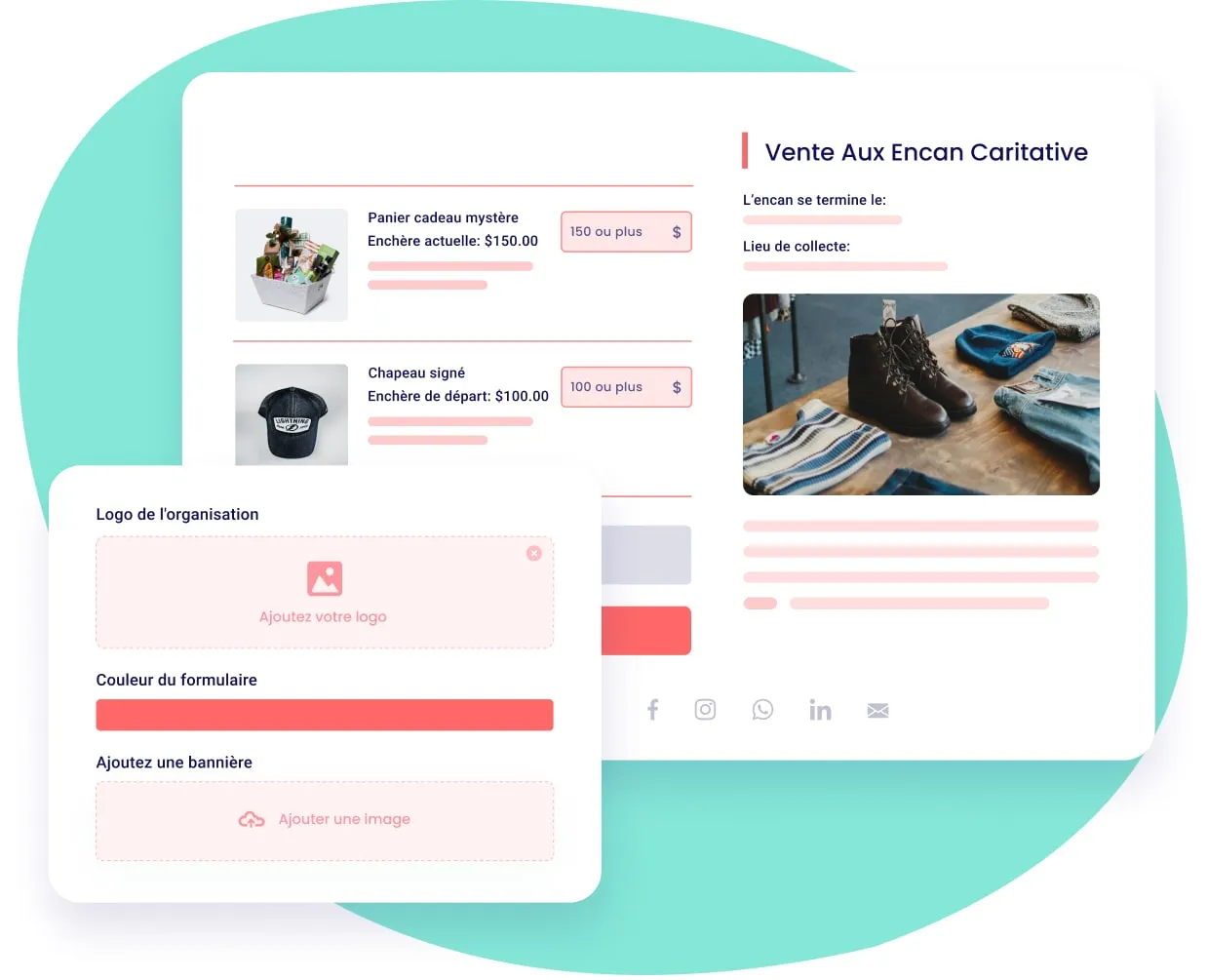
  • Quickly add images, starting prices, and descriptions of what you’re auctioning
  • Add minimum bid increments to each item
  • Make your forms yours by adding your logo, colors, and a banner
  • Customize fulfillment detail and add a pick-up location for your items

Automatically collect payments once the auction has closed.

  • Accepts all major credit cards
  • You won’t have to run after your bidders, we collect it right away

Keep track of your bids and sales

  • Monitor who is bidding on which items during the event
  • View items that have no bids
  • Easily follow how much your auction has raised
  • View the winners of each item and their information

Keep your supporters engaged with your auction

  • Allow your bidders to browse and bid without sign-up required
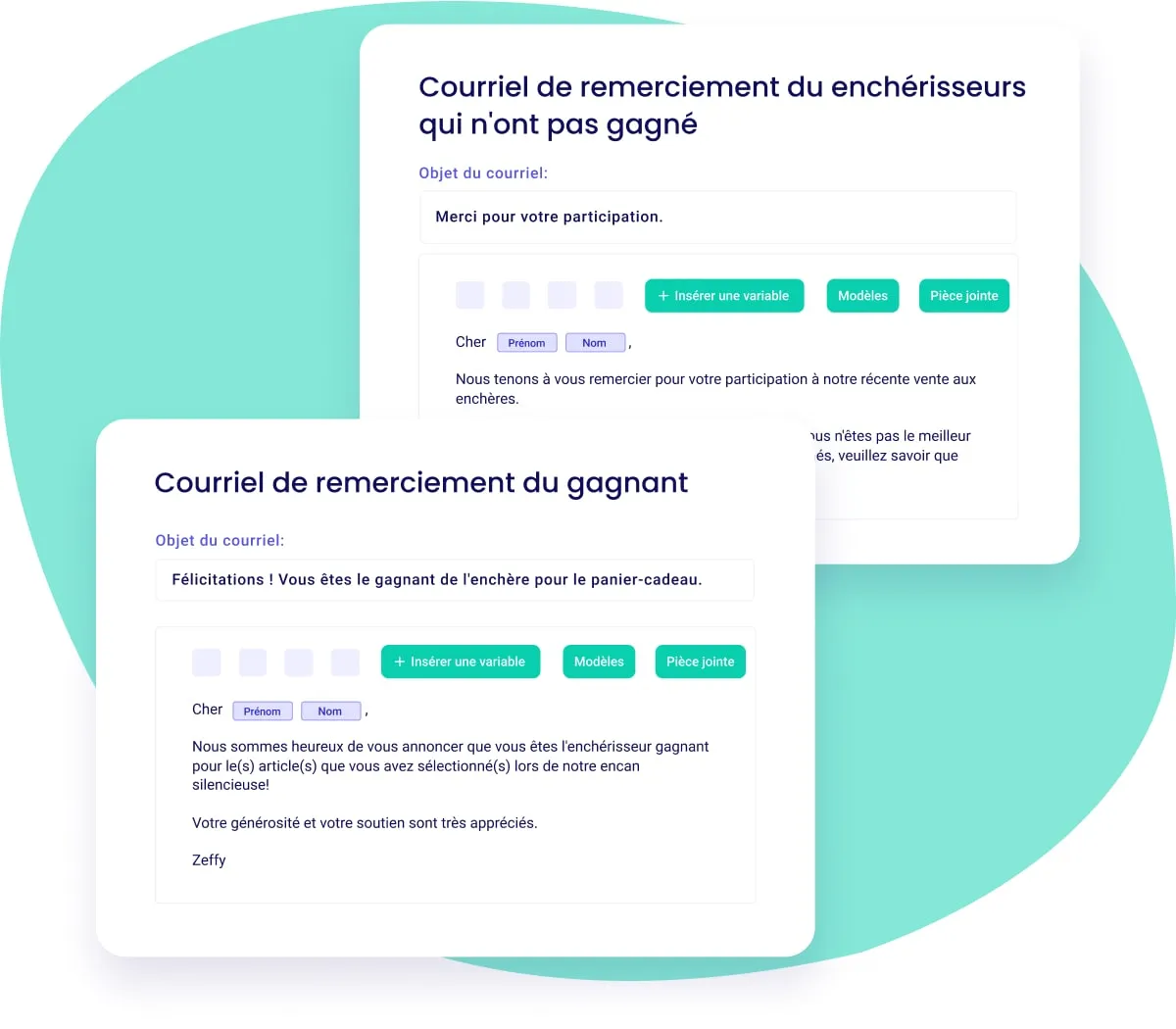
  • Automated your thank-you emails to the winners and losing bidders and encourage them to donate to your cause

Offer a mobile friendly experience for in-person events

  • Our forms are optimized for phone use, making it simple to bid anytime, anywhere
  • Display your auctions QR code at your event, leading directly to your online form

Book a demo

What is your annual online fundraising volume?

Thank you! Your submission has been received!
Oops! Something went wrong while submitting the form.
Decorative

A streamlined auctioning experience for you and your supporters

Decorative
100% free
Decorative
Accept all payment methods
Decorative
minimum bid incrementsm builder
Decorative
Add a fulfillment details
Decorative
View amount of money raised
Decorative
Automate reminder emails
Decorative
Track bids and sales
Decorative
Customize your forms
Decorative
Mobile-friendly forms
Decorative
... and more!
Start fundraising for free
Decorative

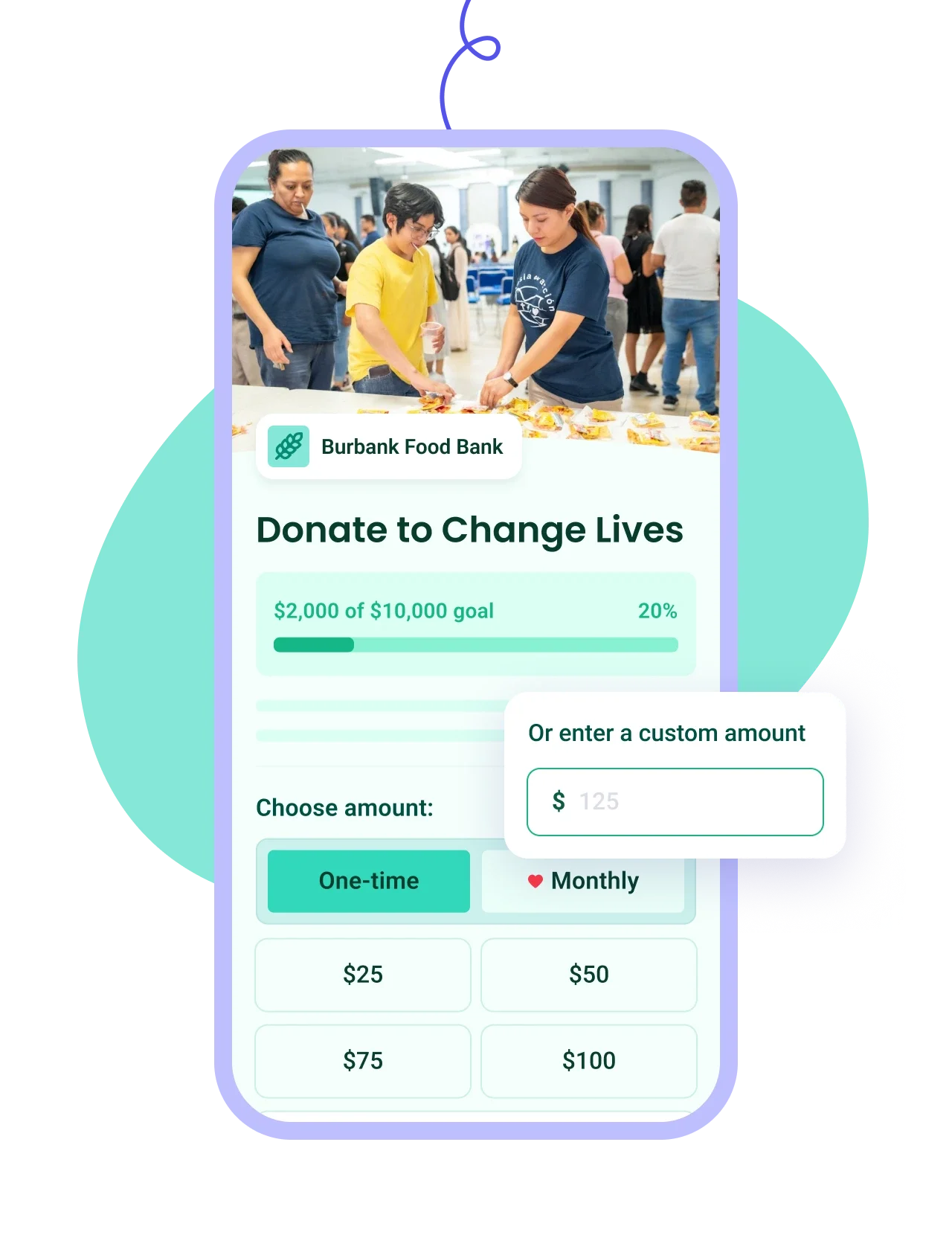
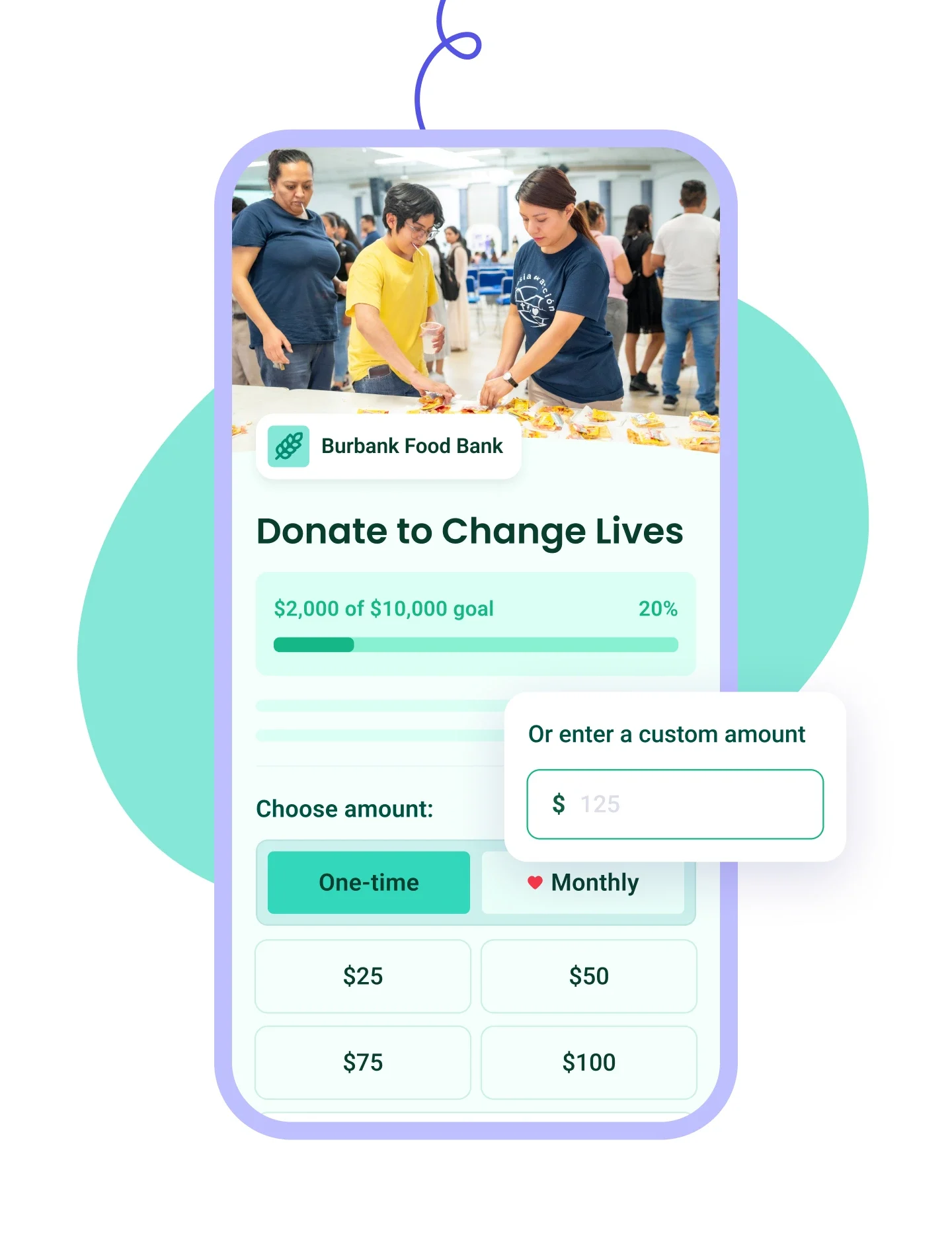
Zeffy makes money exclusively from optional tips from your donors

Donation UI

Will I ever have to pay to use Zeffy?

How does Zeffy make money?

What if my donors don’t leave a tip?

Why would donors tip Zeffy?

Donation UI
Sign up for free

Frequently asked questions

Is Zeffy good online auction software for nonprofits?

If you're running an online auction, yes, and cost is usually what decides it: Zeffy takes nothing, so a $400 winning bid is $400 for your cause. More than 8,000 nonprofits have run an auction on Zeffy.

You get item pages with photos, bidding from any phone with no app to download and no account to create, auto-bidding so a supporter can set their maximum and let it run, automatic outbid alerts by email and text, and anti-sniping so a last-second bid can't quietly steal an item. It's built for nonprofits rather than adapted for them, which is why your auction sits in the same account as your donations, events and donor records.

Where it isn't the right tool: a gala built around an auctioneer calling live bids.

How do I run an online silent auction with Zeffy?

Create your auction page, add each item with a photo, a starting bid and a minimum bid increment, then set your open and close dates so bidding starts and stops exactly when you want. You can also set a pick-up location so winners know where to collect, and Zeffy tracks every bid from there so you can watch it happen instead of managing it. If you want the full run-up, from securing items to promoting the auction, our guide to hosting a silent auction walks through it in nine steps.

"I set up a 13 item virtual auction that was easy at both the back end and the user end."

Cathy W., Program Director (G2)

Which types of auction does Zeffy support?

Online auctions, sometimes called silent auctions: you list your items, supporters bid from their phones until your close time, and the highest bid on each item wins. That works whether they're bidding from home or sitting in the room at your event.

For your bidders it's deliberately light. There's no app and no account to create, just their contact and payment details on the first bid, and their card is saved after that so bidding again takes a couple of taps. Anyone who doesn't want to watch their phone can set a maximum and let auto-bidding hold their place, with Zeffy placing the increment for them until someone goes past it. Each item shows who's winning right now and the bids that came before, so it feels like a contest rather than a form. When your auction closes, winning bids are charged automatically.

If your gala centers on an auctioneer calling live bids, that needs a different setup, and there's an answer further down on collecting that money through Zeffy.

How does mobile bidding work at an in-person event?

Put your auction's QR code on the tables or a screen, and guests scan and bid from their own phones with nothing to download and no account to create. Anyone who gets outbid hears about it straight away, by email and by text, which is what keeps the bidding moving during dinner. Everyone also gets a text when the auction is about to close, which matters in a room where nobody is watching their inbox. Guests who would rather not watch their phone all evening can set a maximum instead and let auto-bidding hold their place, and they're only alerted if someone goes past it. And if someone bids in the final seconds, anti-sniping pushes that item's close time out by three minutes so the person they outbid gets a fair chance to respond, up to half an hour of extensions.

How do winning bidders pay?

Automatically. When your close time passes, Zeffy charges the winning bid to the card that bidder already entered and emails them a receipt, so you're not chasing anyone the week after the event.

Can I record a bidder's payment for them if they won't enter a card?

Yes. Turn on offline and cash bids and supporters can take part without entering payment details. Those winners aren't charged automatically, so you collect and record their payment yourself.

What happens if no one bids on an item?

If an item gets no bids by the time your auction closes, no payment is collected and the item simply goes unsold. You'll know exactly which ones: export your auction as an itemized payments report and every bid shows against the item it was placed on, so you can see what drew interest and what to price differently or leave out next time.

What's a low-fee alternative to Handbid for a virtual silent auction?

Zeffy runs online auctions with no platform fee, no per-item fee and no fee on winning bids. Auction platforms in this category usually combine an annual subscription or a per-event package with card processing on top, and often price bidding hardware or event-night support as separate lines, so the number you compare against is rarely just one number. Our Zeffy vs Handbid comparison has the side-by-side detail.

Is Zeffy really free for auction software?

Your auction keeps everything it raises. A winning bid of $400 reaches your nonprofit's bank account as $400, with no platform fee, no per-item fee and no card fee, however many items you list. Zeffy is funded by an optional contribution bidders can add at checkout, and your total is the same either way. See how Zeffy stays free if you want the mechanics.

Our gala includes a live auction. Can we still use Zeffy for it?

For collecting the money, yes. Zeffy's auction feature is built for online bidding that closes on a timer rather than an auctioneer calling bids, so the live part happens in the room as it always has. To take the money, set up a donation form and turn off the preset amounts so only a custom amount box remains, then charge each winner their hammer price with the free Tap to Pay app or by pointing them at the form's QR code. It has to be a donation form rather than your auction form, because Tap to Pay doesn't read auction forms. Your online auction still runs on the auction form, and both land in the same dashboard.

Can I set up my auction before all my items are ready?

Yes. Set your open date for the day you want bidding to start, then add your items at whatever pace the donations come in. Nothing opens before that date, so the form can sit half-built without anyone bidding on a lot you haven't finished describing.