How is Zeffy free?

How is Zeffy free?
Zeffy relies entirely on optional contributions from donors. At the payment confirmation step - we ask donors to leave an optional contribution to Zeffy.
Learn more >
Verdict: Zeffy creates a free QR code for every campaign automatically: donation forms, events, memberships, raffles and your store.
What works: Campaigns > ⋯ > Share > More ways to share > QR code tab, then download the PNG and print or share it.
What doesn't: A bare code with no ask next to it, or a code that leads to a form that takes a fee off every gift.
Best for: Nonprofits that want donors to give from flyers, tables, mailers and event screens.
Worth considering if: you also take payments in person; pair the code with Tap to Pay at staffed tables.

Every Zeffy campaign comes with its own free QR code. You don't need a separate tool or a paid plan. When you create a free Zeffy donation form (or any other campaign), the code is made for you on the spot.
Here's what you get:
For a small nonprofit: the code itself is the easy part. What matters is that it lands donors on a fast form that keeps the whole gift, and on Zeffy it does.
Yes, every Zeffy campaign gets a free QR code automatically. It's ready the moment you create the campaign. Here's the current path in your dashboard:
Using Firefox? The "Copy image" button may not show up there. "Download image" works in every browser.
When someone scans the code, they go straight to your campaign page. For screenshots of each screen, see the Zeffy help center guide: step-by-step: share your form with a QR code.
For a small nonprofit: this takes about a minute. If a first-time volunteer can open the dashboard, they can get the code onto a flyer the same day.
Each campaign has its own code, so you can point each one at exactly the action you want. Here's where Zeffy QR codes work well:
For a small nonprofit: use the QR code where people are on their own, and Tap to Pay where a person is standing. Together they cover nearly every in-person moment.
A QR code is a scan surface. It sends people to a page, but it doesn't ask for the gift. Here's what helps a scan turn into a donation:
For a small nonprofit: don't expect the code to do the asking. Pair it with a clear ask and, when someone is staffing the table, a way to tap.
Getting a QR code is only half the job. Where you place it, how big you print it, and what you link it to decide whether it gets scanned. Here's what works across the five channels nonprofits use most.
Direct mail is a strong channel for nonprofit QR codes because recipients are already engaged. They chose to open the envelope.
Placement: Put the QR code in the lower-right third of the letter or on a tear-off reply card. This follows the natural reading path and keeps the code visible without competing with your headline or ask.
Sizing: Print at least 1 1 inch (2.54 2.54 cm). For postcards, 1.5 1.5 inches scans more reliably across phone models.
Resolution: Use a high-resolution file and print at 300 DPI or higher. Anything below 200 DPI can pixelate, which causes scan failures.
Good practice: Make sure the page behind the code stays live after the mail goes out. Include a short URL under the code (for example, give.yourorg.org/appeal) so people who can't scan can still find the page.
What to link: A donation form for that specific appeal. If you want to know which mailing drove the gift, add UTM parameters (short tracking tags) to the link before you make the code.
A QR code in an email is most useful when people read on a computer but would rather give on their phone, or when they want to save it for later.
Placement: Put the QR code midway through the email or in a "Give by phone" section near your main button. Don't replace the button with the QR code. Include both.
Sizing: Display it at 150 to 200 pixels wide. That looks clean on a computer without crowding the layout.
Resolution: Screens are forgiving, but avoid stretching a small image.
Good practice: Add alt text to the image ("Scan to donate on your phone") so screen readers can describe it and it still makes sense if images are blocked. Test in Gmail, Outlook, and Apple Mail before you send.
What to link: A mobile-friendly donation page or event registration. If you segment your list, use a different campaign link for each segment to see which group responds best.
Events are the most time-sensitive place for QR codes. Guests are only there for a few hours, and a code that won't scan is a missed gift.
Placement: Display codes at eye level on table tents, banners, and seat-back cards. Avoid shiny surfaces like glossy acrylic stands or metallic backdrops, which create glare. At registration tables, face the code toward the guest, not the volunteer.
Sizing: For a table tent, use at least 2 2 inches. For a banner viewed from 3 to 6 feet away, print 4 4 inches or larger. A simple rule: for every foot of scanning distance, add about 0.4 inches to each side of the code.
Resolution: Use 300 DPI for all printed event materials. For a large banner (3 feet wide or more), ask your printer to test-scan the code before the full run.
Good practice: Test every printed code on both iPhone and Android before the event. Ask one volunteer to do a scan check before doors open. Show a short link next to the code as a backup.
What to link: Your Zeffy donation form, volunteer sign-up, or event registration page. For a fund-a-need moment at a gala, link to a giving page with suggested amounts already shown.
On social media, a QR code bridges a post to one specific action. That's handy in Stories, Reels, and carousels, where clickable links are limited.
Placement: In Instagram and Facebook Stories, place the code in the lower half of the frame, away from the app's buttons. For feed posts, give the code its own slide in a carousel.
Sizing: Make the code at least 25 to 30% of the image width so someone can scan it from a second device.
Resolution: Start from a high-resolution file so the pattern stays crisp after the platform compresses it.
Good practice: Add a visible line like "Screenshot and scan to donate." Many people don't think to do this on their own. Use your link-in-bio as well, so you catch people who prefer to tap.
What to link: A campaign page, a peer-to-peer fundraiser, or event registration. Pairing a social QR code with a matching-gift deadline gives people a reason to act now.
Annual reports stay on desks and coffee tables longer than almost anything else you send. A QR code inside can keep working for a year or more.
Placement: Put one main QR code on the inside front cover or in the opening letter, linking to the full digital report. Add smaller codes next to program sections that link to videos, stories, or a related giving page.
Sizing: Use 1.5 1.5 inches in the body of the report. On the cover, 2 2 inches adds visual weight.
Resolution: Use 300 DPI minimum. Reports are often printed professionally, so ask for a proof and scan-test the code before the full run.
Good practice: Keep the linked page live all year. Include a short URL next to each code. If you also share a PDF, make the QR image a clickable link so digital readers can tap it.
What to link: Your digital annual report, a tribute giving page, or a general donation form. Readers of an annual report are already engaged, so a simple giving link captures that interest.
For a small nonprofit: you don't need all five channels. Pick the one or two where your supporters already see you, and get size and placement right there.

The quiet zone is the blank space around the code. Without it, the code won't scan. Keep that border clean and don't let text, images, or blurry edges creep into it.
Put your nonprofit's logo, colors, and name on the material next to the QR code. People scan to donate when they recognize and trust you.
Make sure the link is correct and working, and check it again before each new print run. A working link makes your nonprofit look professional and keeps supporters from hitting a dead end.
Before printing, scan the code on several phones. Low-quality printing can make a code unreadable. Test it before you put it on everything.
QR codes can do more than collect gifts. Use them for event tickets, volunteer sign-ups, memberships, and stories about your work. Each one gives supporters another easy way to get involved.
A QR code alone often goes unscanned. Tell people what to do and why. "Donate now" or "Scan to feed a family this week" gives them a reason to pull out their phone.
For a small nonprofit: the two that matter most are testing the code and writing a clear ask. Both are free and take minutes.

YWCA Lethbridge runs donations, volunteer management, and annual events like their Royal Gala on Zeffy. By moving ticketing and donations to Zeffy’s 100% free fundraising platform, they raised $23,792 and saved $1,189 in fees.
Their team puts Zeffy’s general donation QR code on everything: tables at conferences, email footers, posters, and billboards. That gives donors an instant path to the donation form wherever they encounter the organization.
The fact that Zeffy is free is crazy to me, but excellent!
— Catherine Champagne, External Relations Director, YWCA Lethbridge
They also rely on Zeffy’s discount code feature for ticketing, follow-up emails to attendees, and event management tools that make running their galas easier year over year.
Big Brothers Big Sisters of St. Thomas-Elgin runs every event, raffle, and donation drive on Zeffy. Across their fundraising, they’ve raised $35,835 and saved $1,791 in fees. QR codes are one of the tools their team leans on to make it easier for supporters to give.
For their annual WestJet Gift of Flight raffle, the team sells 1,500 tickets online through Zeffy’s raffles and lotteries solution on top of 1,500 they sell in person. They route supporters to the online form through QR codes embedded in email campaigns and printed marketing materials.
We just started using the QR code, taking advantage of the links provided for us—including them in our emails and other marketing.
— Carolyn Johnson, Big Brothers Big Sisters of St. Thomas-Elgin
The combination of QR codes in email and print plus online ticket sales helps the organization raise around $3,000 a year from the raffle alone, with zero platform fees eating into the total.
Donations are the obvious use, but not the only one. Think of a QR code as a bridge between where people meet you in person and what you want them to do online.
Ask a coffee shop or shop owner to place your donation QR code near the register. Customers who want to give can scan in seconds, with no cash jar needed. Print your Zeffy form's code, frame it, and hand it over. There's no app or hardware for the business to set up.
This works best for groups the community already knows. The ask is low-pressure, so people who want to give do, and nobody feels cornered.
Put QR codes on flyers, yard signs, or event banners that link straight to your volunteer sign-up form. People rarely "check your website later," so catch them while they're interested. If you're recruiting for a specific role or shift, give it its own form and code to cut down on back-and-forth.
Long lines frustrate guests before your event even starts. Encourage guests to register ahead, and post a QR code at the entrance for walk-ins. If you sell tickets with Zeffy's free ticketing, your event campaign gets its own QR code, so a walk-in can scan and buy a ticket in under a minute.
A QR code on a poster or transit ad can send people to a campaign video, an impact story, or a petition. Animal shelters often use this on adoption posters to show a video of each animal. Match the destination to the moment: a transit ad gets a few seconds, so link to something short.
Print a QR code on event programs, merchandise, or table tents that links to your Instagram, Facebook, or LinkedIn. Add a reason to scan, like "See the difference your gift makes: follow us for updates."
After an event or program, show a QR code that links to a short survey. People are more likely to answer on their phone before they leave than from an email that arrives days later. Keep it to five questions or fewer.
Instead of mailing a thick report, send a one-page summary with a QR code to the full digital version. It saves on printing, and you can update the online report if final numbers change after mailing.
Museums, advocacy groups, and community centers can place QR codes at welcome desks, exits, and events that link to a membership form. Ask when people are enjoying what you offer, and pair the code with a simple value line like "Members get free admission year-round."
At tabling events or town halls, a QR code lets people sign a petition on their phone. You get clean data with no handwriting to decode, plus email addresses for follow-up. Passersby who don't want to stop and chat can still scan and sign.
Libraries, health nonprofits, and literacy programs can put a QR code on a take-home sheet that links to videos, reading lists, or translated materials. It extends your program past the end of the session.
Place a QR code in a memorial program or on a tribute plaque that links to a giving page honoring that person. Families often pass these programs along to relatives who couldn't attend, which keeps the page within reach.
Tip for all of these: link to a page that works well on a phone, since most scans happen there. Test each code on iPhone and Android before printing. If you want to see which placement drives the most visits, add UTM parameters to each link.
For a small nonprofit: start with two or three of these that match events you already run. Each new Zeffy campaign gives you a fresh code at no cost.
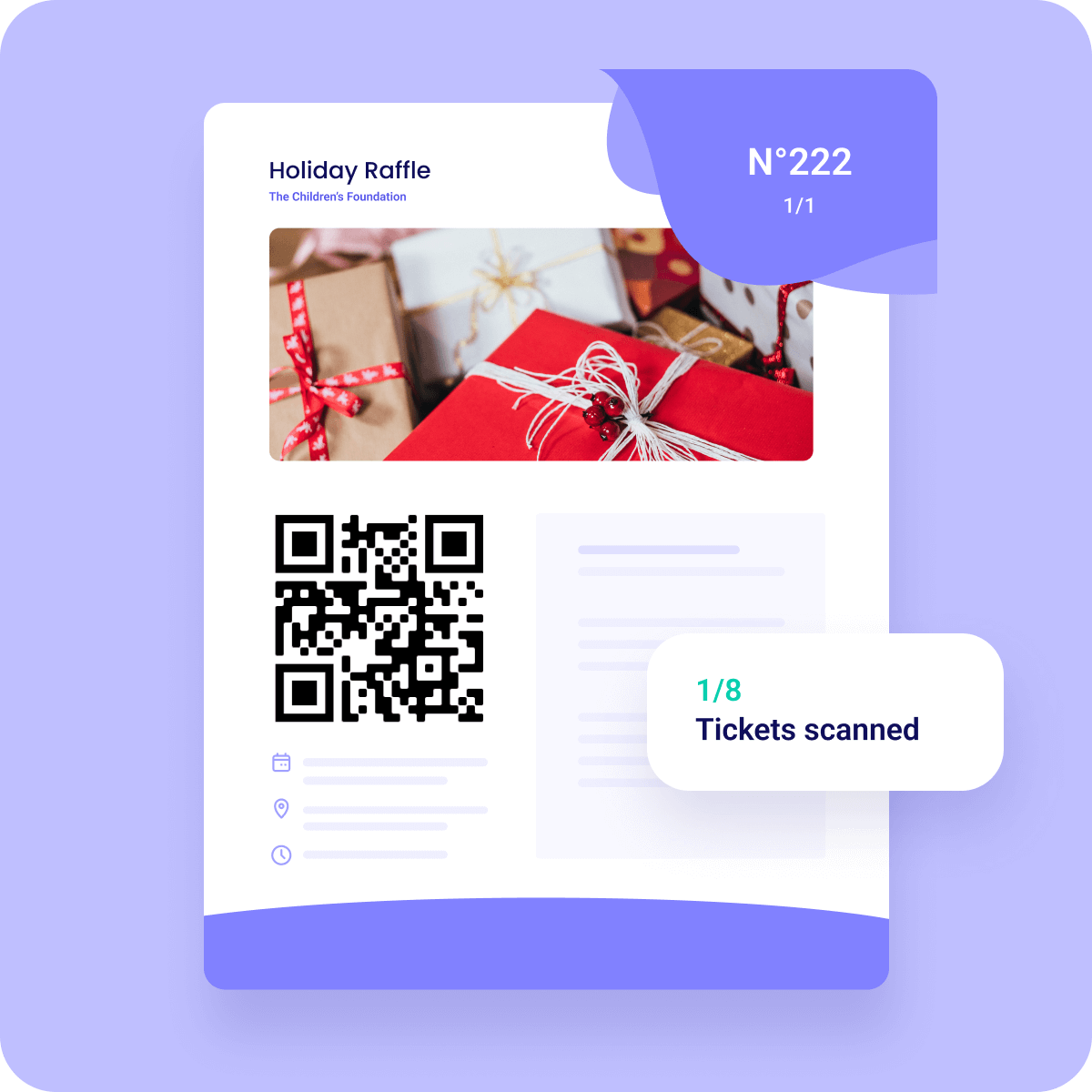
A QR (Quick Response) code is a square pattern of black and white blocks that stores a link. Point any smartphone camera at it, tap the link that pops up, and you land on the page. No app is needed on most modern phones.
Static QR codes hold one fixed link. They never change, which makes them simple and reliable for print. If the link changes, you need a new code.
Dynamic QR codes point to a redirect link that can be edited later. Some services also count scans. They're useful for time-limited campaigns where the destination may change.
For a small nonprofit: your Zeffy QR code points to your campaign page. Keep that campaign live while the code is out in the world, and you won't need to reprint.
A QR code isn't a fundraising strategy on its own. It's a doorway to whatever you point it at. That's why the page behind the code matters more than the code itself. A slow form, a missing ask, or a payment path that takes a fee off every gift will cost you more than any printing mistake.
With Zeffy's 100% free fundraising platform, every campaign comes with its own QR code, and every scan opens your branded donation page. No platform fee, no transaction fee, no credit card fee. Ever. If you're new to taking gifts online, start with our guide on how to accept donations online.
Every Zeffy campaign gets its own QR code the minute you create it. It's free, forever, and every dollar scanned goes to your cause.
Yes. The Zeffy QR code generator is built into every campaign, so a QR code is created automatically when you make a donation form, event, membership, raffle, or store. Find it under Campaigns, then ⋯, Share, More ways to share, and the QR code tab.
Yes. Your Zeffy QR code is free, and so is the form it leads to. Zeffy charges no platform or processing fees, so your nonprofit keeps 100% of every gift made through the code.
Yes. Zeffy lets nonprofits create QR codes for donation forms and other fundraising campaigns at no cost.
QR code generator is a tool that turns a link into a scannable code. Nonprofits use them to share donation pages, event registrations, websites, or social profiles on printed and digital materials.
Use a QR code any time you want someone to act online from something they see in person or on paper. Common places include:
* Fundraising campaigns
* Donation pages on your website
* Events, galas, and programs
* Social media pages or blogs
* Direct mail and newsletters
The most common use is linking to a donation form. Supporters scan at an event, on a poster, or from a letter, and they can give within seconds.
Nonprofits also use QR codes to sell event tickets, recruit volunteers, collect survey answers, grow social followings, gather petition signatures, and share program materials. The common thread: any time you'd ask someone to act "later," a QR code lets them act now.
Look for one that costs nothing, needs no technical setup, and connects directly to the form that collects the gift. On Zeffy, the QR code comes with every campaign, whether it's a donation page, event registration, or peer-to-peer fundraiser, and you can download and print it right away. Zeffy is trusted by 100K+ nonprofits with $2B+ raised, and the platform is free.
standalone QR tool can make a code for any link, but it doesn't handle the payment, the donor record, or the receipt. With Zeffy, the code and the form that collects the gift come together, free.


Want to bring more funds to your cause for free? Discover how to accept online donations in 7 steps, plus learn from our top tips and best tools.

.svg)
Learn how to get donations for a fundraiser and raise more money for your nonprofit. Explore our 10 best tips to reach your donation goals.

Wondering how to ask for donations for your nonprofit? This guide covers everything from sending donation requests to tips for making impactful asks.

.webp)


