We use cookies to improve your experience on our platform. By clicking “Accept all cookies”, you agree to the storing of cookies on your device to enhance site navigation, analyze site usage and assist in our marketing efforts.
Cookies required for basic website functionality.
Cookies used to deliver content most relevant to you and your needs.
Cookies used to deliver content most relevant to you and your needs.
Cookies that help understand the performance of the website, how users interact with it and to identify bugs.
How is Zeffy free?
How is Zeffy free?
Zeffy relies entirely on optional contributions from donors. At the payment confirmation step - we ask donors to leave an optional contribution to Zeffy.
9 Best Donation Websites for Nonprofits: 2026 Comparison Guide
May 26, 2026
⚡TL;DR — The Short Answer
Verdict: Most "free" donation websites still charge 2.2%–8% per donation. Only one platform on this list charges $0 in platform, transaction, and credit card fees.
What works: Zeffy absorbs all Stripe processing and charges nonprofits nothing. GoFundMe delivers unmatched crowdfunding reach. Donorbox integrates cleanly with Salesforce and Mailchimp. Give Lively waives platform fees for eligible 501(c)(3)s.
What doesn't: Fundly stacks a 4.9% platform fee on top of 2.9% processing, totaling roughly 8% off every donation. DonorPerfect's forms are secondary to its CRM, making it a poor fit for donation-first workflows. DonorsChoose is closed to anyone outside US public-school teaching.
Best for: Registered nonprofits in the US and Canada that want to keep 100% of every donation should start with Zeffy. Nonprofits needing crowdfunding reach should use GoFundMe. Integration-heavy stacks fit Donorbox.
Worth considering if: Your campaigns are auction- or raffle-driven (RallyUp or Zeffy), corporate matching gifts are a meaningful revenue line (Double the Donation), or you are modernizing a legacy donor database (DonorPerfect).
Picking a donation website in 2026 is less about features and more about fee math. Most "best of" roundups list ten platforms, hand-wave the costs, and leave nonprofits to discover later that "free" still meant 2.9% + $0.30 through Stripe. This guide does the math out loud.
We've rated nine donation platforms on the only things that decide cost-per-dollar-raised: the effective fee on a $100 gift, who the platform is actually built for, what's included without an upcharge, and how long it takes to get to your first dollar. Zeffy is on the list because 100,000+ nonprofits have raised $2B+ on it with $0 in platform, transaction, or credit card fees. But every other row in the table has a real cost, and you deserve to see it before you pick.
Transparency: We have not received payment for placement from any platform listed. Zeffy is the publisher. The methodology, fees, and pros/cons below are applied identically to Zeffy and to every other tool on the list. All fees have been verified as of May 2026.
Stacked platform + processing, roughly $5K/yr on $100K raised
Give Lively
$0
~2.2% + $0.30 (Stripe, passed to nonprofit)
No platform fee; text-to-give and P2P included
Membership gated; manual approval can take ~10 days
Fundly
4.9%
2.9% + $0.30
Fast campaign setup, mobile-optimized
~8% effective fee; limited donor management
Double the Donation
Subscription (starts ~$300/yr)
Not a payment processor
Leading matching-gift database (360MatchPro)
Bolts onto a primary platform, not a standalone donation tool
DonorsChoose
Closed marketplace (no platform fee charged to teachers)
~1.5% optional support fee
Donors fund specific classroom projects; materials shipped directly
US public-school teachers only, not for general nonprofits
RallyUp
0% on tip-funded free tier; 2.9%–6.9% on paid tiers
2.9% + $0.30
Auction, raffle, and sweepstakes mechanics built in
Dropping the platform fee requires a paid tier
DonorPerfect
Subscription (starts ~$99/mo)
Payment processing sold separately
Deep CRM, segmentation, major-donor prospecting
Demo-gated sales; forms are secondary to the database
The full breakdown for each platform follows. If you want the short version: Zeffy is the only row where the platform fee and the processing fee are both $0. You can see how Zeffy's free donation website works before reading further.
1. Zeffy — the only $0-fee platform on this list
Zeffy is the only platform on this list where nonprofits keep 100% of donations. No platform fees, no transaction fees, no credit card fees. 100,000+ nonprofits have raised $2B+ on Zeffy. The full feature set is included; there's no paid Pro tier above it.
Pros
100% free: no platform, transaction, or credit card fees
Donation forms and pages, event ticketing, peer-to-peer, auctions, raffles, memberships, and an e-commerce store all included
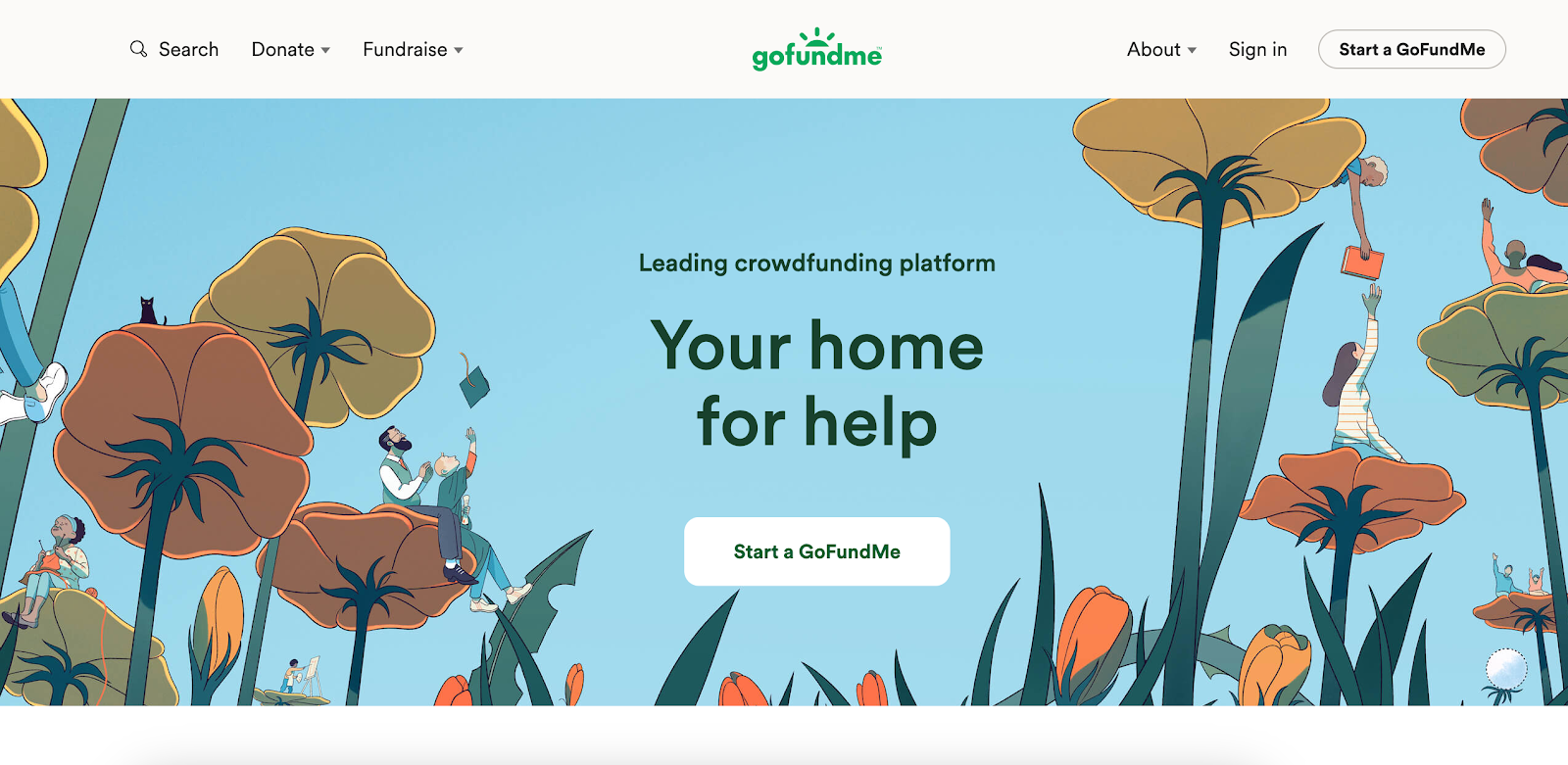
GoFundMe operates as two products under one brand. Regular GoFundMe is the consumer-facing crowdfunding platform — built for individuals and verified-charity campaigns where reach is the wedge. GoFundMe Pro (formerly Classy, rebranded after GoFundMe's 2022 acquisition) is the nonprofit-focused suite: branded campaigns, peer-to-peer, recurring giving, ticketed events, donor analytics. The two share a brand and a 200M+ supporter community, but they're separate products with separate pricing.
Pros
Massive audience reach and brand recognition (regular GoFundMe)
Easy campaign setup for individuals or verified charities
Withdraw funds without hitting a goal
GoFundMe Pro adds branded campaigns, recurring giving, peer-to-peer, ticketed events, and donor analytics for nonprofits
Pro waives the 5% recurring fee that applies on regular GoFundMe
Cons
2.9% + $0.30 per donation on personal campaigns; 2.2% + $0.30 for verified 501(c)(3) charities
Regular GoFundMe has no built-in CRM, recurring infrastructure, ticketing, or peer-to-peer for nonprofits — those live behind GoFundMe Pro
A $10,000 personal campaign loses roughly $320 to processing fees alone, before optional donor tips
Recurring donations on regular GoFundMe carry an additional 5% fee
GoFundMe Pro pricing is custom and demo-gated — typical rates run 2.2%–2.5% + $0.30 processing (1% additional for Amex), with enterprise commitment expected
Pricing
Regular GoFundMe: $0 platform fee. Processing 2.9% + $0.30 (personal campaigns) or 2.2% + $0.30 (verified 501(c)(3) charities). Recurring donations carry an additional 5% fee. Donors are prompted for an optional tip at checkout.
GoFundMe Pro: custom pricing per organization — public rates are not disclosed. Typical processing falls in the 2.2%–2.5% + $0.30 range (with 1% added for American Express), and Pro waives the 5% recurring fee. Pro is sold via demo; expect an enterprise sales motion.
3. Donorbox — integrations-first, with stacked platform + processing fees
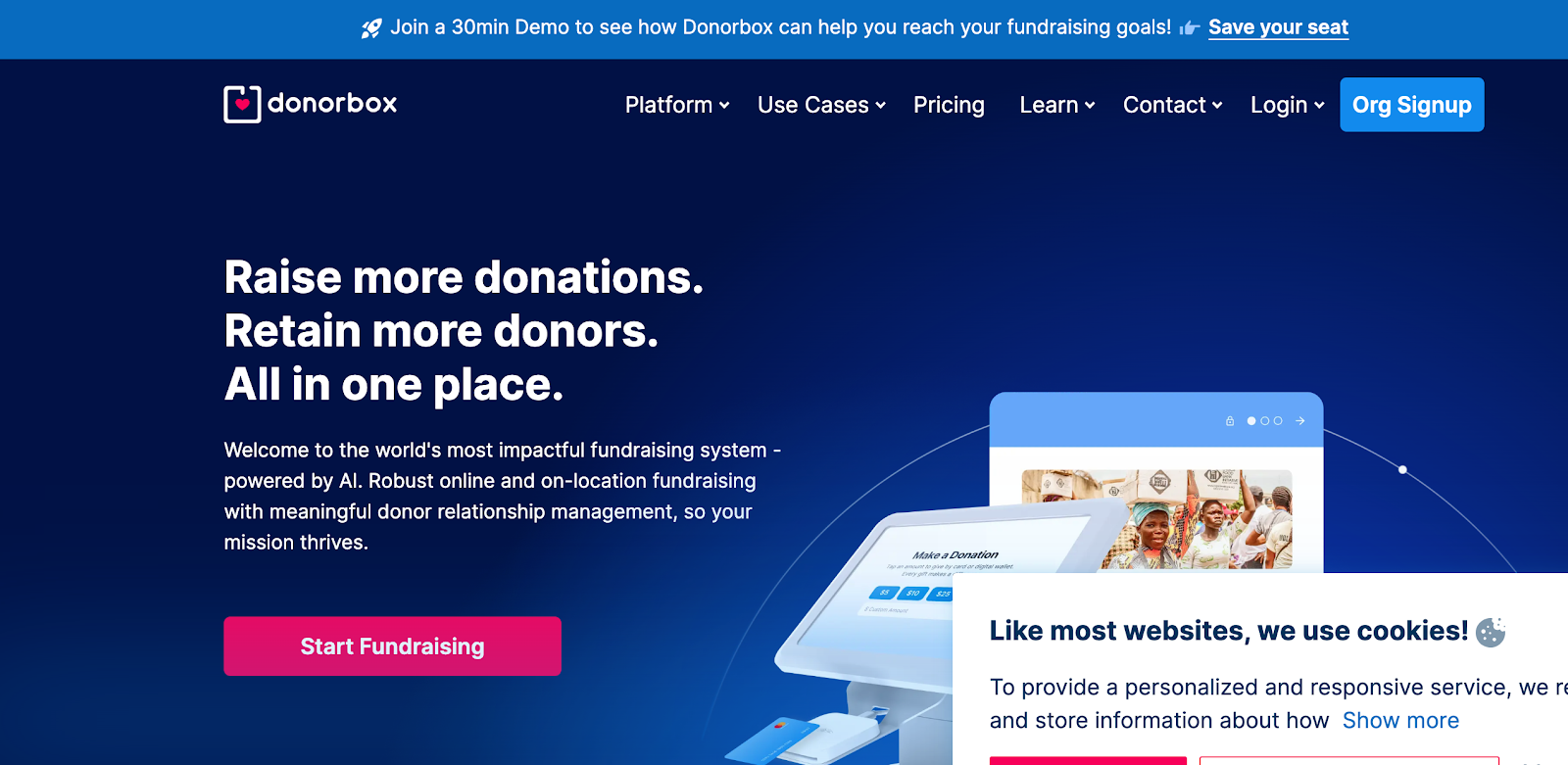
Donorbox is widely embedded across nonprofit sites because the forms drop in cleanly and the integrations roster (Salesforce, Mailchimp, Zapier) is broad. The honest trade-off is fee stacking.
Pros
Embeddable donation forms with strong design flexibility
QuickDonate for one-click recurring donors
Salesforce, Mailchimp, and Zapier integrations
Multiple payment methods (Stripe, PayPal, ACH, Apple Pay, Google Pay, Venmo)
Cons
Standard tier stacks a 2.95% platform fee on top of Stripe's 2.2% + $0.30. A nonprofit processing $100K/year pays roughly $5K in platform fees alone, before processing.
Pricing tiers shift periodically and can be hard to compare year over year
Donor data lives in Donorbox; donors who want to manage giving must create a Donorbox account
Pricing
Standard tier: 2.95% platform fee + Stripe processing (2.2% + $0.30). Pro tier is a flat monthly fee with a reduced platform percentage. Before committing, compare recurring donation options against a $0-fee alternative.
4. Give Lively — no platform fee, but gated by manual eligibility review
Give Lively charges no platform fee. The catch is membership: nonprofits apply, are manually screened, and must meet Give Lively's published values and eligibility criteria. Stripe processing (~2.2% + $0.30) still applies on every donation. The platform doesn't absorb it.
Pros
No platform or transaction fee
Text-to-give, event ticketing, and peer-to-peer included
Donors can opt to cover Stripe processing at checkout
Eligibility is gated by Give Lively's published values criteria
Stripe processing (~2.2% + $0.30) still applies, so the donation is not fee-free at the donor's checkout
Pricing
$0 platform fee. Stripe processing ~2.2% + $0.30 per donation, passed to the nonprofit unless the donor opts to cover it. By contrast, Zeffy absorbs Stripe processing entirely and is open to every registered nonprofit in the US and Canada.
5. Fundly — fast crowdfunding setup at roughly 8% off every donation
Fundly is a crowdfunding tool first and a nonprofit fundraising platform second. It works for one-off campaigns where social momentum matters more than donor records.
Pros
Fast campaign setup
Mobile-optimized donor experience
No minimum to keep funds raised
Cons
4.9% platform fee stacked on 2.9% + $0.30 processing, roughly 8% off every donation
No native recurring donations
Limited donor management and reporting
Pricing
4.9% platform fee stacked on 2.9% + $0.30 processing — roughly 8% off every donation. On a $100 gift, the campaign owner sees about $92.10 after both fees.
6. Double the Donation — a matching-gift bolt-on, not a standalone platform
Double the Donation (and its 360MatchPro product) is a specialized matching-gift database, not a full donation platform. It identifies donors whose employers match charitable gifts and automates the match-claim workflow. Most nonprofits run it alongside their primary donation tool, not instead of one.
Pros
Leading matching-gift database with broad employer coverage
Integrates with many donation platforms
Email appeal templates for match follow-up
Cons
Subscription pricing on top of your existing donation platform
Not a standalone donation tool
Requires staff capacity to run match outreach
Pricing
Subscription tiers from approximately $300/year for the smallest nonprofits up to enterprise pricing for larger orgs.
7. DonorsChoose — closed marketplace for US public-school classroom projects
DonorsChoose is a closed marketplace for US public-school teachers, not a general fundraising platform. Teachers post classroom project requests; donors fund them; DonorsChoose ships approved materials directly. It belongs on this list only as a redirect for teacher-readers.
Pros
Free for US public-school teachers
Donors can be anyone, with no school connection required
Match opportunities frequently available
Cons
US public-school teachers only, closed eligibility
Projects must use approved vendors
Teachers only receive materials if funding goals are met
Not a fit for general nonprofit operations
Pricing
A small optional support fee (~1.5%) applies to each donation; the platform is free to teachers.
8. RallyUp — event-style fundraising with paid tiers above the free tip-funded floor
RallyUp specializes in event-style fundraising: auctions, raffles, sweepstakes, and a-thons. It has a tip-funded free tier and paid tiers that drop the platform fee. There is direct overlap with Zeffy's auctions and raffles, which are included at $0.
Pros
Auction, raffle, and sweepstakes mechanics built in
Tip-funded free tier available
Online and offline ticket handling
Cons
Dropping the platform fee on the tip-funded tier requires donors to absorb tips
Paid tiers carry platform fees from 2.9% up to 6.9%, plus 2.9% + $0.30 processing
Donor records and CRM features sit behind paid tiers
Pricing
Free tier — 0% fees. Paid tiers deduct a platform fee of 2.9%–6.9% depending on activity, plus 2.9% + $0.30 processing.
9. DonorPerfect — CRM-first, with donation forms layered on top
DonorPerfect is a donor-management CRM first; the online donation forms are layered on. For nonprofits coming off legacy database tools, that ordering is the value prop. It also means the forms aren't the platform's primary surface.
Pros
Deep CRM features: segmentation, major-donor prospecting, financial reporting
Donor Search integration for prospecting
Strong customer-support reputation
Cons
Steeper learning curve than form-first tools
Demo-gated sales process with custom quotes for larger orgs
Costlier than every other option on this list
Forms are secondary to the database
Pricing
Starts at approximately $99/month and scales with module add-ons and custom quotes.
What to look for in a donation website
Five things actually decide whether a donation website is right for your nonprofit. They're worth more than feature checklists.
1. The effective fee on a $100 donation
Only platforms that absorb processing actually deliver $100 to the mission. Most "free" platforms still pass Stripe's 2.2% + $0.30 to you, and several stack a platform percentage on top of that. Do the math on a $100 gift, not on a $10,000 campaign. Small donor receipts are where stacked fees hurt most. You can run the numbers in the fee calculator against your average gift size.
2. Segment fit: who the platform is actually built for
GoFundMe is built for individuals and verified-charity crowdfunding moments. DonorsChoose is built for US public-school teachers. RallyUp is built around events. Many comparison guides flatten these into a single ranked list. Match the platform to the segment first, then compare fees within the segment.
3. Feature breadth included free
Recurring giving, ticketing, peer-to-peer, donor records, tax receipts. These are either included or sold as add-ons. A platform that includes them at $0 looks very different from one that gates them behind a Pro tier or a per-module upcharge.
4. Tax-receipt and donor-record automation
This is what separates a payment tool from a fundraising platform. If you have to export Stripe data, match it against a spreadsheet, and manually issue end-of-year letters, you're not on a fundraising platform. You're on a payment processor with a form on top.
5. Setup friction: time to first dollar
Demo gates, manual eligibility review, contract signatures, and minimum commitments are real switching costs that don't appear in fee tables. If you need to fundraise this week, eligibility timelines matter as much as fee percentages.
How to choose the right donation website for your nonprofit
Map your situation to one of these patterns:
You're a registered nonprofit and want to keep 100% of donations. Start with Zeffy. The full feature set (forms, ticketing, peer-to-peer, auctions, raffles, donor management) is included at $0.
You need maximum reach for a viral or emergency campaign. GoFundMe is the right choice; reach is the wedge, and the fees are the cost of that reach.
Your existing stack is built around Salesforce or Mailchimp and the integrations matter most. Donorbox is the natural fit. Price out the stacked platform and processing fees on your actual annual volume first.
You're a 501(c)(3) that fits Give Lively's eligibility criteria and can absorb Stripe processing. Give Lively works; otherwise Zeffy covers the same use case without the membership gate.
You need to launch a single crowdfunding push fast and won't run it again. Fundly is built for that pattern, with eyes open on the ~8% effective fee.
Matching gifts are a meaningful revenue line. Add Double the Donation alongside your primary donation platform.
Your campaigns are auction- or raffle-driven events. RallyUp is purpose-built for this, and Zeffy includes the same mechanics at $0.
You're a US public-school teacher funding a classroom project. DonorsChoose is the only right answer.
Your donor database is the system of record and the forms are downstream. DonorPerfect (or another CRM-first tool) is the right pattern.
For most nonprofits, the question is really "which platform takes the smallest bite out of recurring giving?" and that's where you can compare recurring donation options directly.
Real results: how Y'all raised $17,435 with zero fees
Y'all is a 501(c)(3) nonprofit (Y'all Co) based in Indianapolis, Indiana, serving the queer and transgender community by making affirming care and support more accessible. Their signature community fundraiser, "Fill All My Bowls," features soup, handcrafted bowls, and local arts.
Using Zeffy as their donation platform, Y'all raised $17,435 and avoided roughly $850 in fees they would otherwise have paid on a platform charging the standard 2.9% + $0.30 baseline. For a small nonprofit, that $850 is real budget: it's the kind of margin that decides whether the next month of programming runs.
It depends on the platform. Crowdfunding-style tools like Fundly stack a platform fee (4.9%) on top of processing (2.9% + $0.30), so roughly 8% comes off every donation. Embedded-form platforms like Donorbox stack 2.95% on Stripe's 2.2% + $0.30. Verified-charity GoFundMe pages pay 2.2% + $0.30 in processing. Give Lively charges no platform fee but passes Stripe's ~2.2% + $0.30 to the nonprofit. Zeffy absorbs all processing and charges $0 in platform, transaction, and credit card fees.
Yes. Zeffy is the only donation website on this list that charges no platform fee, no transaction fee, and no credit card fee. Zeffy absorbs Stripe's processing fees, so nonprofits keep 100% of every donation. Other "free" platforms (Give Lively, GoFundMe's verified-charity tier) waive the platform fee but still pass processing costs to the nonprofit.
Yes, and many nonprofits do. A common pattern is one primary platform for general donation forms, ticketing, and recurring giving, plus a specialized bolt-on like Double the Donation for matching gifts. The trade-off is two systems to reconcile at year-end, two donor records to merge, and (if both charge fees) two fee schedules to absorb.
Three steps matter most. First, export your donor records and recurring-giving schedules from the old platform before you cancel. Second, re-create recurring donations on the new platform and notify donors before the next charge so they can re-authorize where required. Third, keep the old donation page live as a redirect to the new one for at least 60–90 days so saved links don't 404. Most platforms support CSV donor import, so the data move itself is usually the smallest part of the switch.
Setting up a free Zeffy account takes a name, your organization's name, an email address, a phone number, and a website. After onboarding, you'll connect your organization's bank account, verify your Stripe account (Zeffy handles processing on your behalf), and set up your fundraising team.
For most nonprofits, the highest-yield mix is a recurring-giving donation form on your website, peer-to-peer campaigns activated by your existing supporters, and an annual event (ticketed, auctioned, or raffled) for the major-gift moment. The platform you pick should support all three without a per-feature upcharge.
Look for people who attend related events, follow relevant Facebook groups, or subscribe to aligned newsletters.These aren’t just potential donors—they’re your future advocates.
Look for people who attend related events, follow relevant Facebook groups, or subscribe to aligned newsletters.These aren’t just potential donors—they’re your future advocates.






.webp)

