




Free emailing tools for charities

Create your emails in a few clicks: use our templates or build your own with a simple drag-and-drop email builder.

Target the right supporters: filter your contacts and schedule emails so your message lands at the perfect time.

Track email performance: track opens, clicks, and donations so you know what connects with your supporters.
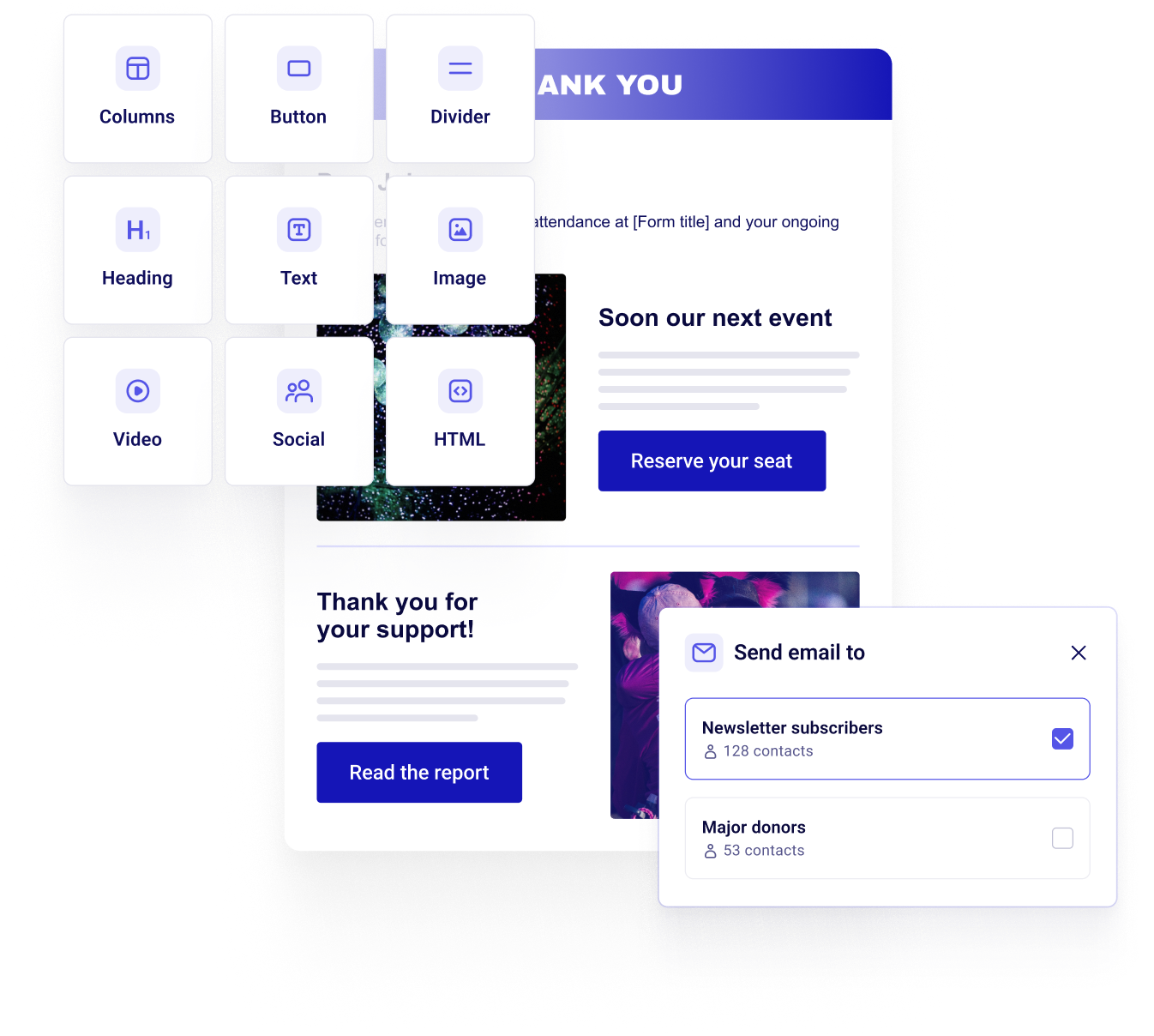



Send custom emails in a breeze
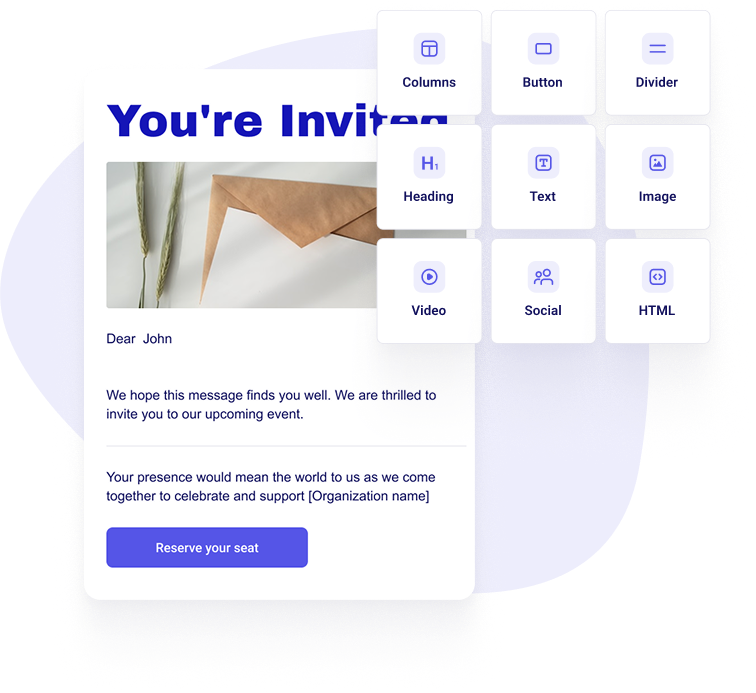
Create your email
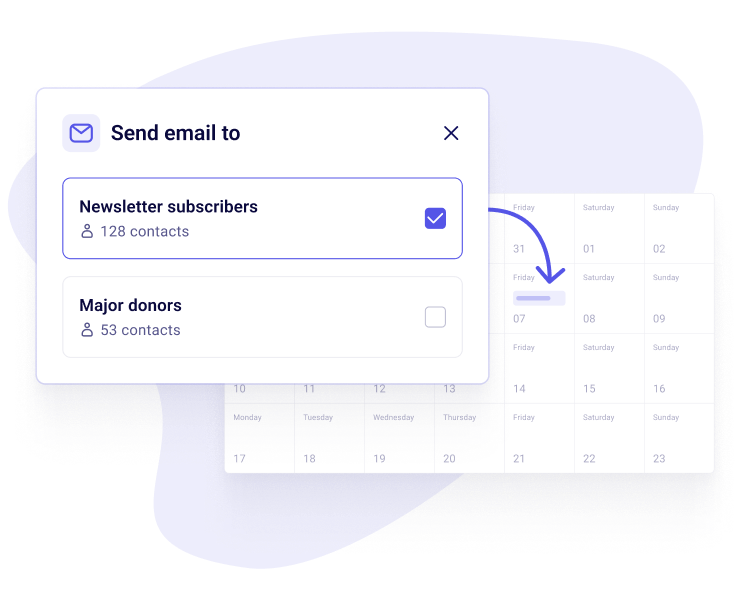
Target, schedule, and send
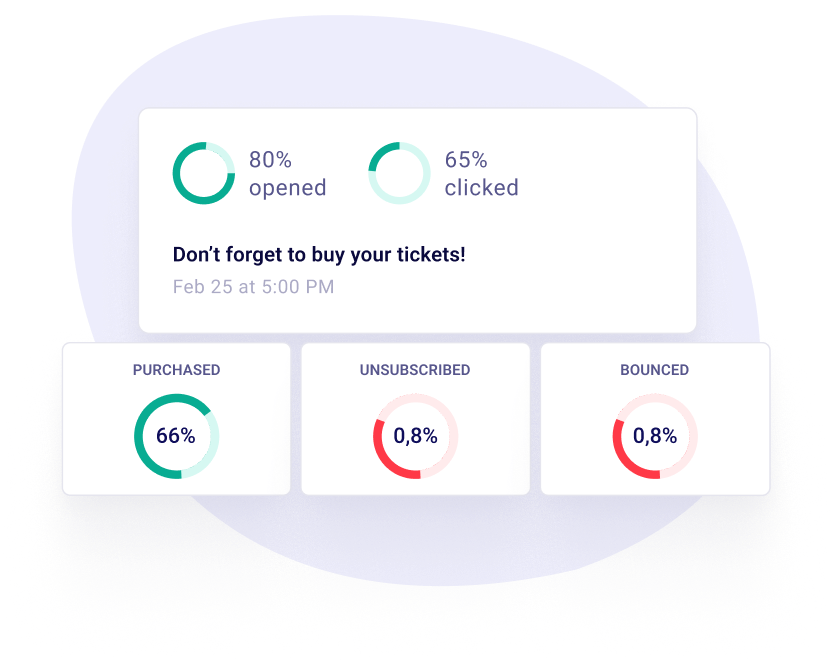
Track performance
More 100% free features
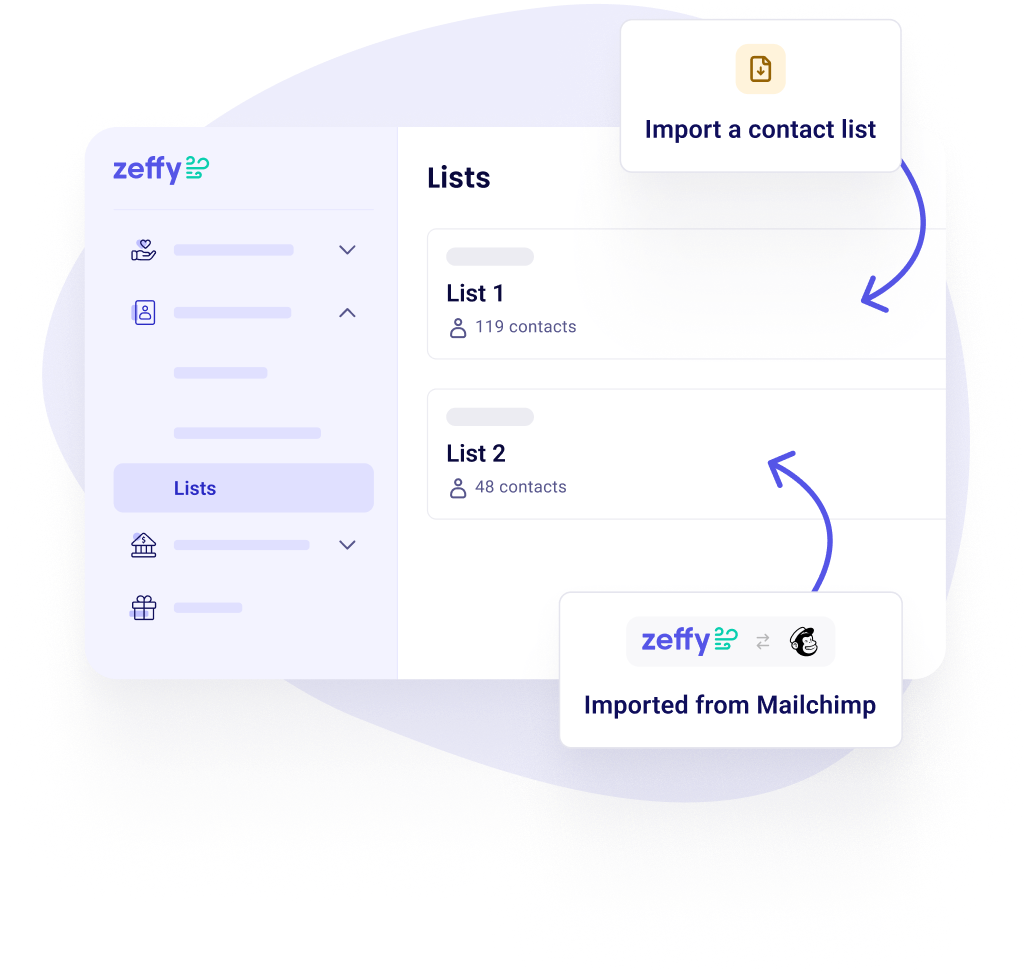
Import your contacts instantly
- Import contacts and donation history
- Free import template with automatic data cleanup
- Automated imports from Mailchimp
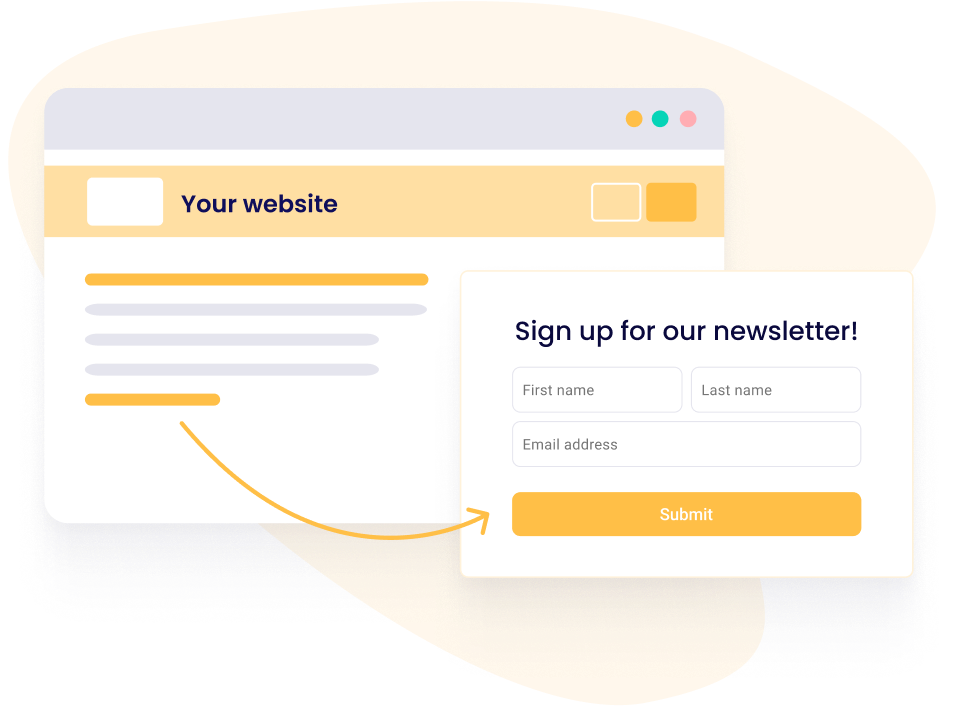
Capture emails on your website with UK GDPR-friendly consent
- Create custom signup forms and embed them on your website
- Automatically collect and store contact info
- Sync new subscribers to your email lists
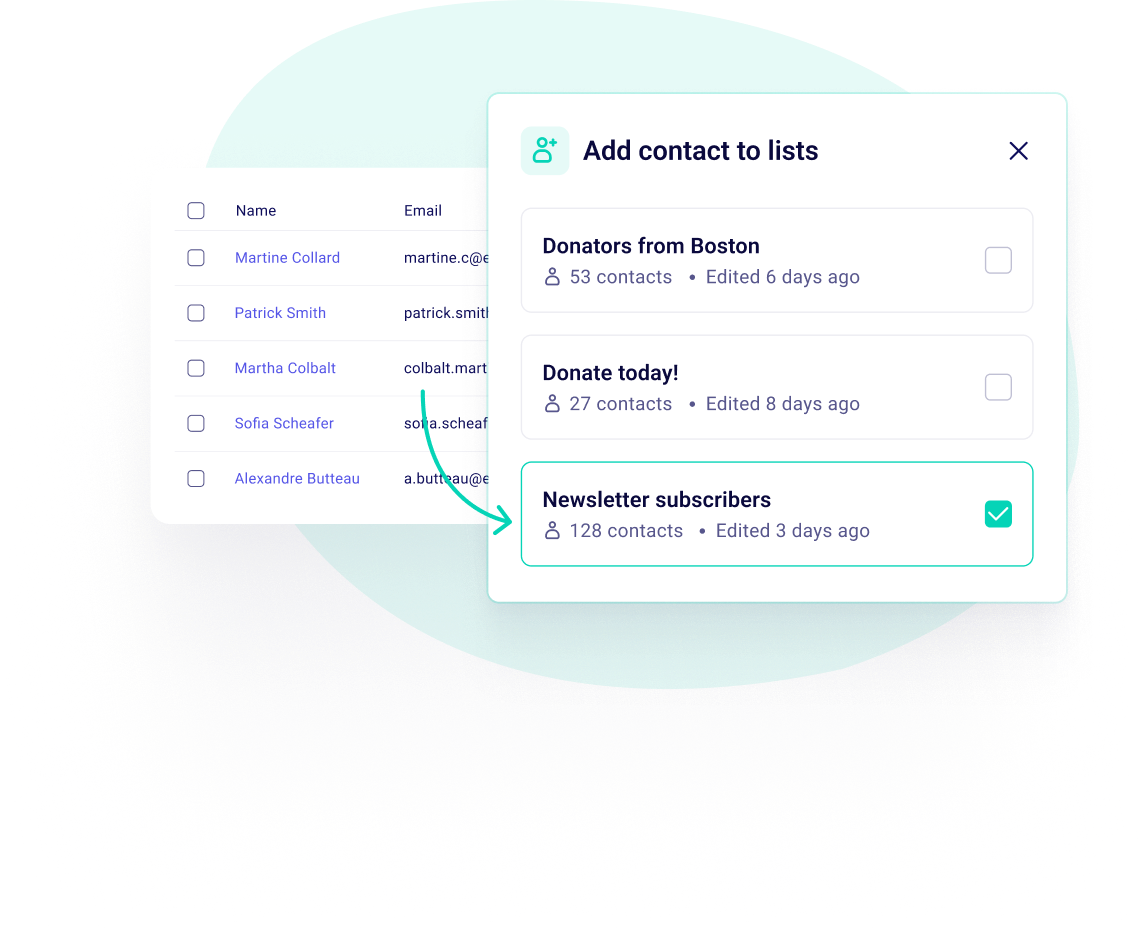
Reach the right supporters with lists
- Create contact lists based on donations, campaigns, or giving history
- Automatically update lists as new contacts meet your criteria
- Send targeted emails to the supporters who matter most
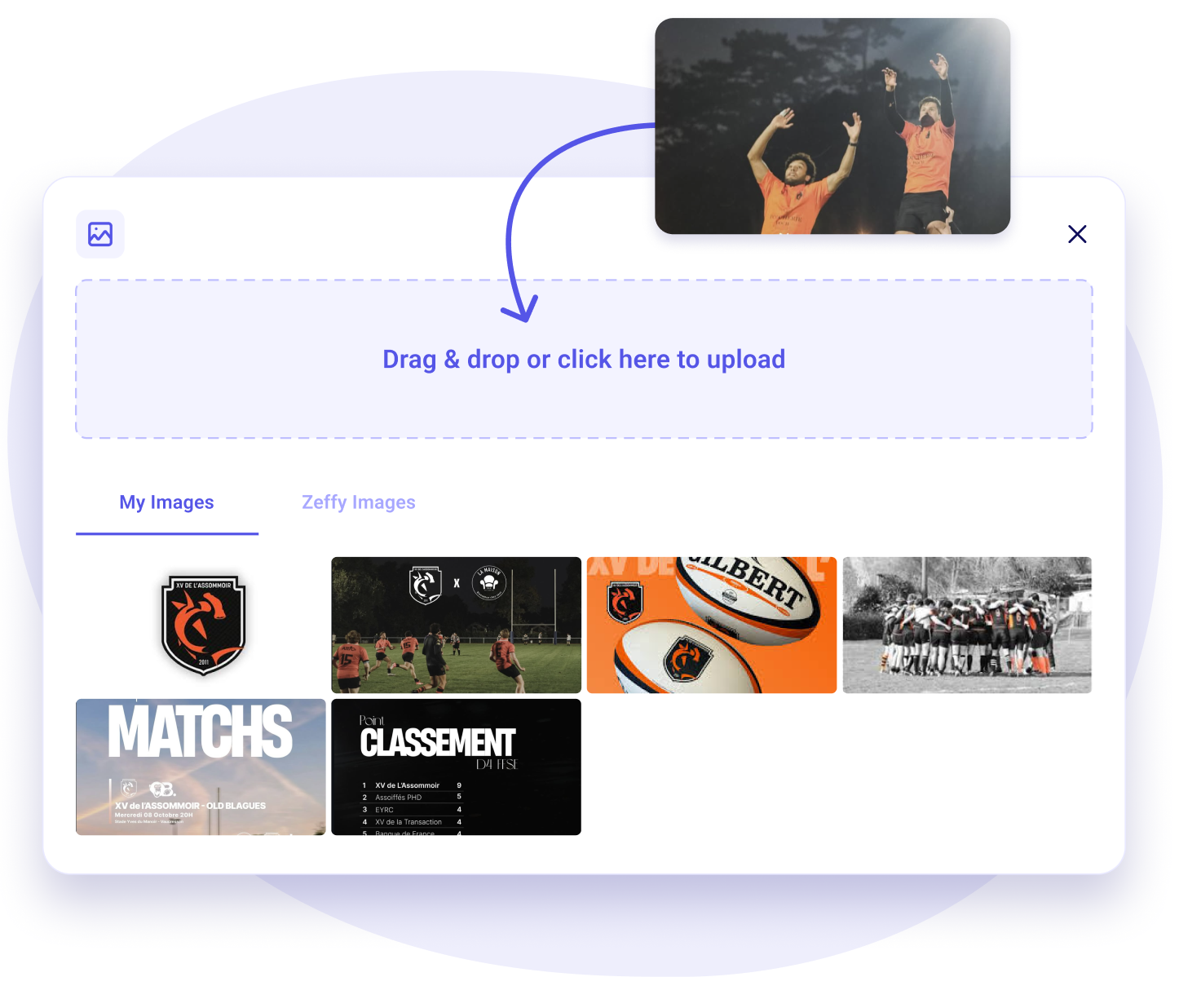
Keep your brand assets in one place
- Upload your logo and images once, then reuse them in any email
- No re-uploading the same files for every send
- Every email goes out consistently on-brand
Reach the inbox, not the spam folder
- Send from your own domain to build your sender reputation
- Or use Zeffy's trusted domain, no setup required
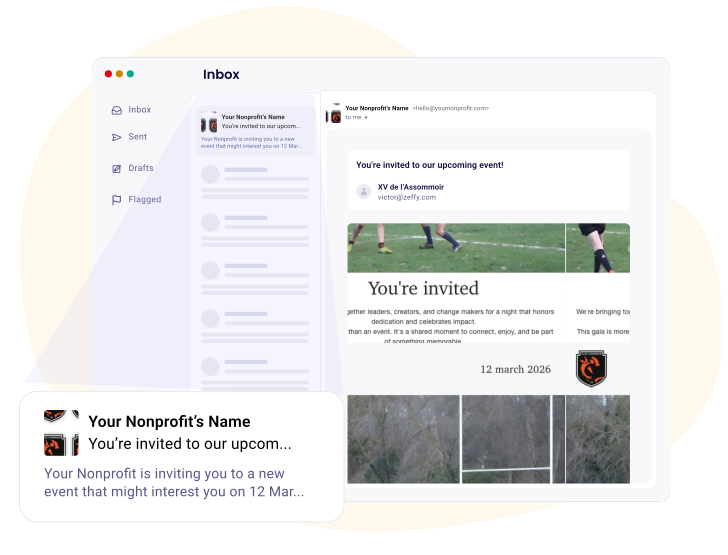
- Built and monitored to land in the primary inbox
Frequently asked questions
Is Mailchimp free for charities, and how does Zeffy compare?
Mailchimp does have a free plan, and it is capped at both ends: a ceiling on the contacts you can store, and a ceiling on the emails you can send each month. Its charity discount applies to the paid Marketing plans you would move to once you outgrow that, so it never reduces the free tier. Paid plans meter on both the contacts you store and the emails you send, and going over either one triggers overage charges. Mailchimp moves those ceilings and rates often enough that the only figure worth trusting is the one on their pricing page on the day you look.
Zeffy is free at any size. Unlimited contacts, no paid subscriber tier, and nothing metered. Set that against a plan that counts your contacts and counts your sends, and the difference is not a discount off a bill. It is the absence of one.
Email is also only one part of it. Zeffy is an all-in-one fundraising platform with a real supporter CRM underneath, so the place you write your newsletter is already where your donations, tickets, memberships and supporter records live. The person who gave in March is on the list when you write in November, with nothing to sync and nothing to export. If you are moving over, you can connect your Mailchimp account and pull your contacts straight across. There is more on that side of it in CRM and supporter management.
Is Zeffy's email and newsletter tool really free?
Yes, the whole thing. No subscription, no per-contact tier, no charge for how often you send, and no feature held back for a paid plan you will get nudged toward in six months. Your list can double and your bill stays at nothing.
Zeffy is free to your organisation with no conditions attached. Separately, anyone paying through a Zeffy checkout is offered the option to add a voluntary contribution, and they are free to set it to zero.
Is there a limit on how many contacts or subscribers I can email?
Your contact list is unlimited. There is no paid subscriber tier at any size, so storing 800 contacts and storing 80,000 cost the same, and you are never nudged into deleting people to stay inside a band. That is the opposite of how email tools usually price, where the monthly bill steps up every few hundred contacts whether you email them or not.
One practical thing to plan for. A newsletter send has a daily ceiling on recipients, and that ceiling rises once you connect your own sending domain. Confirmations, receipts and thank-you emails sit outside it, so a busy campaign day never eats into your newsletter. If your list is bigger than a day's allowance you spread it across two, and you can exclude lists from a send so nobody gets it twice.
Do I have to re-import my Mailchimp list, or does it sync with my supporter data?
Your Zeffy contacts are already there. Anyone who donates, buys a ticket, signs up through a form or joins from a newsletter sign-up form is added automatically, so there is no second list to keep in step with the first. That is the part that usually eats an afternoon each month.
If your list is in Mailchimp you can connect the account and pull your contacts straight across. From anywhere else you export your subscribers and upload them with Zeffy's import template. A file holds up to 10,000 records, so a big list comes over in a few batches, and each batch is labelled with its import date so you can always see exactly what you uploaded and when. If an import goes wrong you can undo it.
Can I email a specific group of donors rather than everyone?
Yes, and this is where holding your own supporter data starts paying off. Filter by what someone has given, when they last gave, whether they are a regular donor or a member, which campaign brought them in, plus language, location, company or a list you built by hand. Stack as many as you like and choose whether a contact has to match all of them or just one. The one thing you cannot filter on yet is a custom contact property, so if you plan to segment on something like a birthday, keep it in a note or a list for now.
Then save the result and send to it. A dynamic list keeps itself current, adding contacts whenever they start matching your filters, so 'lapsed donors who gave over £500' is a list you build once rather than rebuild every appeal. A manual list is a fixed snapshot for when you want exactly the people who qualified today. If you are coming from Mailchimp, your tags become lists and filters here: same idea, different vocabulary.
Does Zeffy send donation receipts and confirmations automatically?
Yes, and they are separate from your newsletters. A confirmation goes out immediately after every successful payment, with the receipt or e-ticket attached where one was generated, and it happens whether or not you ever send a campaign email. You can edit the thank-you email per form and it picks up your brand colours on its own.
Receipts ignore unsubscribes, which is what you want, because a donor should always get proof of their gift. They also stay out of your email reporting, so if you are chasing whether one landed, look at the payment rather than your sent emails.
Does Zeffy support email automation like a welcome series?
More than you would expect, with one real gap.
What is automated today runs off your campaigns. Every form can send a smart invite, either straight away or scheduled for a date you choose. It can then send a follow-up aimed only at the people who opened the invite and did not complete, which is the nudge that actually recovers income. Events, raffles, auctions and memberships get timed reminders before the date, and a recap afterwards. On top of that, confirmations and receipts fire on every transaction, and the annual receipt reminder goes out on its own.
The gap is a series triggered by someone joining a list, so a three-email welcome sequence for new subscribers is not there yet. If that is central to how you email today, it is worth knowing before you switch.
Will my newsletters land in inboxes rather than spam?
Two routes, and both are built to land. Send from Zeffy's own sending domain, already configured with SPF, DKIM and DMARC and monitored for reputation, with no DNS work from you. Or connect your organisation's own domain so mail arrives from your address rather than a platform one, which builds your own sender reputation over time and raises how many people you can reach in a day. Setup walks you through three DNS records and can configure common providers automatically, though changes can take up to 48 hours to propagate.
Either way you set the sender name so your message arrives from your organisation, and bulk emails go out so recipients cannot see each other's addresses. Two things are required before your first send whichever route you pick: a linked bank account and a verified email address. Both exist to stop free email tools being used for phishing.
If someone buys a ticket or donates, can they opt into my newsletter at the same time?
Not from the checkout itself. Everyone who donates or buys a ticket does become a contact automatically, so their record and their giving history are already in Zeffy whatever you go on to send them.
For newsletter consent, use a sign-up form. Create one under Contacts, embed it on your website or share the link, and pick the list new subscribers land in so they are grouped and ready to email. You can also add a communication preferences question and send each option to its own list, which is how you separate a monthly newsletter audience from an event-only one. Marketing email in the UK sits under PECR and UK GDPR rather than under any rule a platform sets, so a sign-up form is also the cleanest record you can hold of what someone actually agreed to.
Worth avoiding: adding your own opt-in tickbox to a donation form. The answer is saved on the contact, but custom question answers cannot be filtered or grouped yet, so you would have no way to build a list from them afterwards.
What happens when someone unsubscribes?
They stop receiving the emails you send and they stay in your contact list. An unsubscribed badge appears on their profile, their address is greyed out, and they are excluded from bulk sends automatically so you never have to remember to deselect them. Their giving history stays intact.
Unsubscribing is account-wide rather than per campaign, so someone who opts out and then buys an event ticket next year still gets their confirmation but none of that event's emails. You can also unsubscribe or re-subscribe someone yourself from their contact page if they ask you directly. Every email you send carries an unsubscribe link and footer automatically. UK marketing rules require one, and it is also what protects your deliverability.
Can I see who opened and clicked?
Yes, down to the individual recipient. Each send gives you the date and time, how many people it went to, the campaign it belongs to and overall performance, then a table you can filter person by person. Individuals show as delivered, pending, opened, clicked, purchased, unsubscribed or bounced, and bounces tell you whether the address was invalid, the inbox was full, or the server rejected it. You can also come at it from the other direction: a contact's own profile shows the emails you have sent them and whether they opened them, so you do not have to remember which send someone was in.
Purchased is the one a standalone email tool cannot give you. Because the email and the donation form are the same system, you can see who gave after clicking, not just who clicked. That turns 'the newsletter did well' into a number you can act on.


100,000 charities fundraise with Zeffy
Zeffy has been supporting charities for the last 7 years. Providing 100% free and user friendly fundraising tools.


.webp)

